Apr 12, 2021 | Blog, News
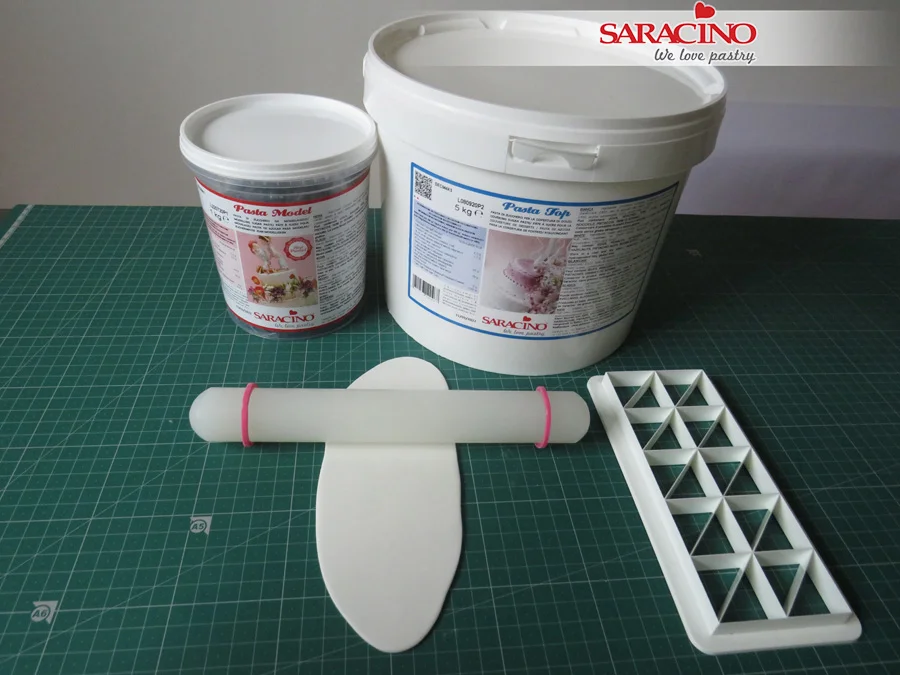
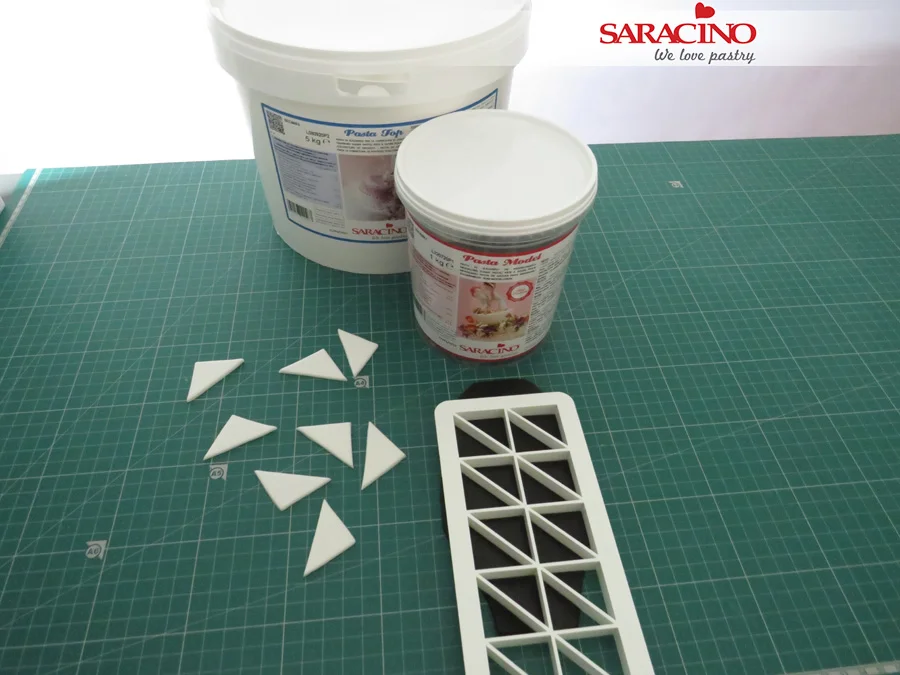
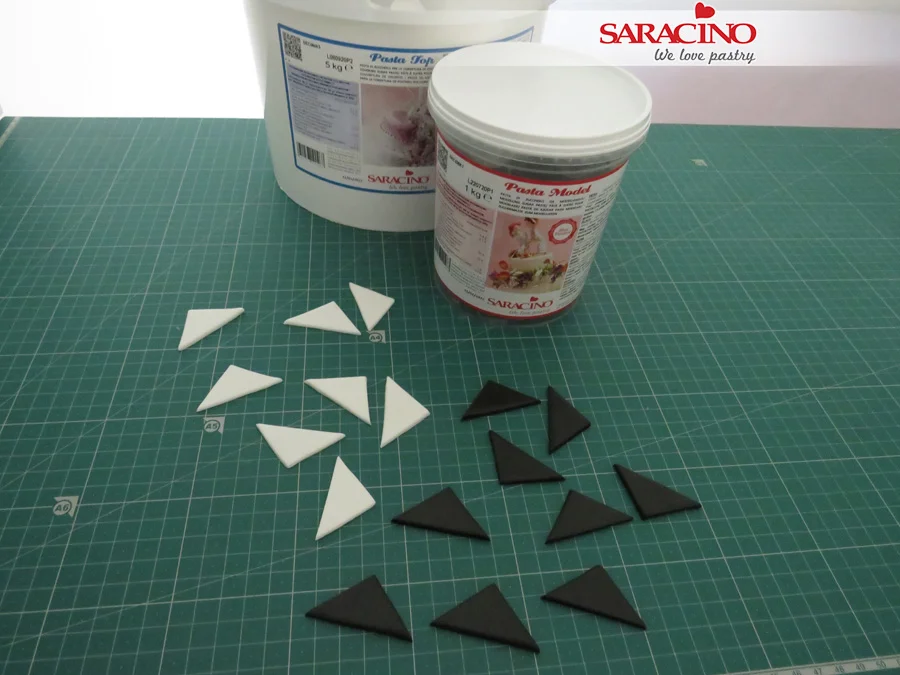
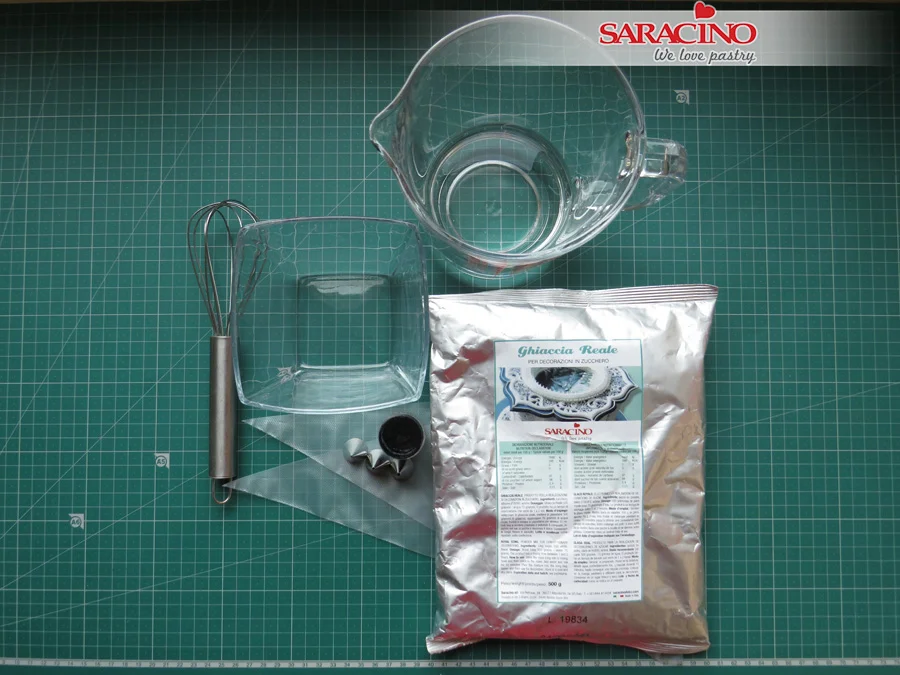
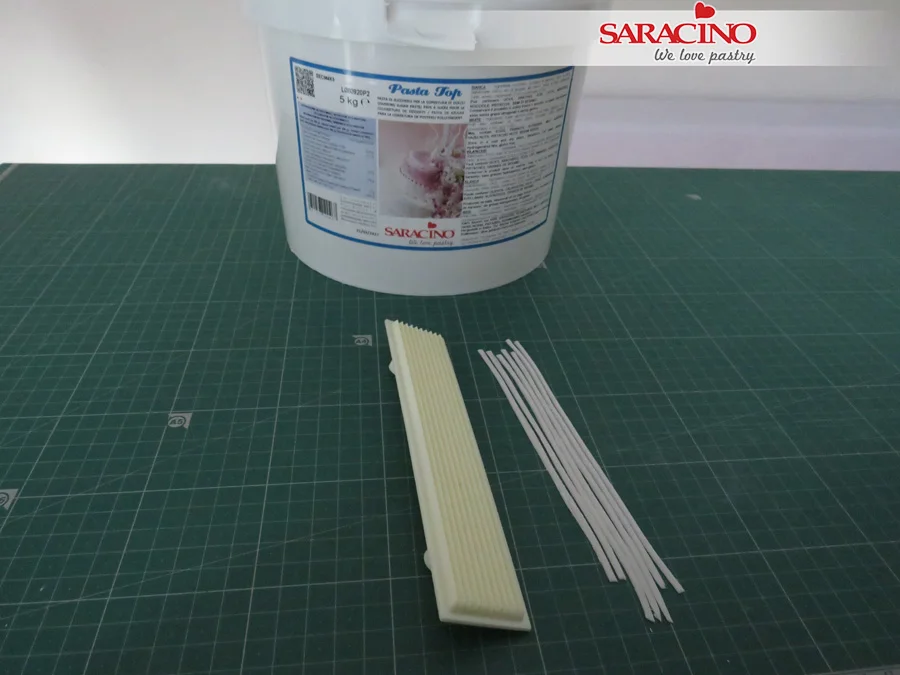
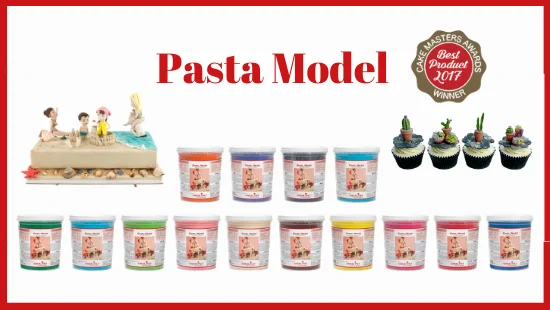
PASTA MODEL – gum paste designed for modelling
It is a READY TO USE product so NO need to add CMC to create your piece.
When you unwrap the paste it will be very firm,
Don’t worry as this is how it is supposed to be!
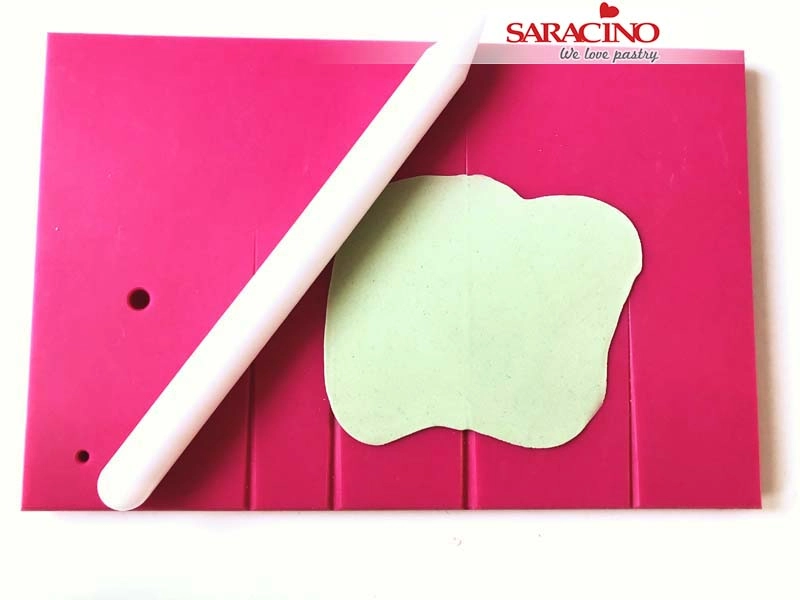
Simply cut off a small piece and knead it in your hands. Your hands warmth will make the paste workable and stretchy.
Saracino Pasta Model, the winner of the ‘Best Product’ Cake Master Award in 2017, is the ideal fondant for modelling and creating 3D images.
The perfect balance of sugars and cocoa butter ensures perfect results in most climates and gives a brilliant effect to every occasion. Once you try this product, you just won’t be able to resist Pasta Model for making your decorations. Our modelling paste is extremely elastic and strong. It can be modelled without cracking. When worked it maintains its form and you can work on the project for hours. You can also blend the joints beautifully by simply smoothing the surface with your fingers or modelling tool.
It can be finely moulded which assists with delicate work such as laces, moulds and small flowers. It also has a subtle aroma and taste.
Saracino Pasta Model currently comes in 15 different colours: white (available in 5kg, 1kg and 250g packs) and orange, blue, light blue, skin tone, yellow, Tiffany, light green, green, fuchsia, brown, black, pink, red and violet (available in 1kg and 250g packs). This means there is plenty for you to choose from. Pasta Model is also easily coloured with gel and powder colours of your choice.
If you have not tried this product yet, it is the way to go. We promise you will not go back.

Apr 6, 2021 | Cakes, Modelling
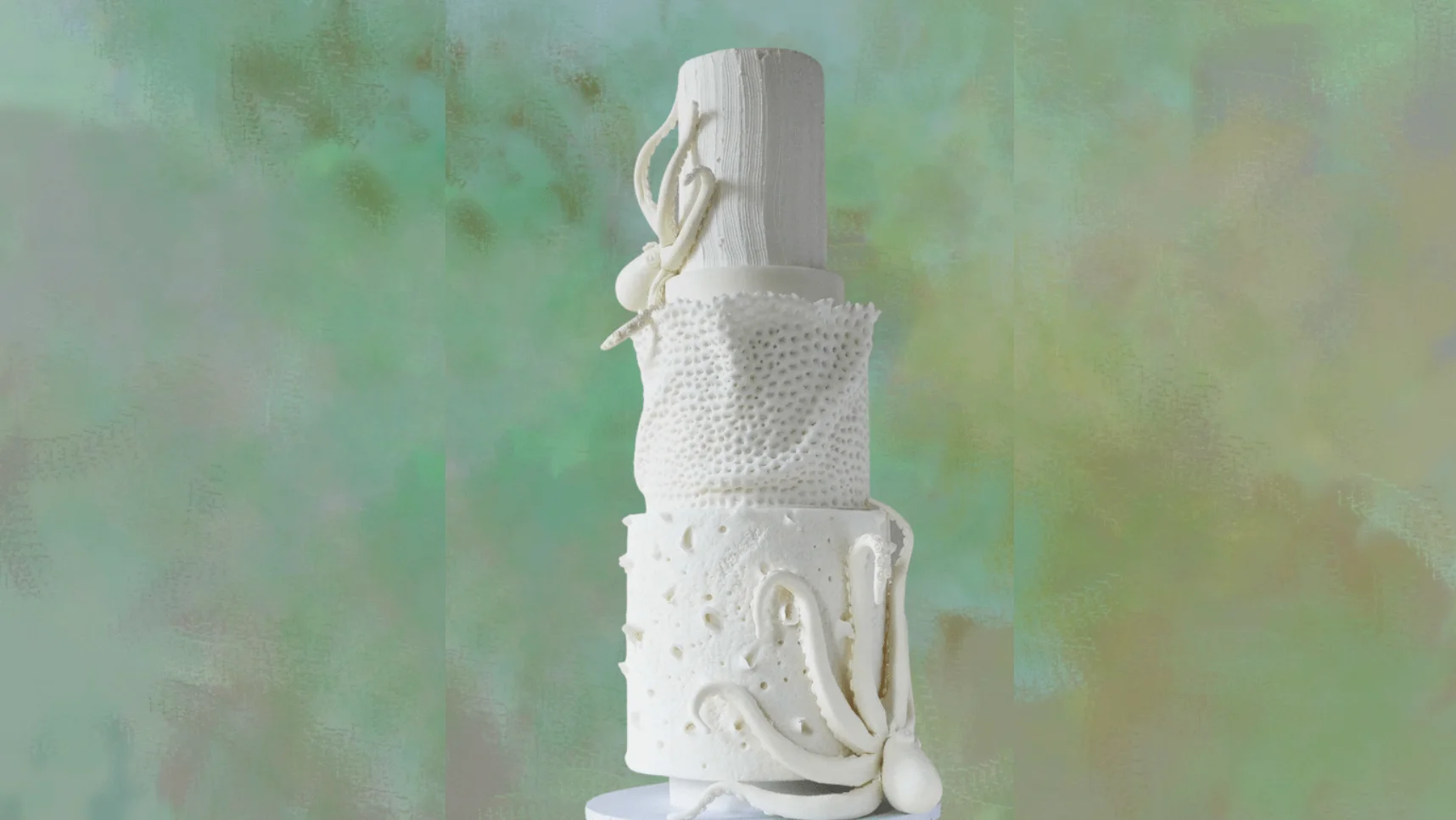
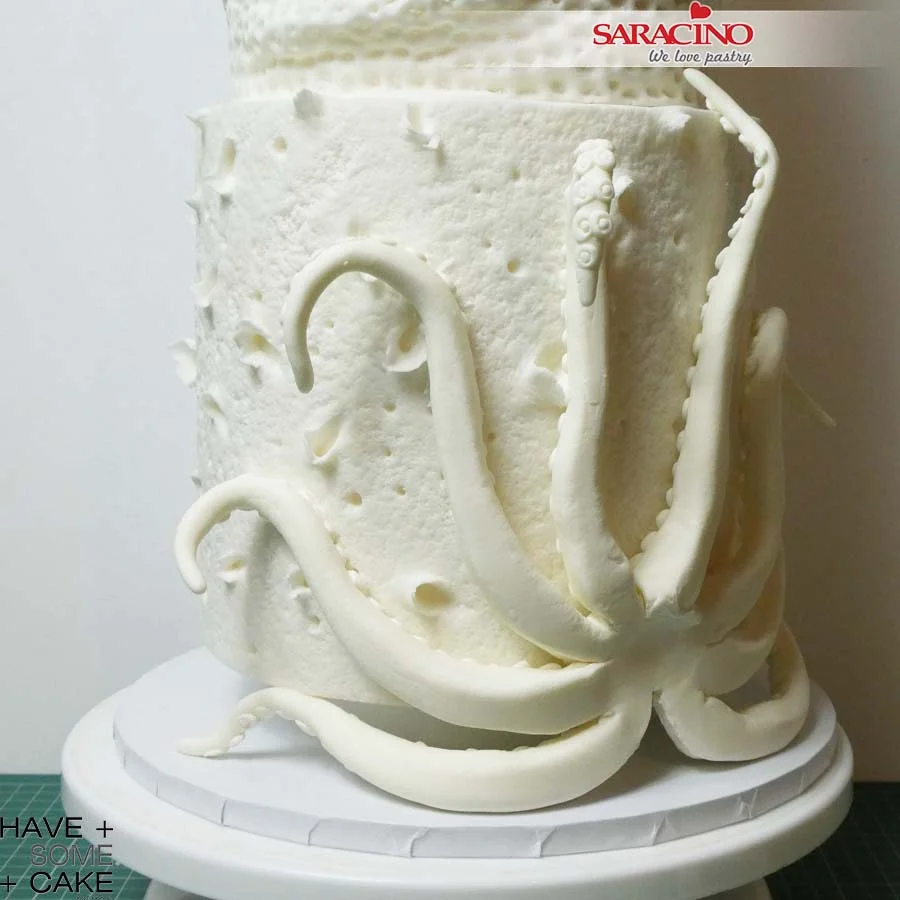
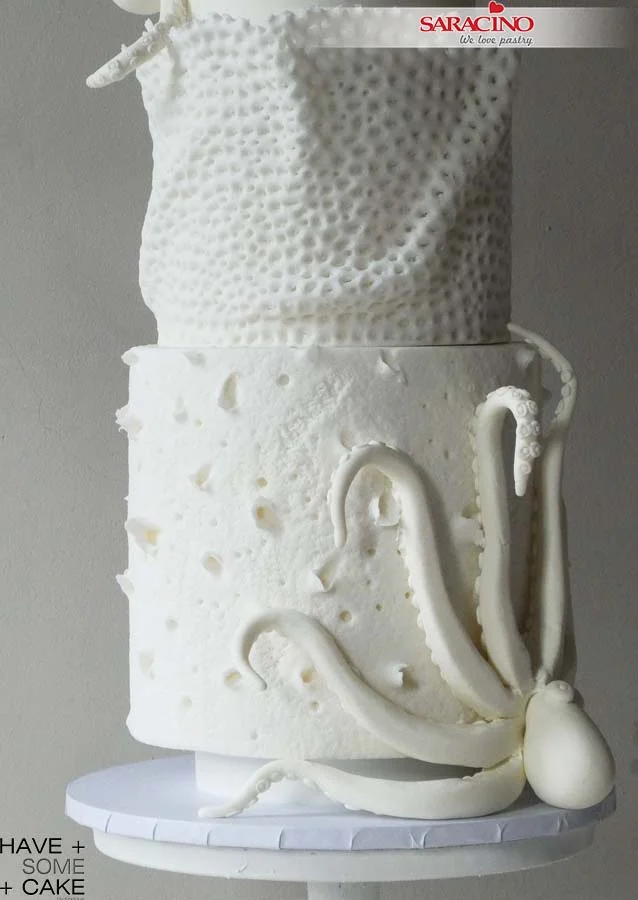
A different kind of Wedding Cake. This tutorial is about textures inspired by live coral reef and the ones washed ashore and dried. On the bottom tier we have a heavily textured tier that reminds you of pieces of coral dried and eroded by the elements. On the middle tier there is a more organic recreation of a live coral as found in reefs and at the top, the tier is textured to simulate sand at the bottom of the sea. The cake is finished by two octopus climbing around it. I went all white because it gives the design a more sculptural/ethereal feeling and because it is a thematic design.
You will need:
- SARACINO white Pasta Top
- SARACINO white Pasta Model
- Rolling Pins
- Ball Tool
- Scriber Needle
- Dresden tool
- Veining Tool
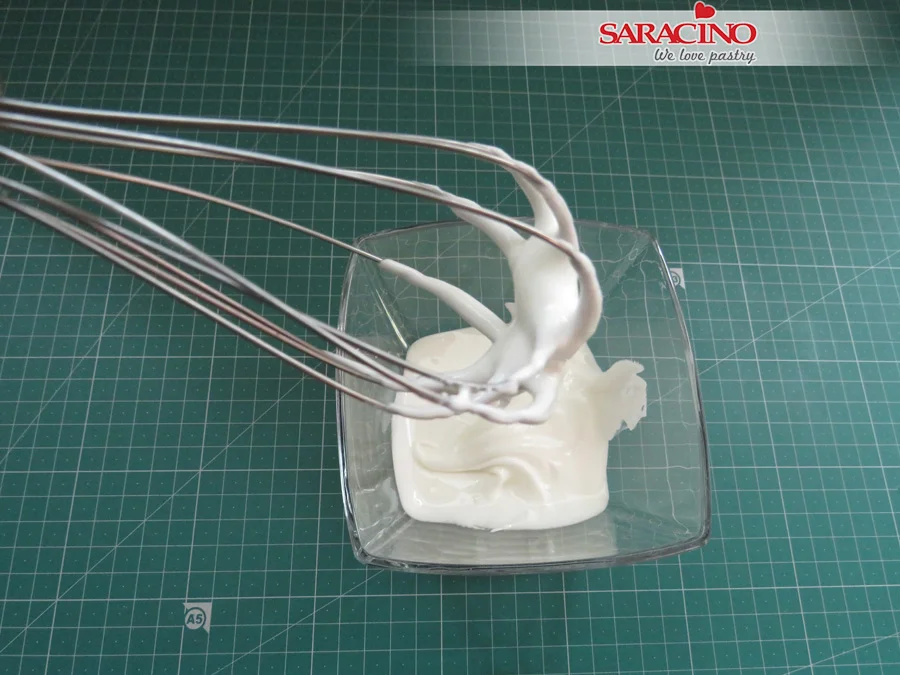
- Coarse Brush [Kemper] Tool
- Pointed Rolling Pin
- Zig Zag Edge Pottery Spatula
- Sugarworks Shaper : Pointed Chisel (Light Blue)
- Sugarworks Shaper : Bone Chisel (Orange)
- Number 2 Round Piping Nozzle
- White Royal Icing
- Craft Knife
- Pearl White Dust (OPTIONAL)
- A Cake (Dummy) as shown : 5″ x 1″ Deep Round Separator/ 7″ x 7″ Deep Round Tier/ 6″ x 5″ deep Round Tier/ 5″ x 1.5″ Deep Round Separator /4″ x 6″ Deep Round Top Tier
Step 1
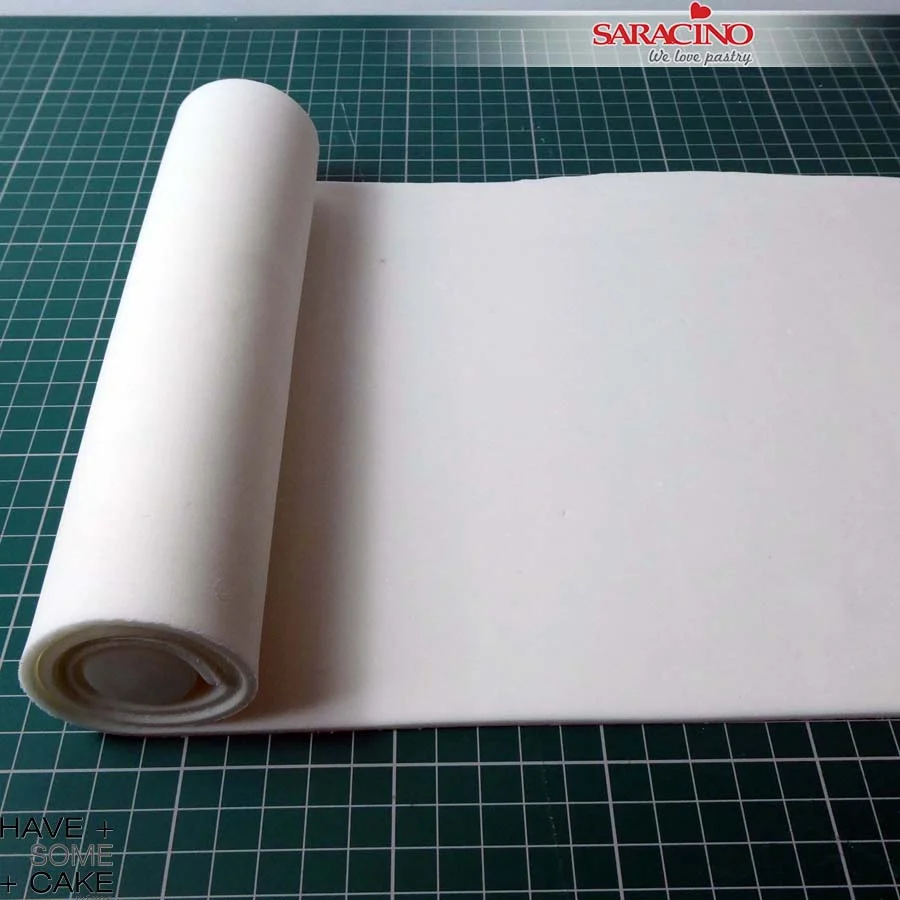
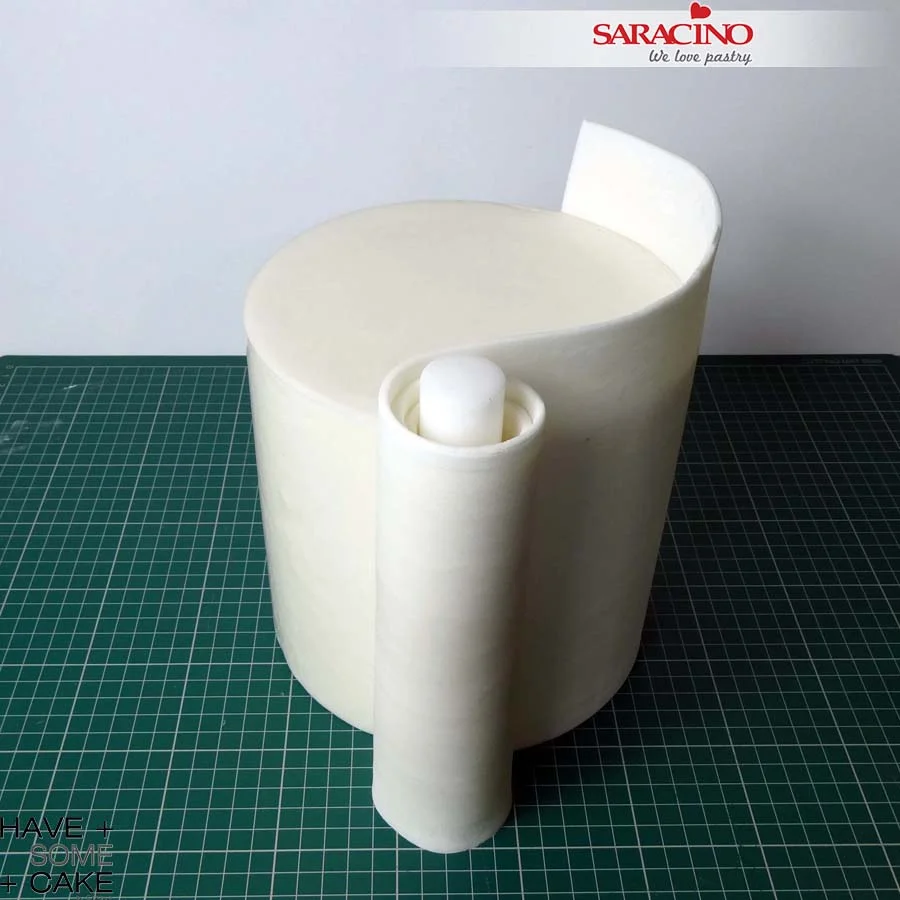
Very thinly roll enough Saracino white Pasta Top to wrap the bottom tier. Using a 9″ rolling pin roll the sugar paste around it as shown.
Step 2
Moist the dummy and roll the sugar paste around the tier as shown. With a knife cut the excess sugar paste at the top edge.
TIP: When cutting the excess sugar paste at the top use a new blade or run the blade in Trex so it cuts smoothly. Try to do the whole cut on a turntable and in one go.
Step 3
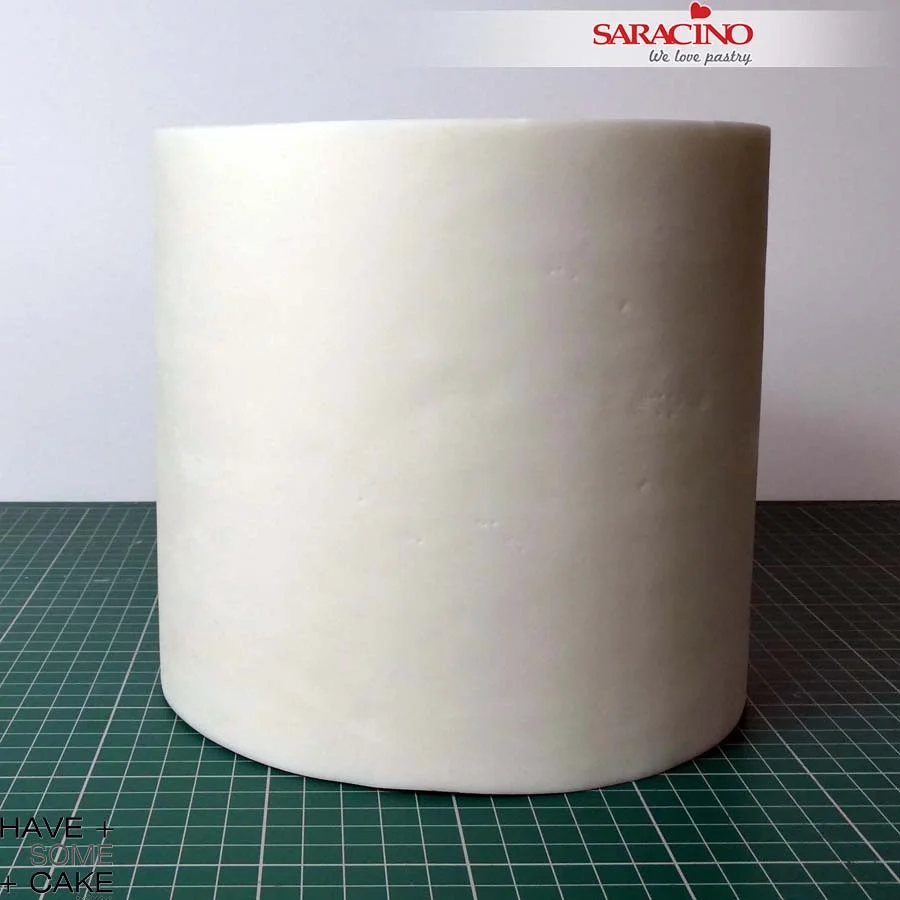
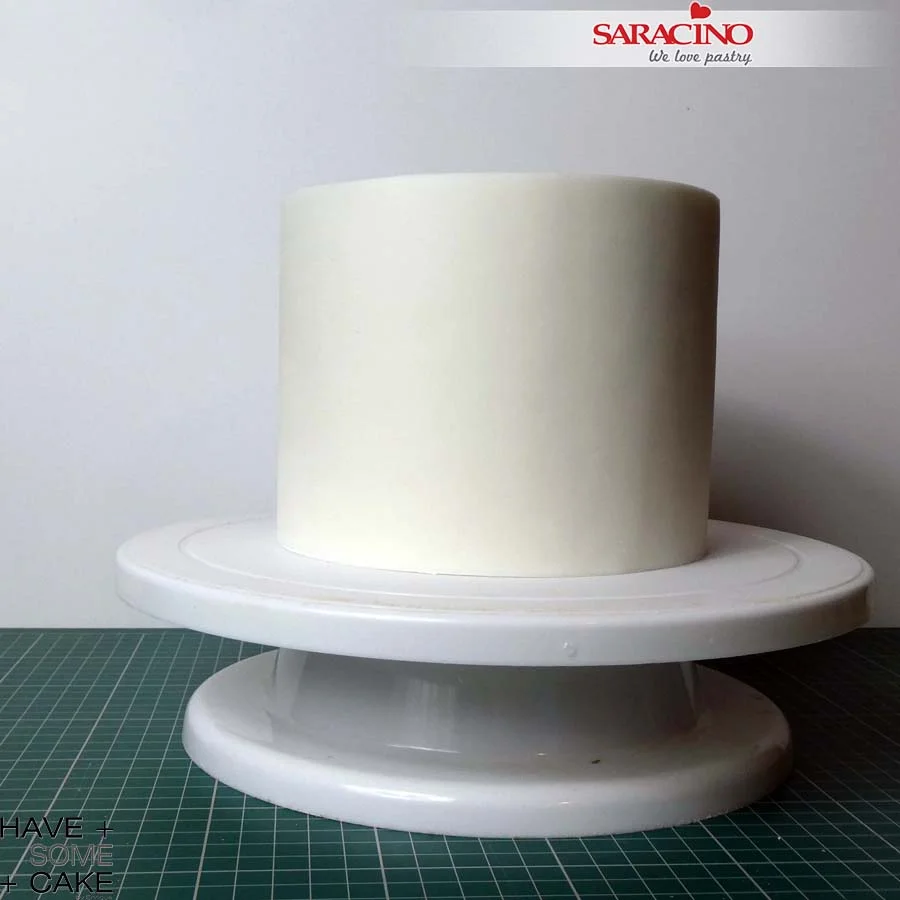
Your finished tier doesn’t have to be perfect as we will apply a texture.
Step 4
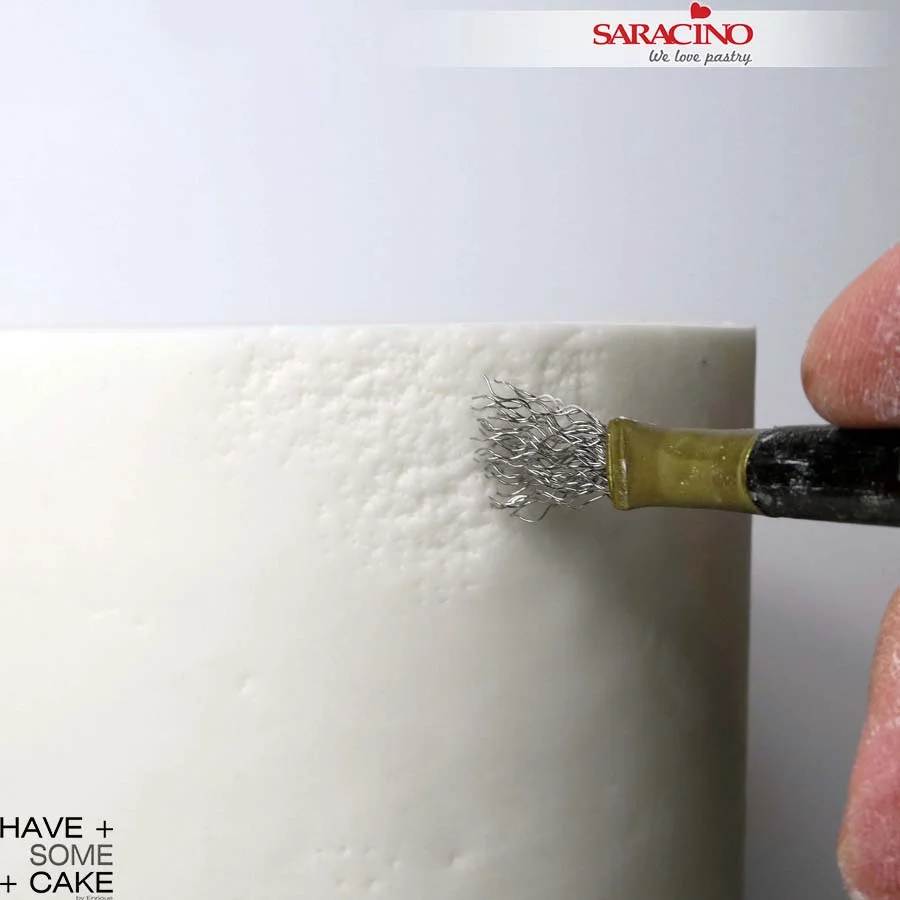
Using the Kemper coarse brush start pressing onto the previously covered tier. Use a moderate force when pressing and occasionally press forcefully to create a variation in the texture you are creating.
Step 5
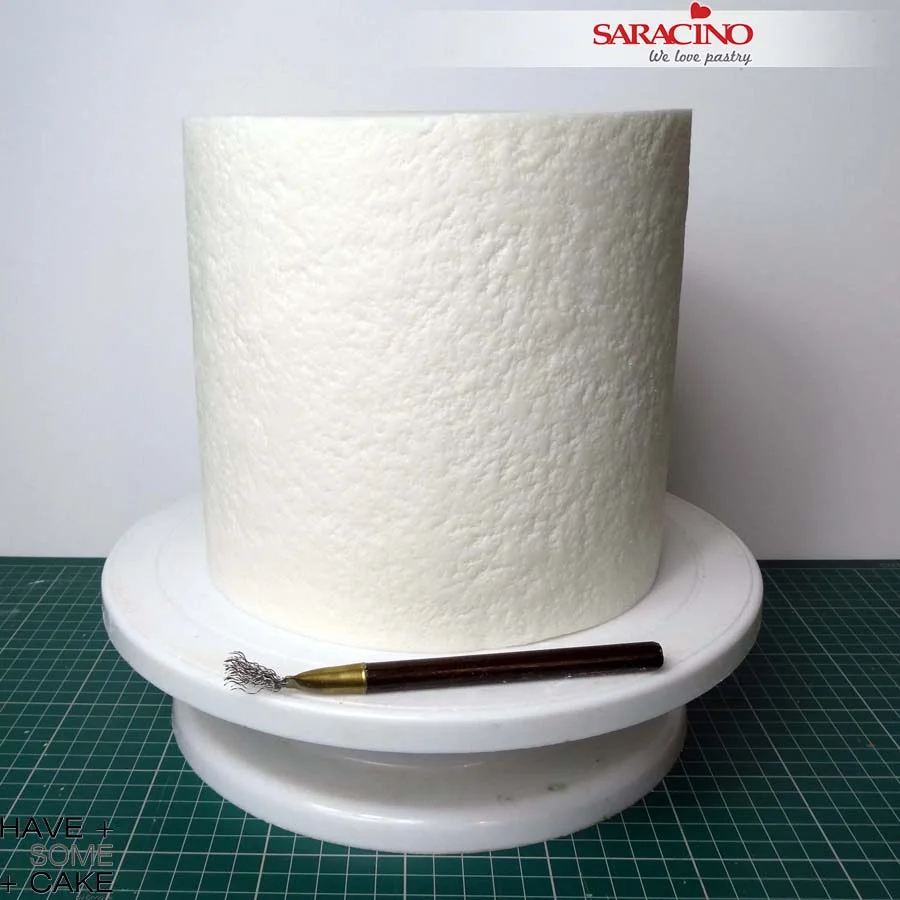
You want this kind of appearance.
Step 6
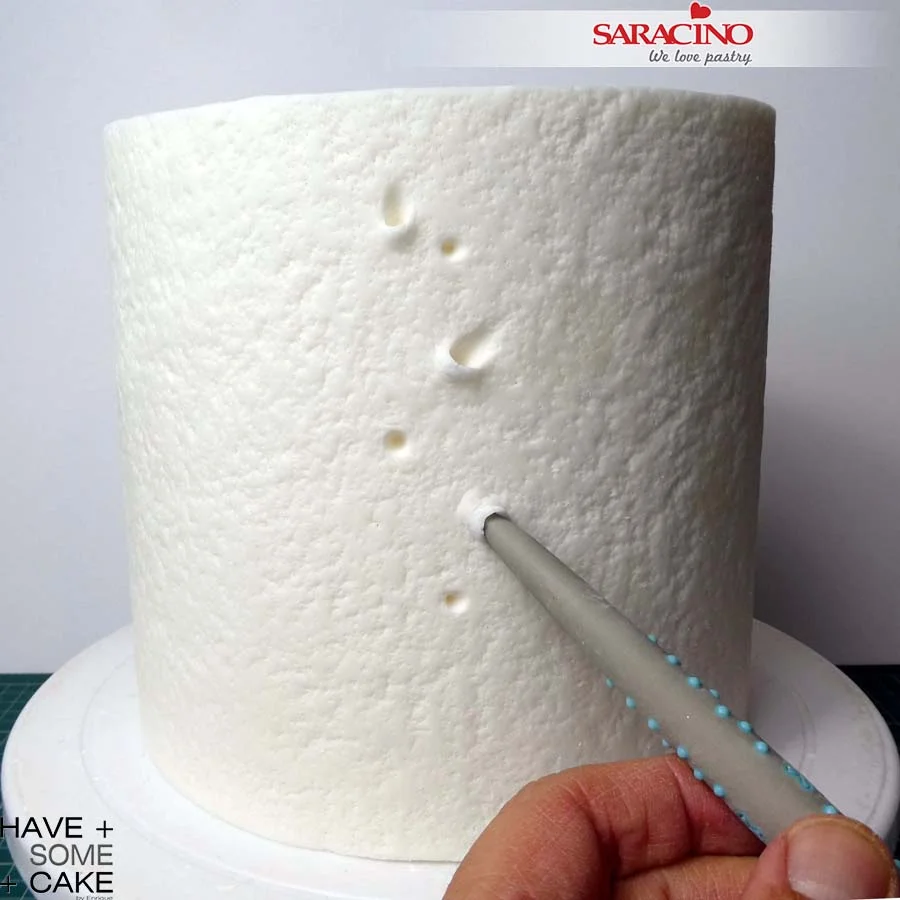
Using a pointed chisel tool at an angle start creating cavities. You can go as deep as you want and lift them as much as you like as shown.
Step 7
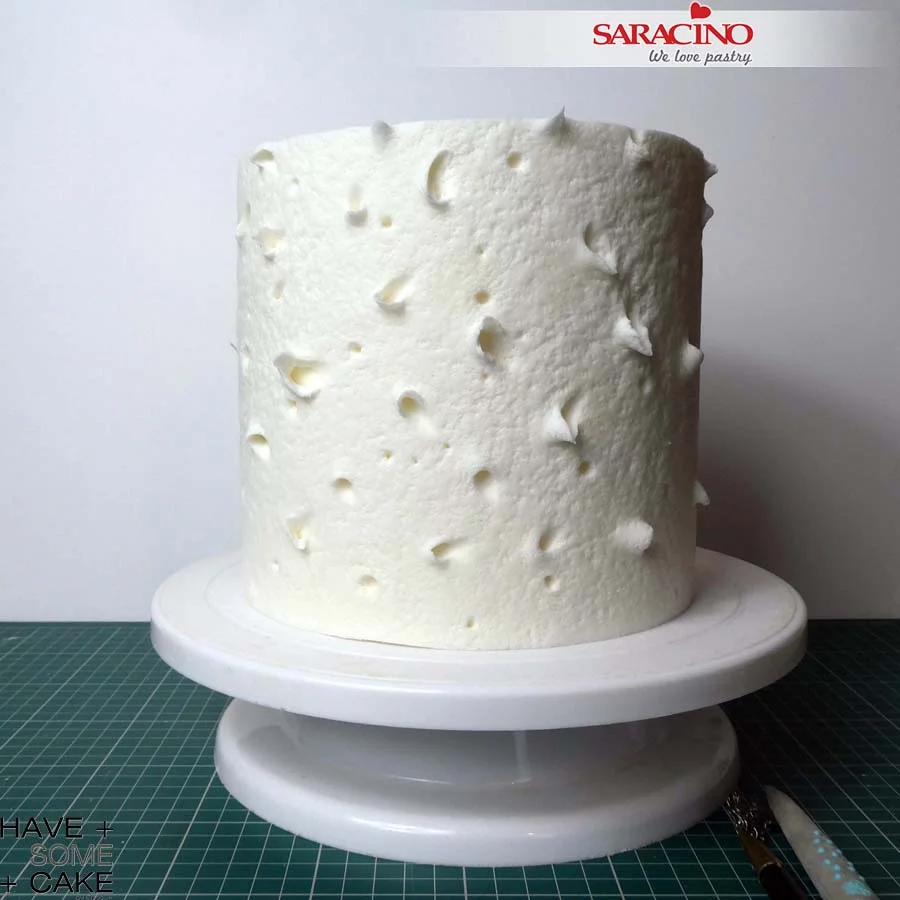
Using differing modelling tools complement the texture with random craters around. You will be able to work with this while the sugar paste has not dried. Be as gentle or as strong as you like. No limits to create your texture.
Step 8
Cover the middle tier as described previosuly. This also does not have to be perfect as we will be adding texture.
Step 9
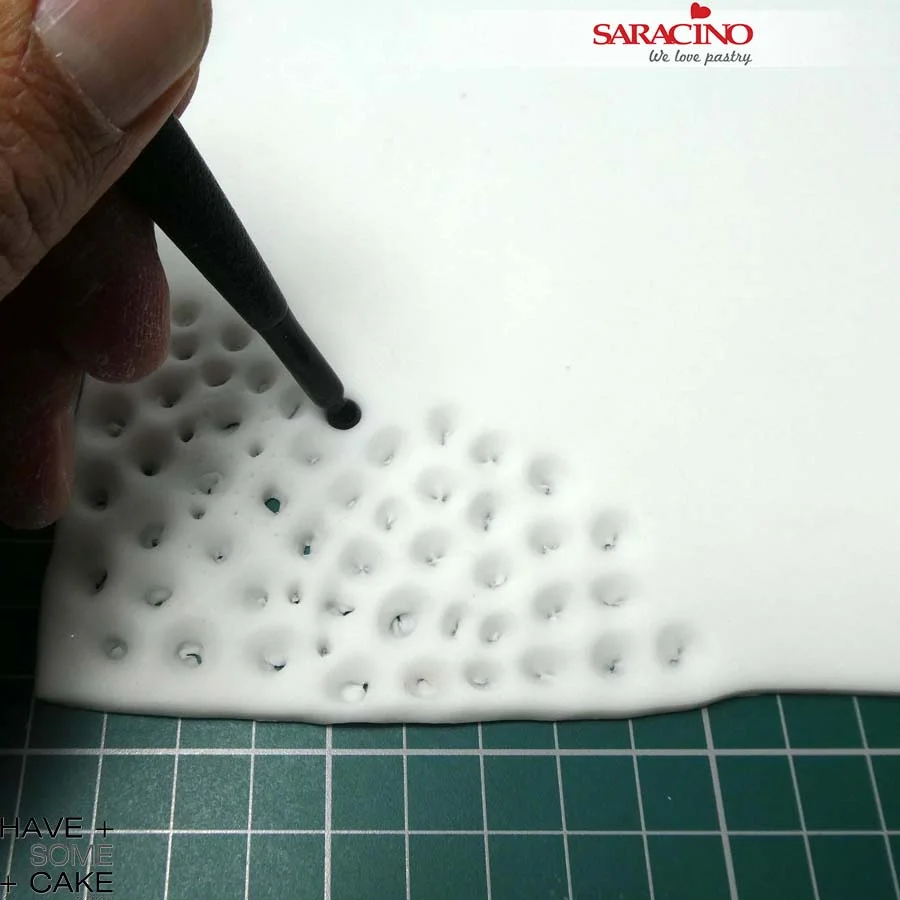
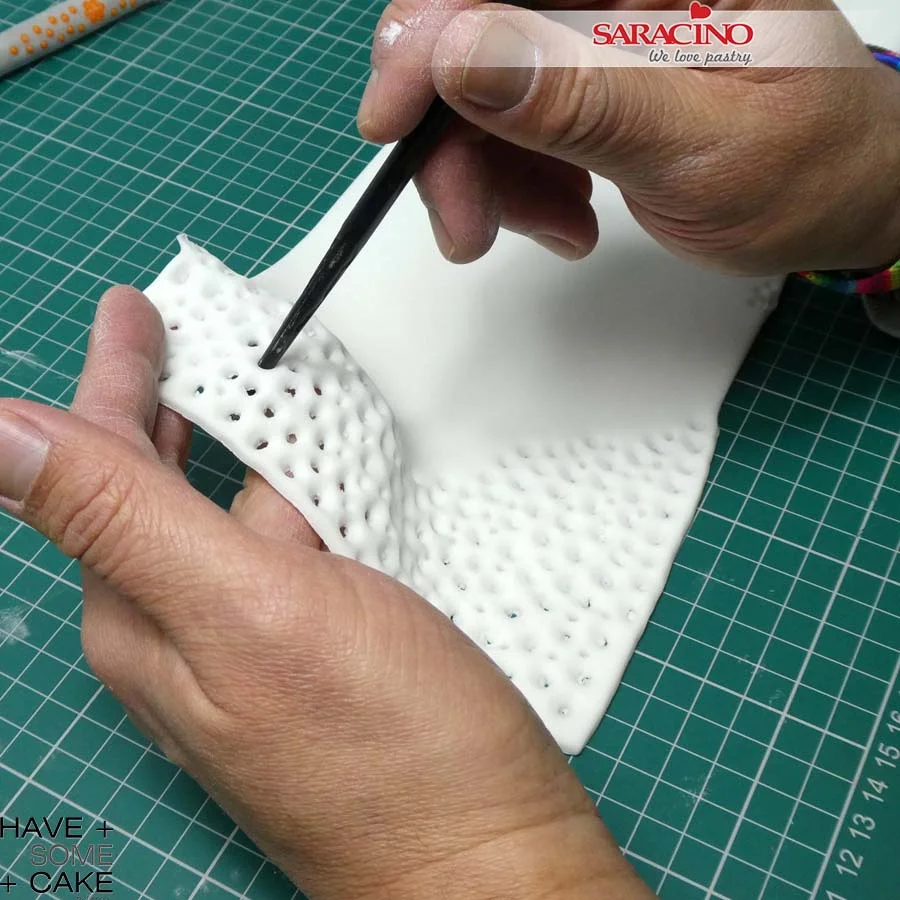
Roll a piece of Saracino white Pasta Top the length and height of the second tier. Using a small ball tool start pressing onto the strip of sugar paste as shown.
Step 10
Use both ends of the ball tool to create different sizes and as close as possible. This will start deforming the previous round impression creating a more organic coral like structure. Using a veining tool you can perforate even more of the hole as shown in image.
Step 11
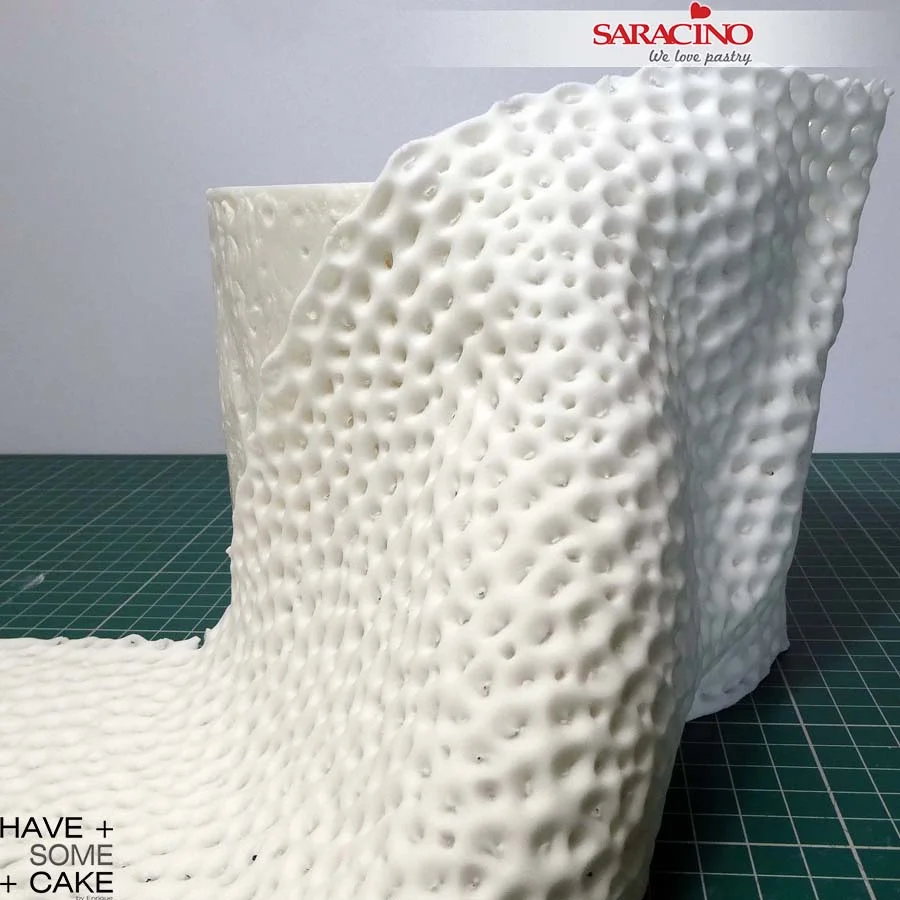
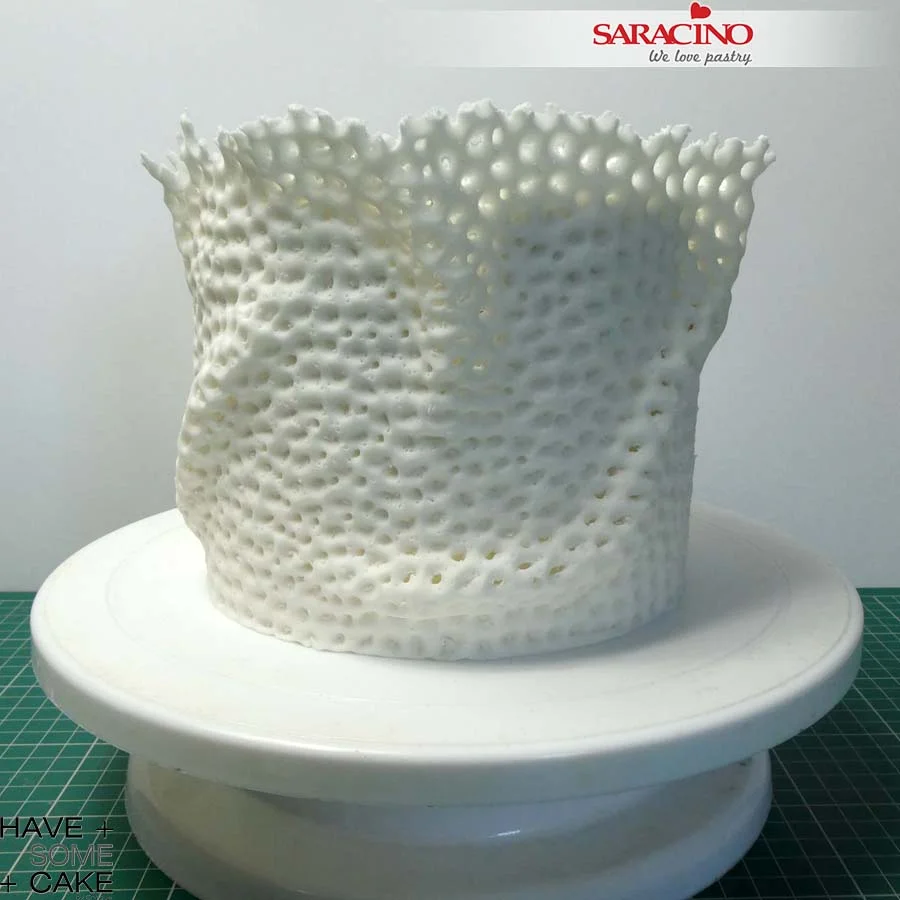
Lift the finished strip and wrap it around the tier. When doing this, handle the strip as if you were doing some drapes to create a wavy, organic shape as shown.
Step 12
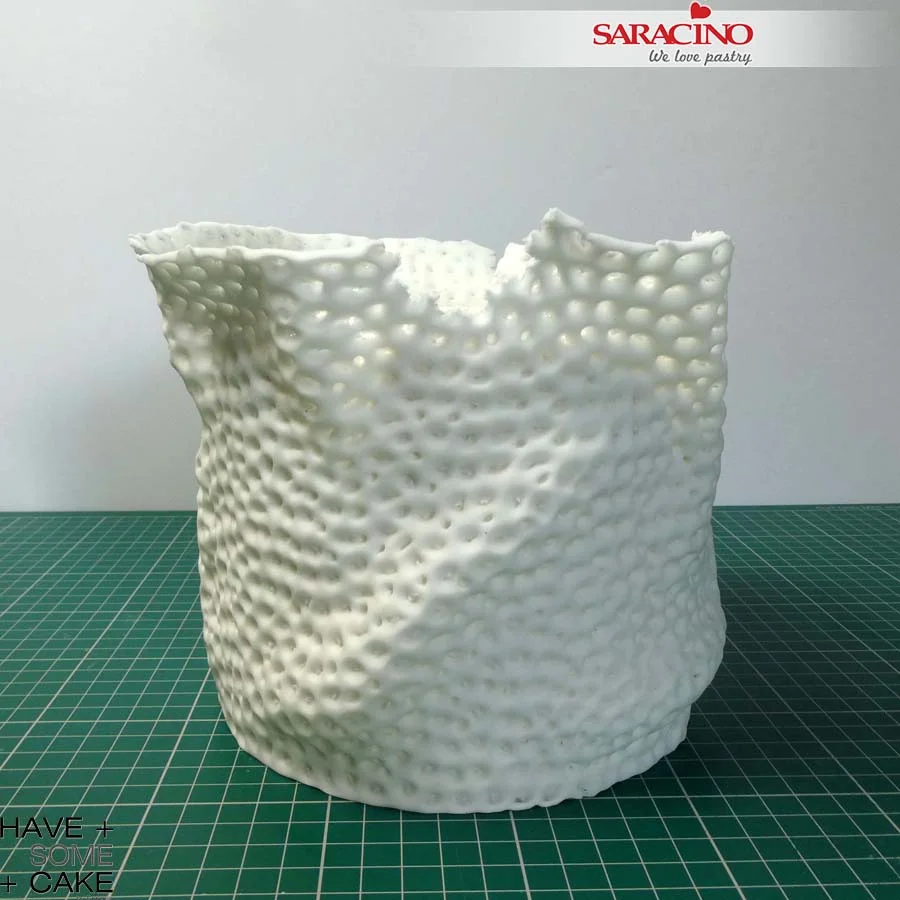
Once the tier is fully covered use your fingers to tear the top edge randomly to create an imperfect edge.
Step 13
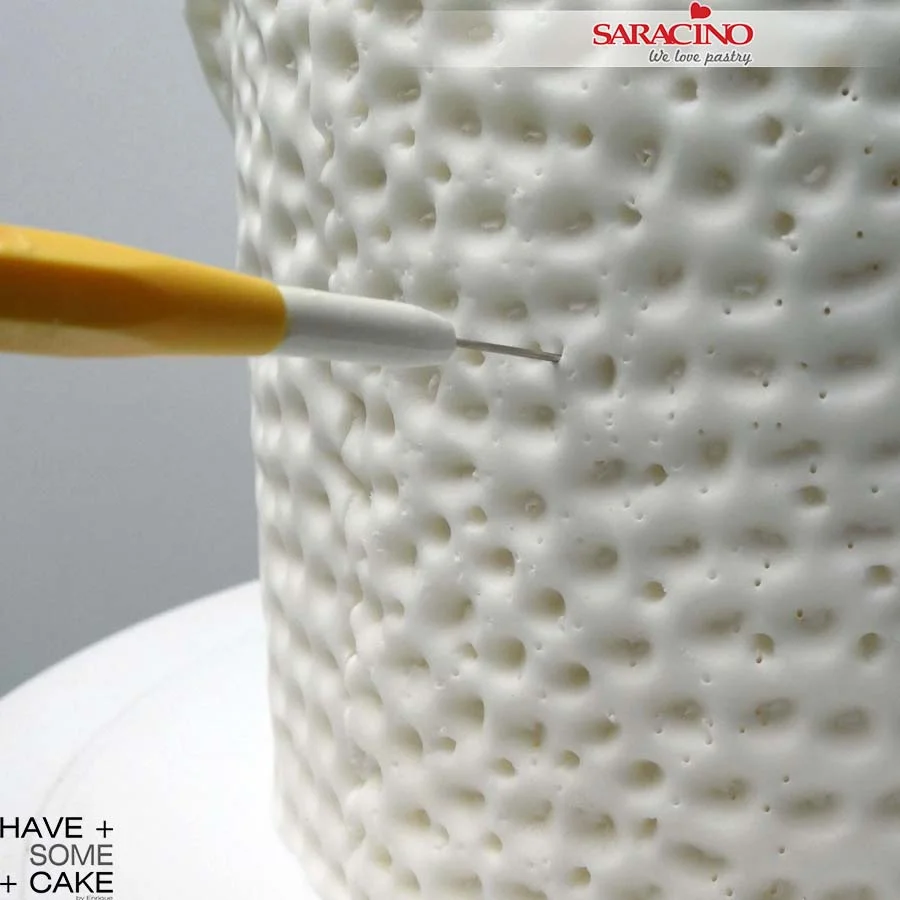
Using a sharp tool, perforate the hole structure where you have some draping creating some space for light to penetrate.
Step 14
Using the same sharp tool start punching all around to make little tiny holes on it. Live coral is not completely smooth and this will give a second more detailed texture to this tier.
Step 15
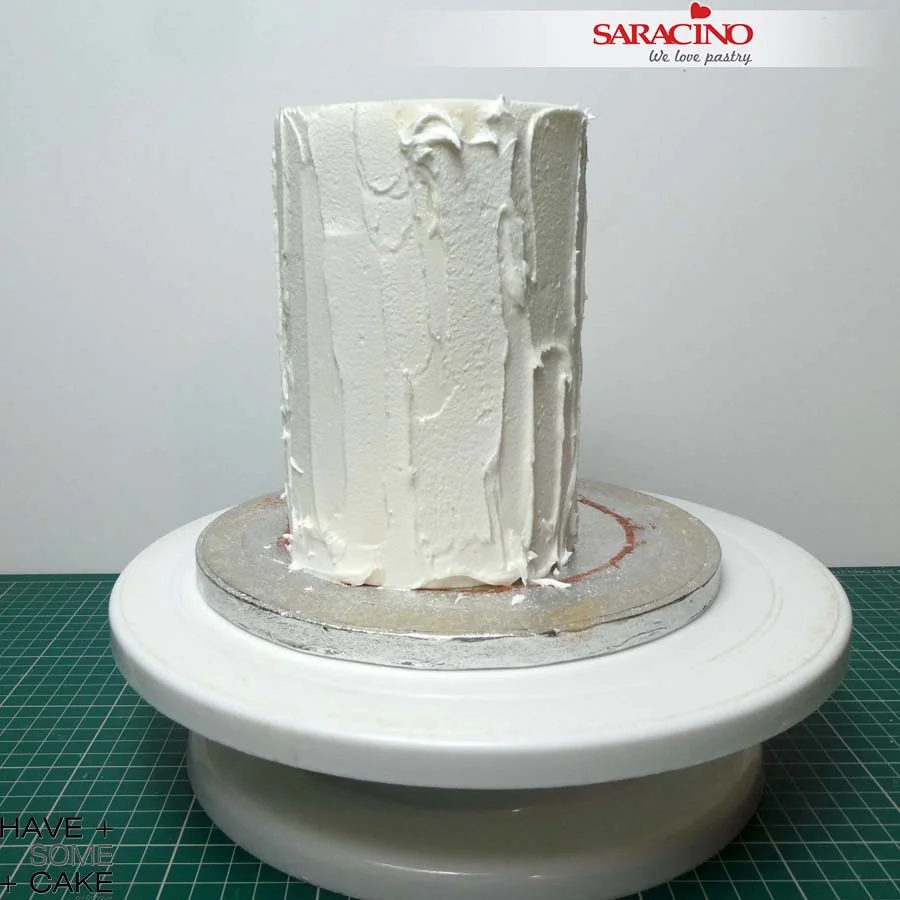
Prepare some Saracino Royal Icing to the instructions on the packaging. We need a hard peak mix. Cover the top tier with it.
Step 16
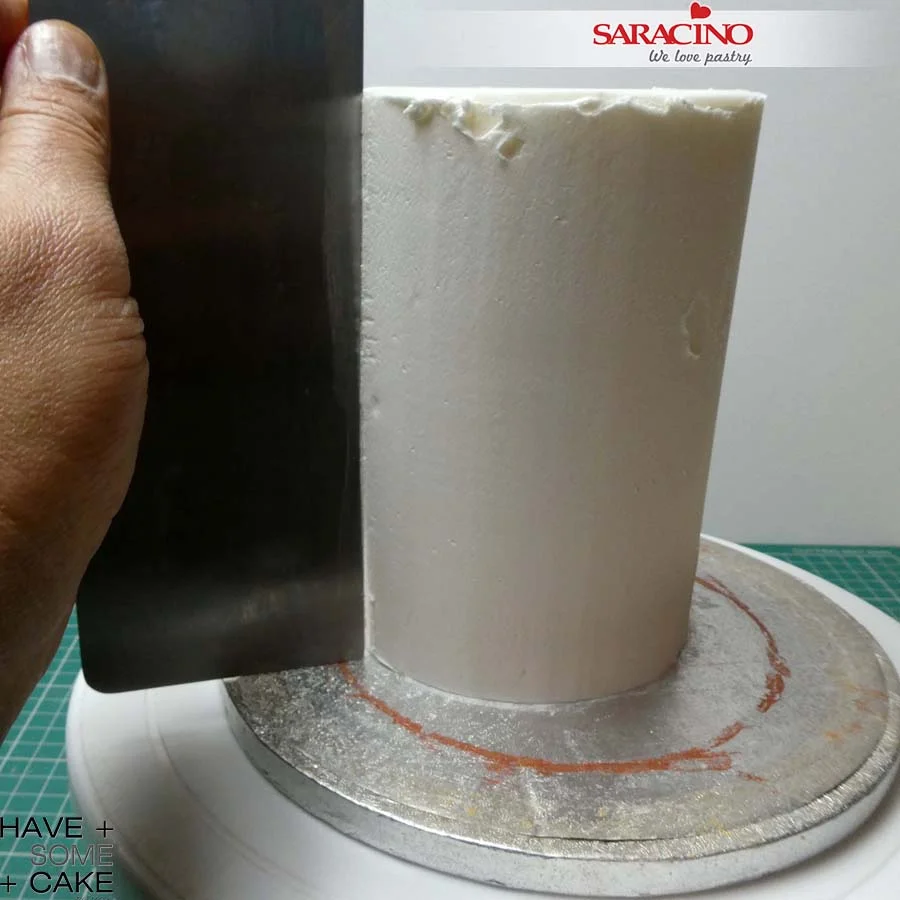
Using a metal scraper remove the excess. We do not need a perfect smooth finish as we are again adding texture.
Step 17
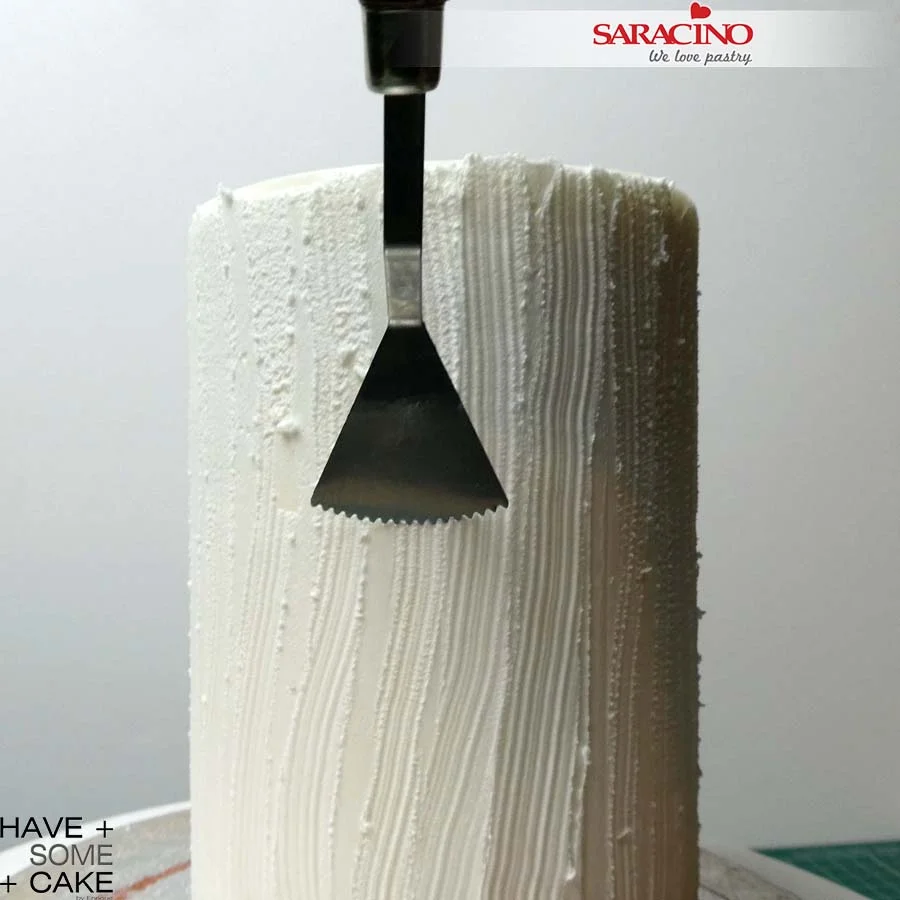
Before the icing dries use the zig zag edge pottery tool to create wavy stripes. It is a very subtle but effective texture.
Step 18
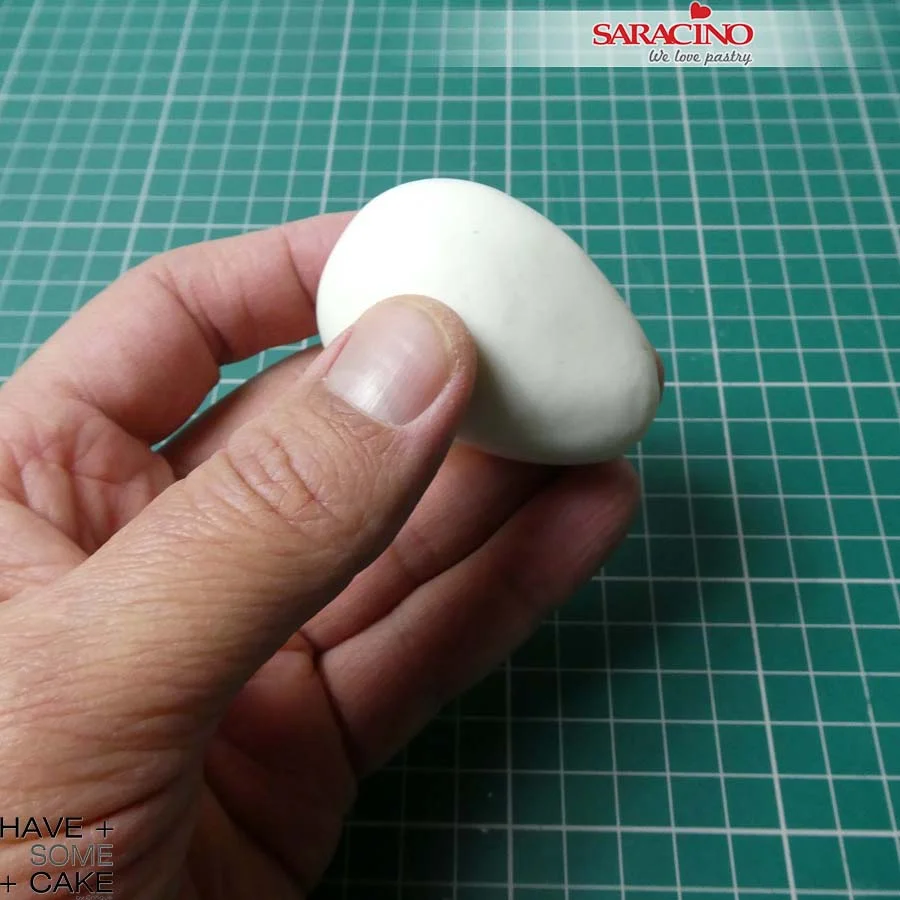
To make the head of the octopus, roll Saracino white Pasta Model in your hands to create an egg shape.
Step 19
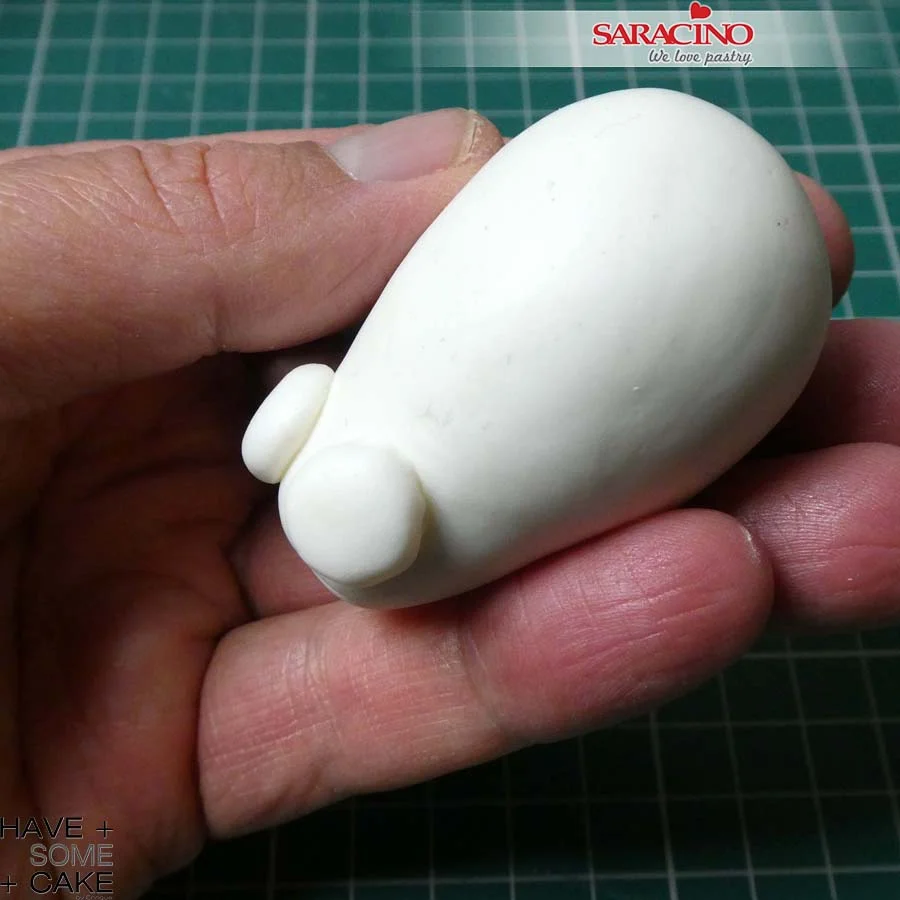
Make two smaller balls and flatten them to create the eye sockets and attach them to the thin end of the head as shown.
Step 20
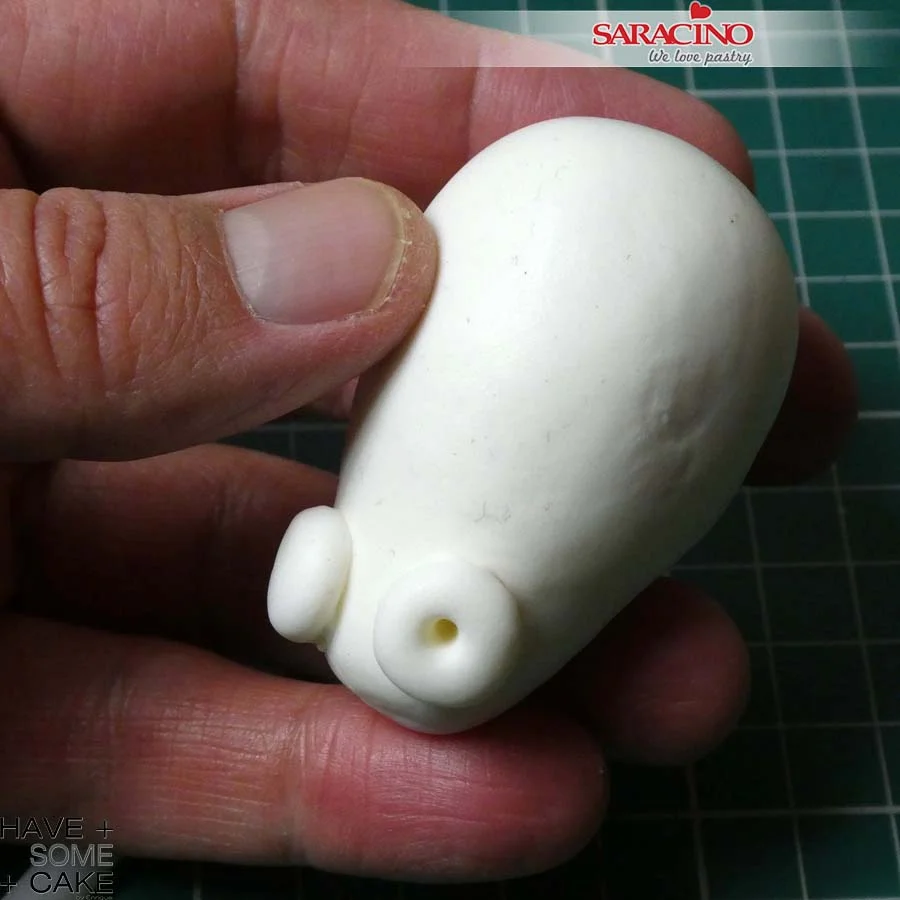
Use a modelling tool to press two eye sockets.
Step 21
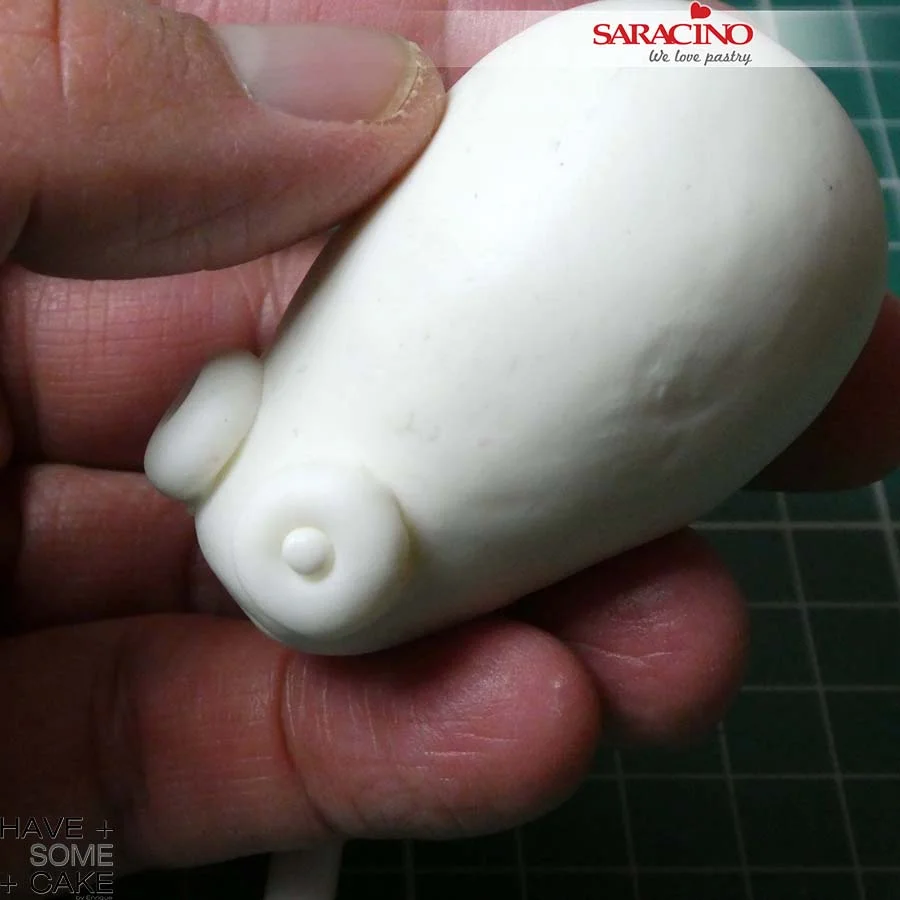
Roll a small ball of white modelling paste and place it in the previously make hole in the eye sockets. Leave to dry while you make the tentacles.
TIP: I decided to make the octopus in 2 parts, the head separated from the tentacles so I wouldn’t have to wait for it all to dry. Also as it would be easier to handle the tentacles to position over the cake without the head.
Step 22
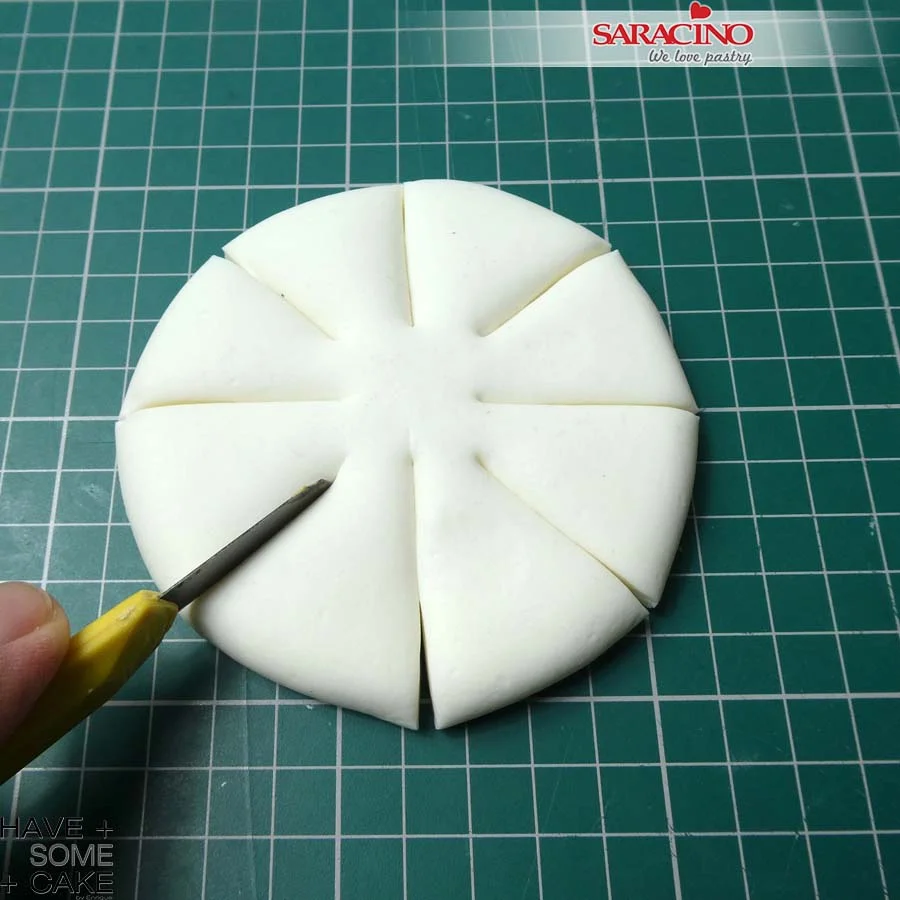
For the tentacles roll a ball of white Pasta Model and flatten it. With a knife cut equally into 8.
Step 23
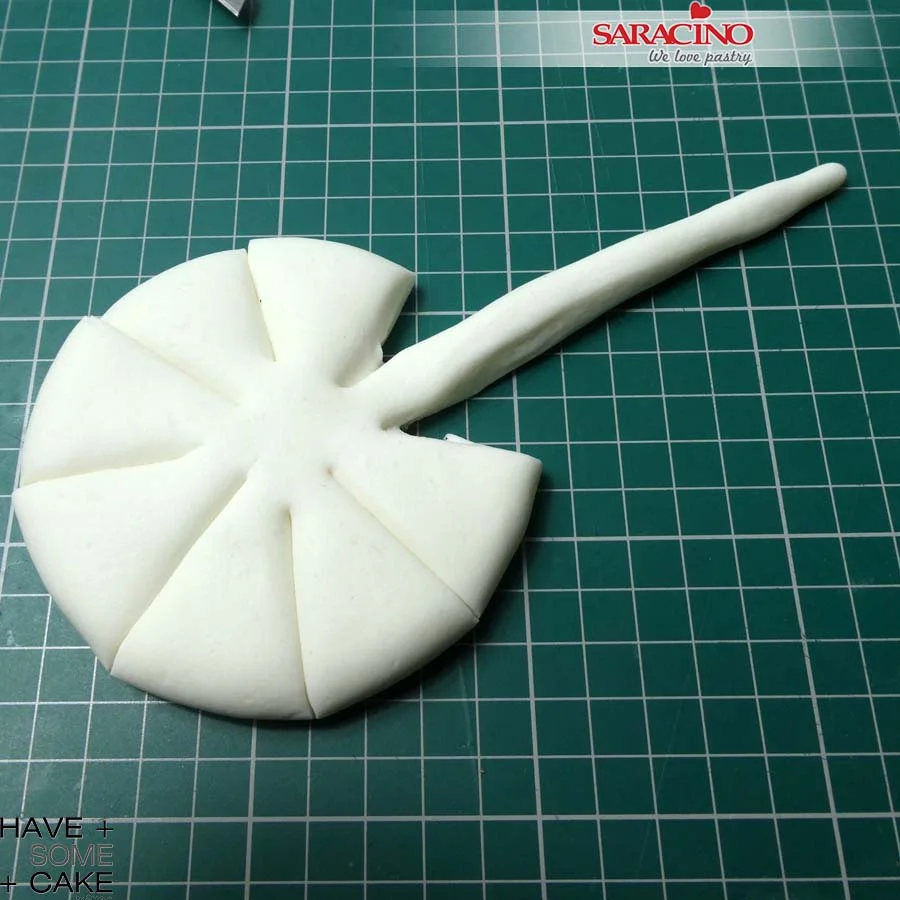
With your hands roll and thin one portion at a time until you have the 8 tentacles.
TIP: Alternatively, you can do each tentacle separately and join them when ready but as the tentacles are placed vertically you will have to join them and leave to dry in position on a dummy as there isn’t anything holding them together. Remember this is not an exact biological octopus recreation.
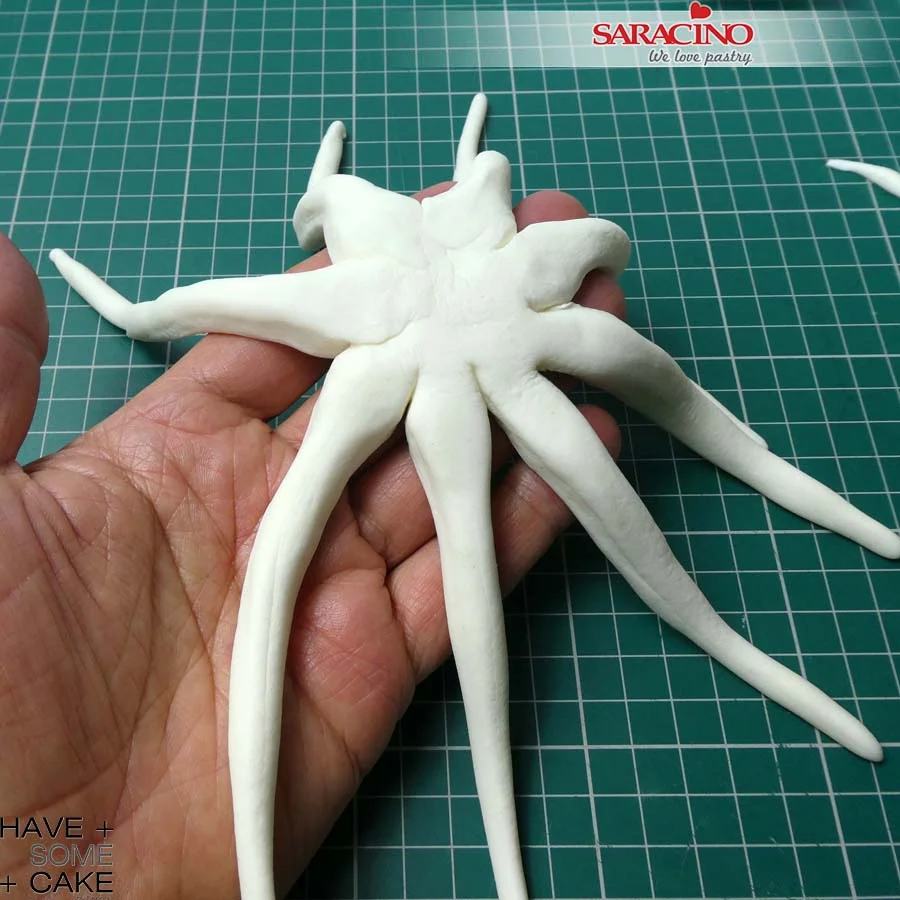
Step 24
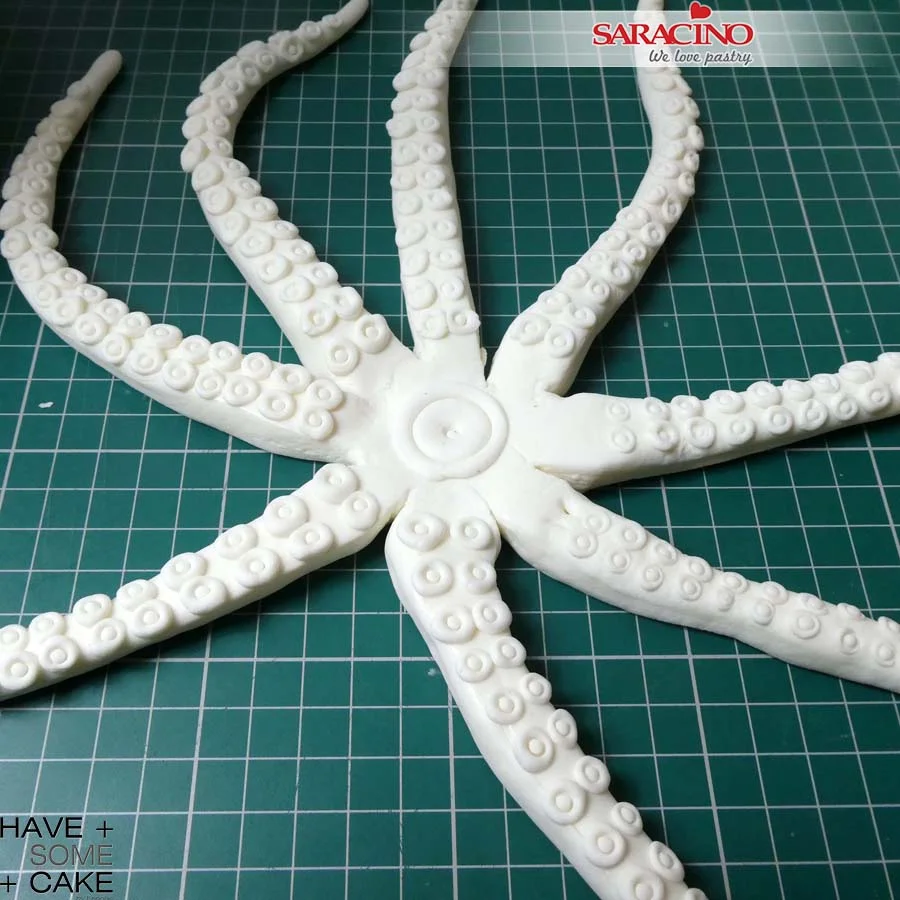
Your tentacles should look like this.
Step 25
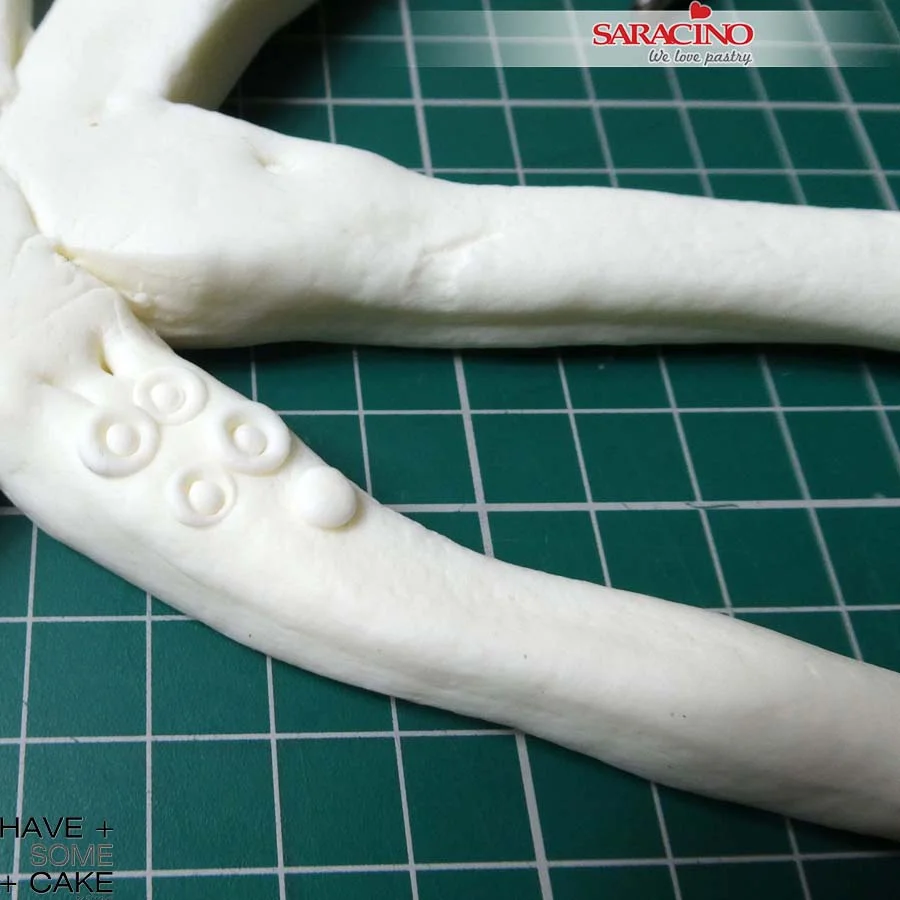
To make the tentacle suckers roll small balls of white Pasta Model and start placing them onto the tentacles.
Step 26
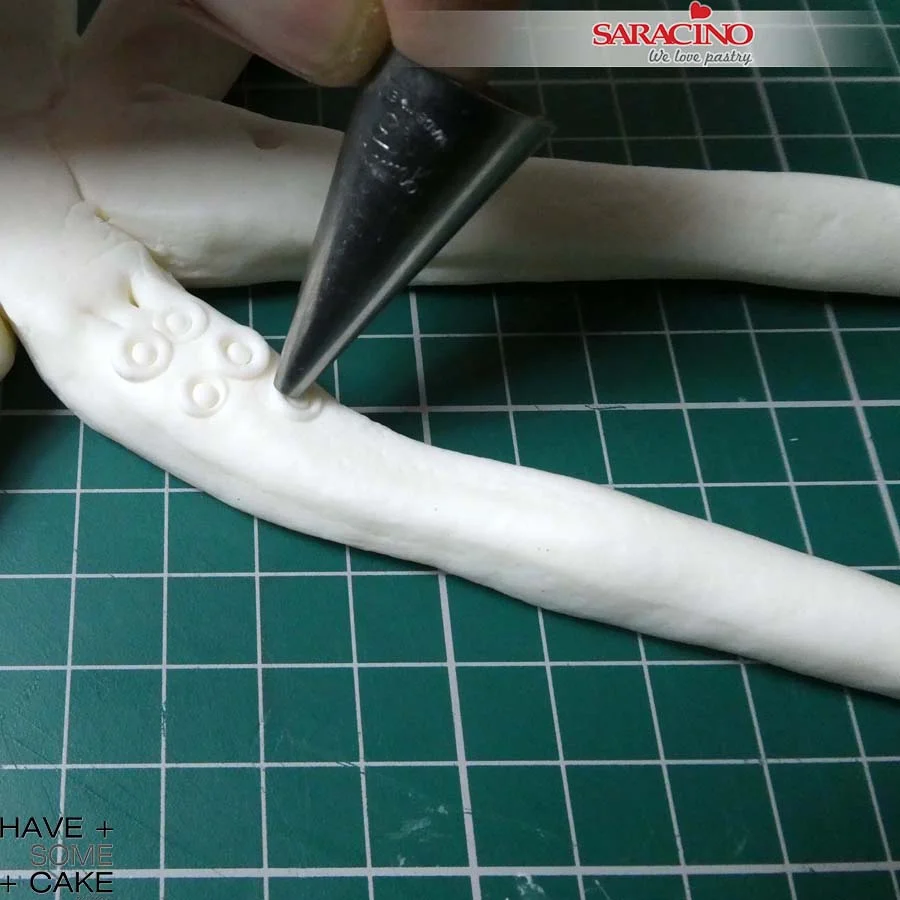
Using the number 2 round piping nozzle press each ball to give the sucker look. Repeat for all 8 tentacles. For this project you will make a larger octopus for the bottom tier and smaller one for the top tier.
Step 27
Do the same with the middle.
Step 28
Arrange the tentacles organically as required with the suckers facing the cake. Use a little royal icing to hold in place.
Step 29
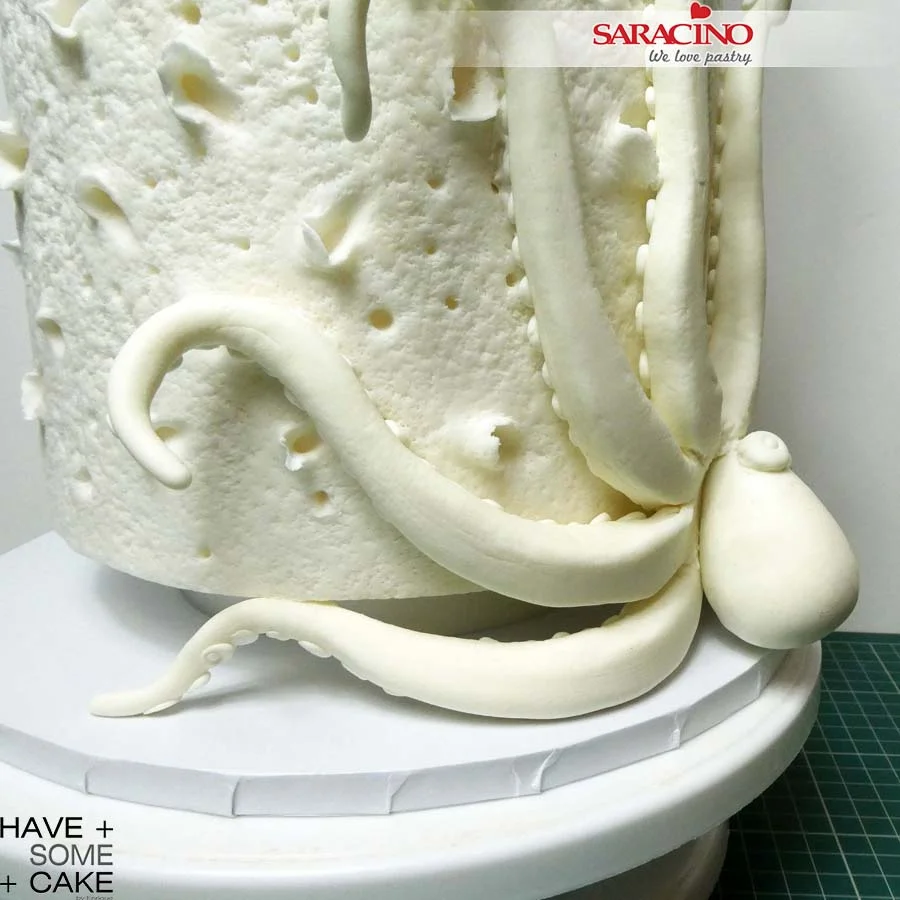
Attach the head to the tentacle part using royal icing. You can also fill the gaps between head and body with royal. You will have to hold it in place for a little so the head does not slide off.
Step 30
Your underwater treat is ready!

Apr 6, 2021 | Cakes, Modelling
You will need:
-
Saracino black Pasta Top
-
Saracino skin tone Pasta Model
-
Saracino yellow Pasta Model
-
Saracino black Pasta Model
-
Saracino gold dust
-
Gold airbrush colour
-
Saracino cake gel
-
Saracino Liquid Shiny
-
Trex
-
Rolling pin
-
Paint brushes
-
Long blade or knife
-
Scalpel
-
Three dummy cakes 5 and 7 inch cakes (8 inch high) 9 inch cake (5 inch high)
-
Work mat
-
Rolling mat
-
Cake smoothers
-
Cake drum
-
Extruder
-
Ball tool
-
Straws
Step 1
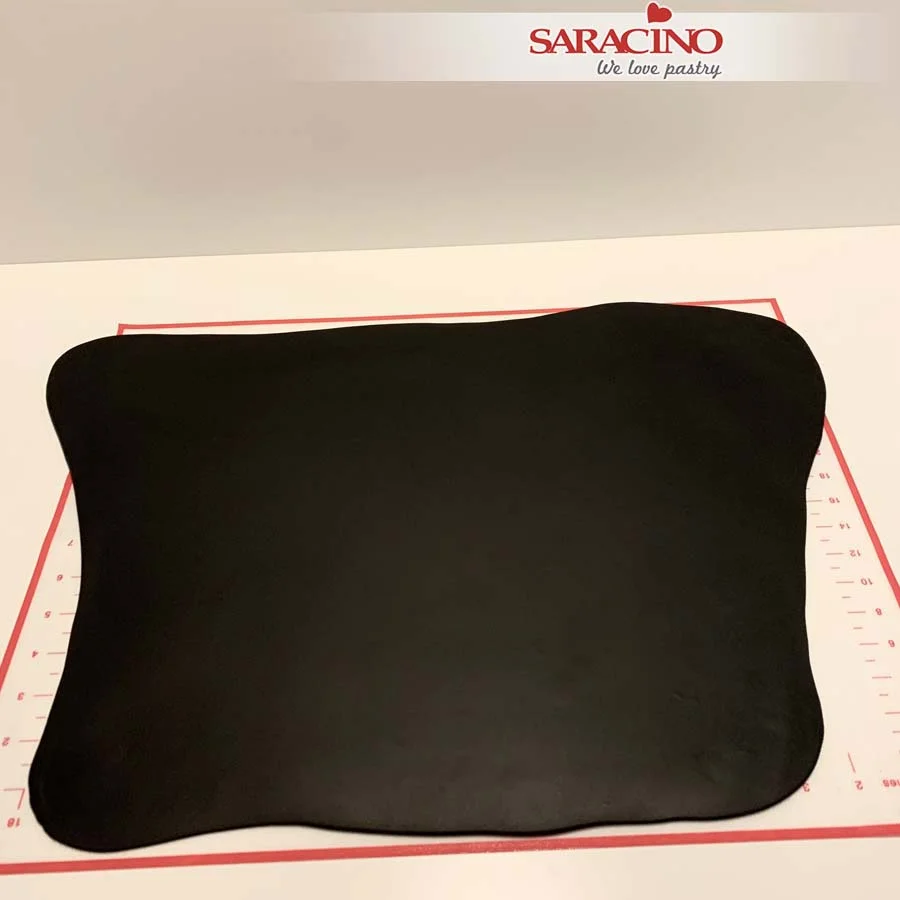
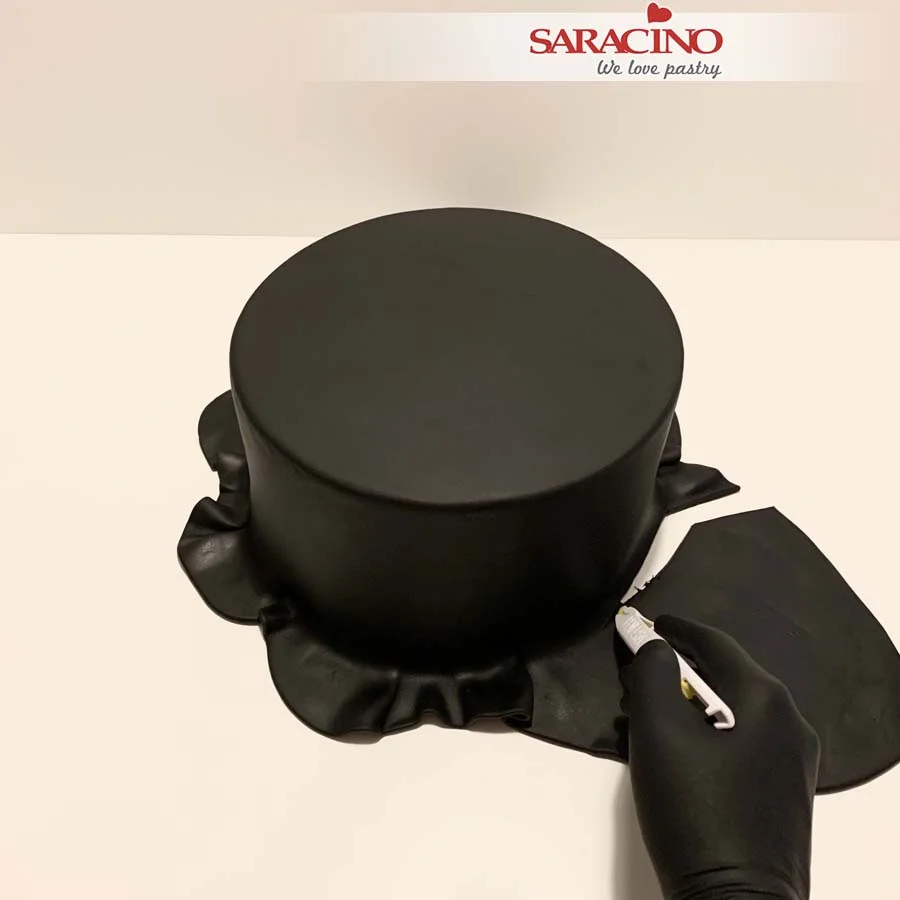
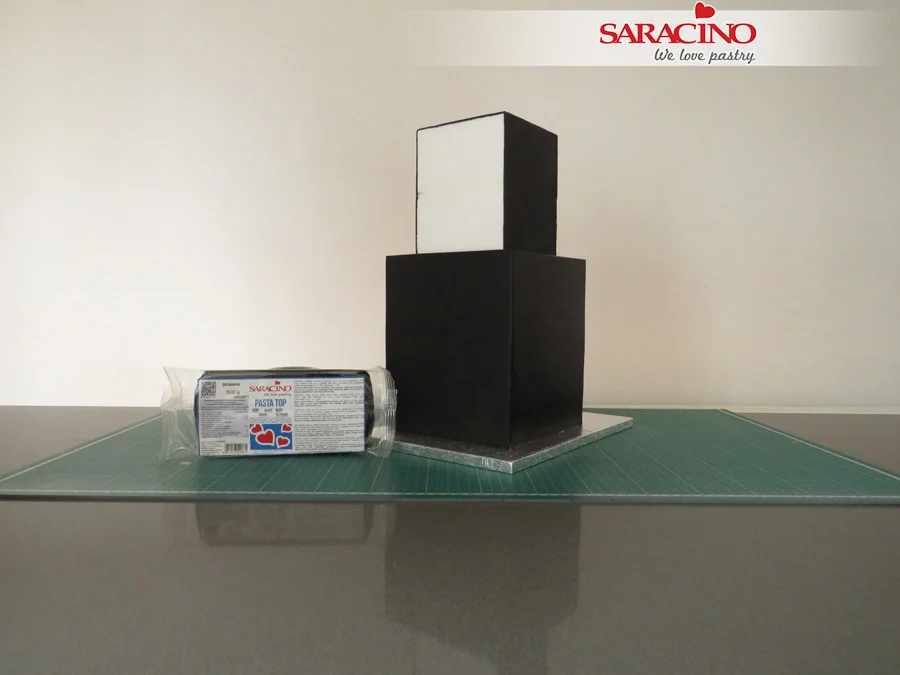
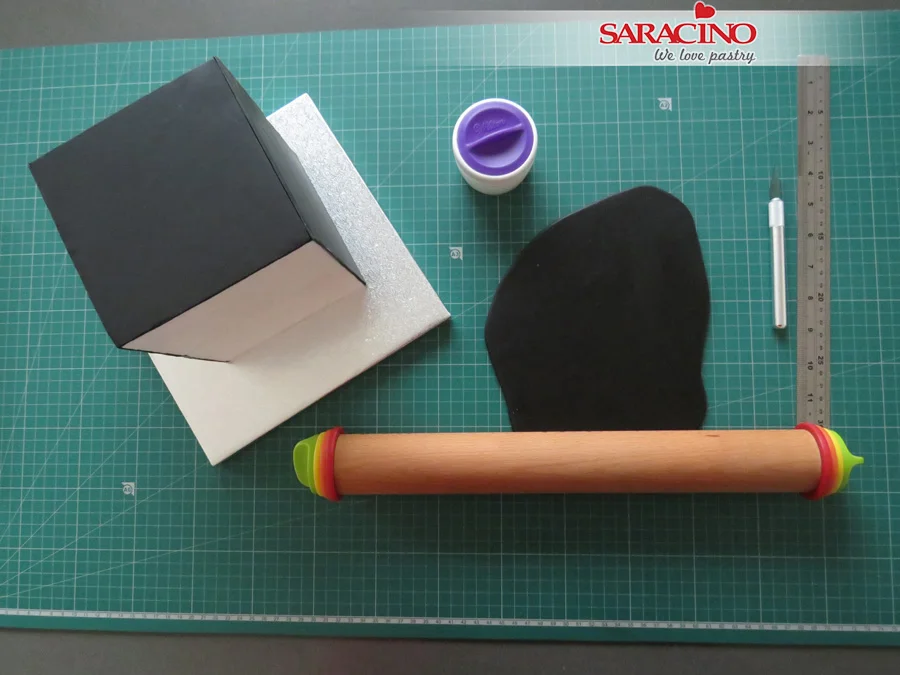
Prepare your cakes or dummies. Brush each one with Trex to help the fondant to stick. Place the Saracino Black Pasta Top on your work surface, kneed until smooth and pliable. Roll out the fondant to your preferred thickness.
Step 2
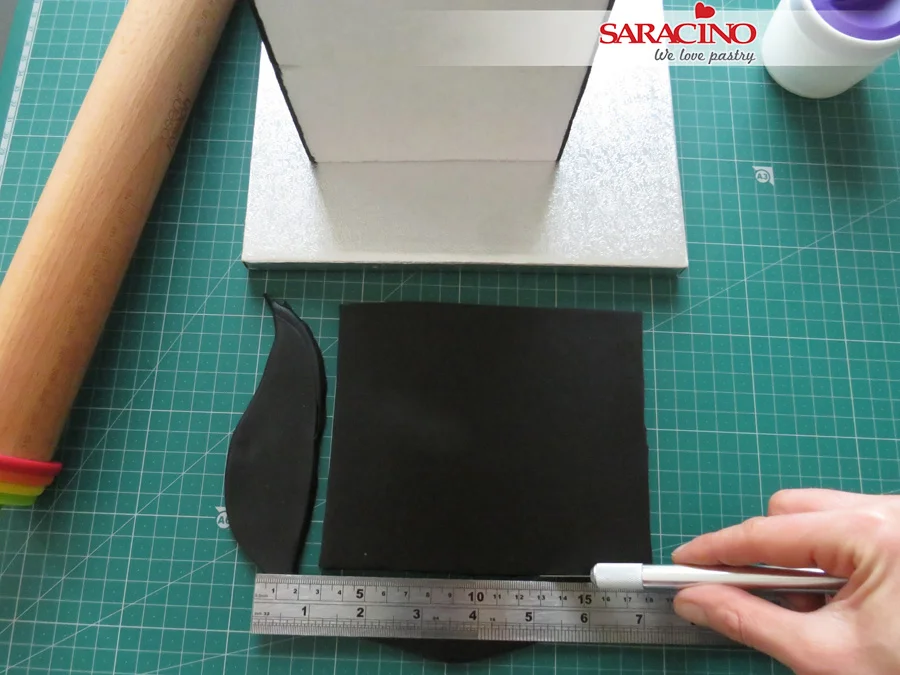
Trim off the excess fondant with a sharp knife.
Step 3
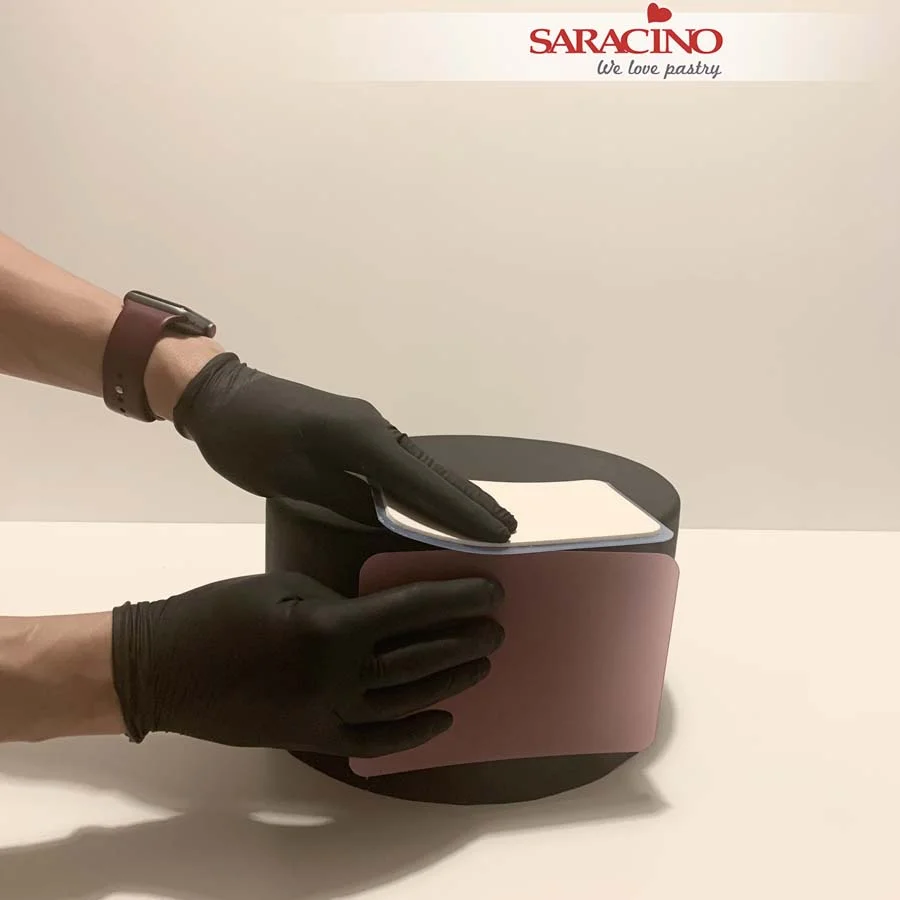
Use cake smoothers around the side and top of the cake. Smooth it until you achieve a sharp edge. Repeat for the 7 and 5 inch cakes or dummies.
Step 4
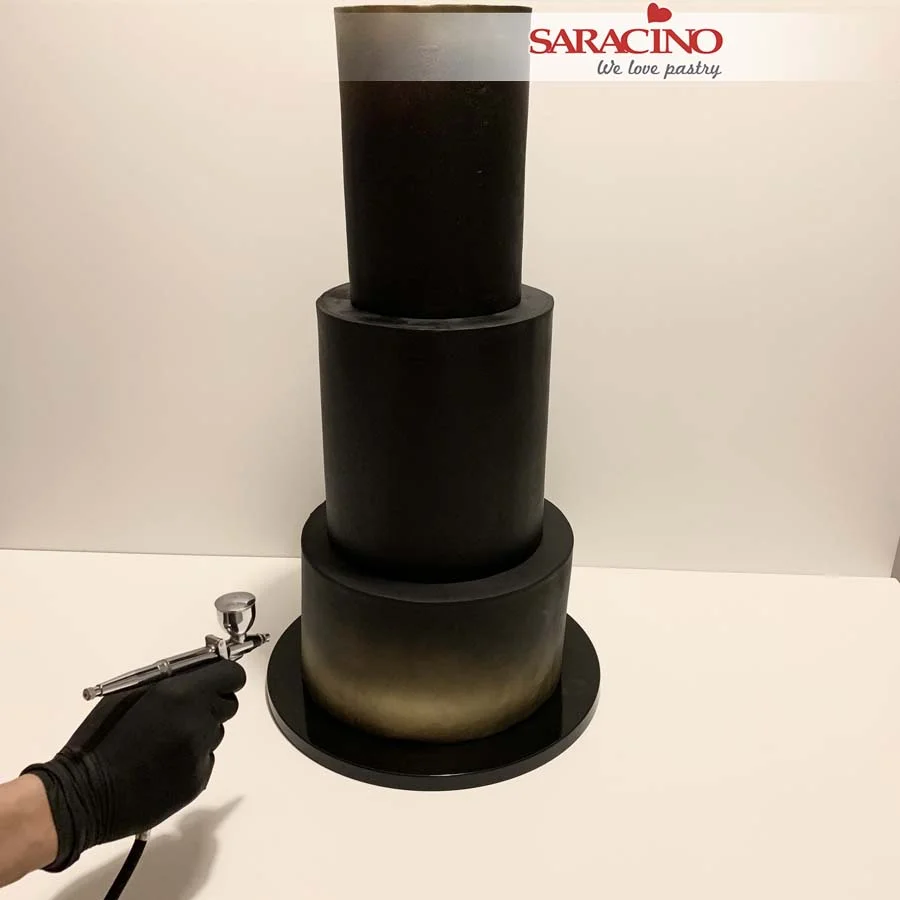
Stack your tiers. When using real cake remember to use support between the tiers. Airbrush the top and the bottom of the cake with gold airbrush colour.
Step 5
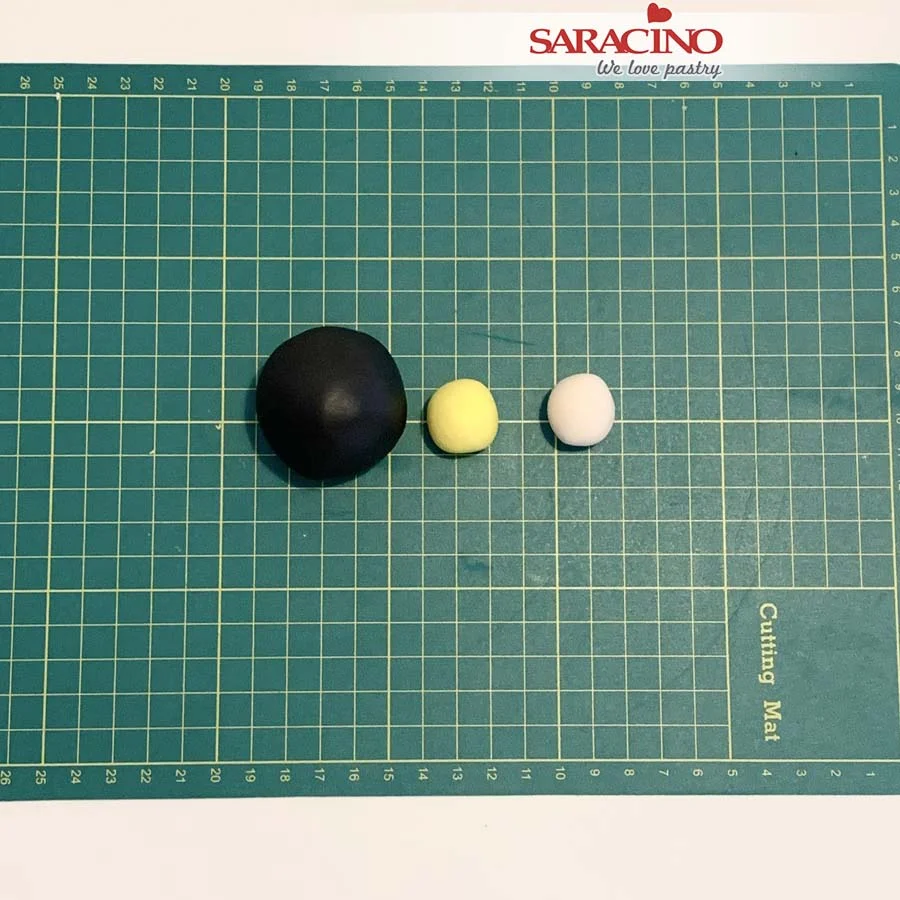
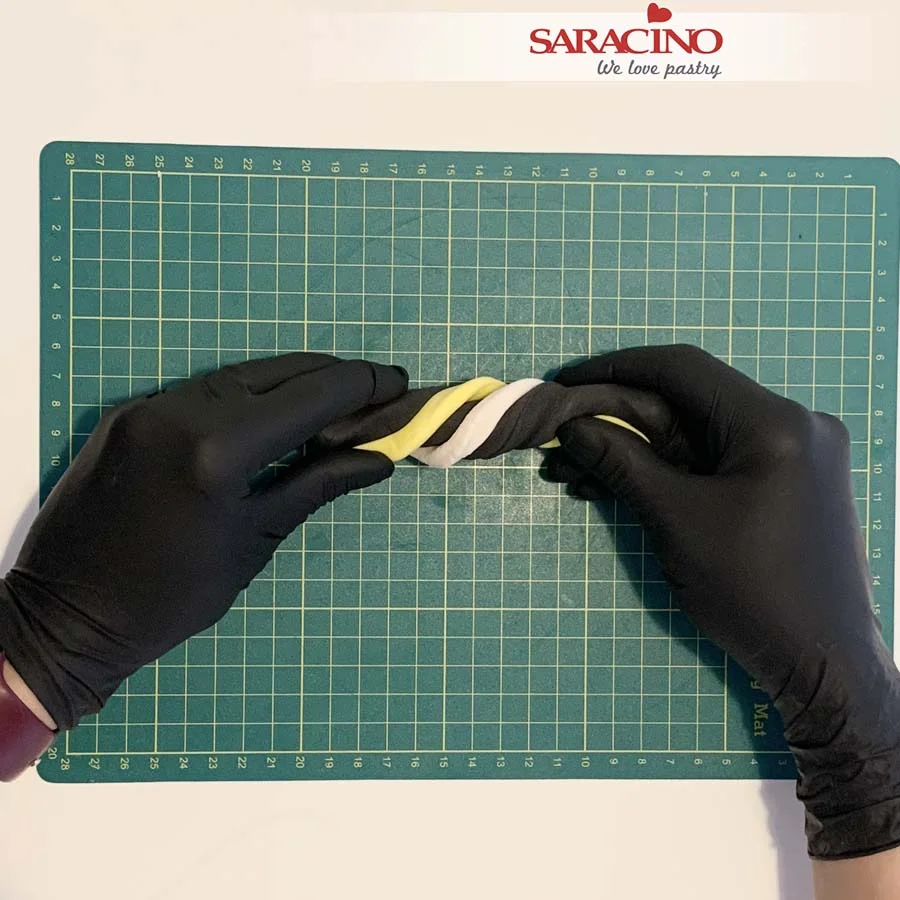
Take a piece of black pasta model and an equal amount of skin tone and yellow to the proportions shown.
Step 6
Mix colours together. You can use your fingers to move and stretch the modelling paste so the colours will slightly blend.
Step 6
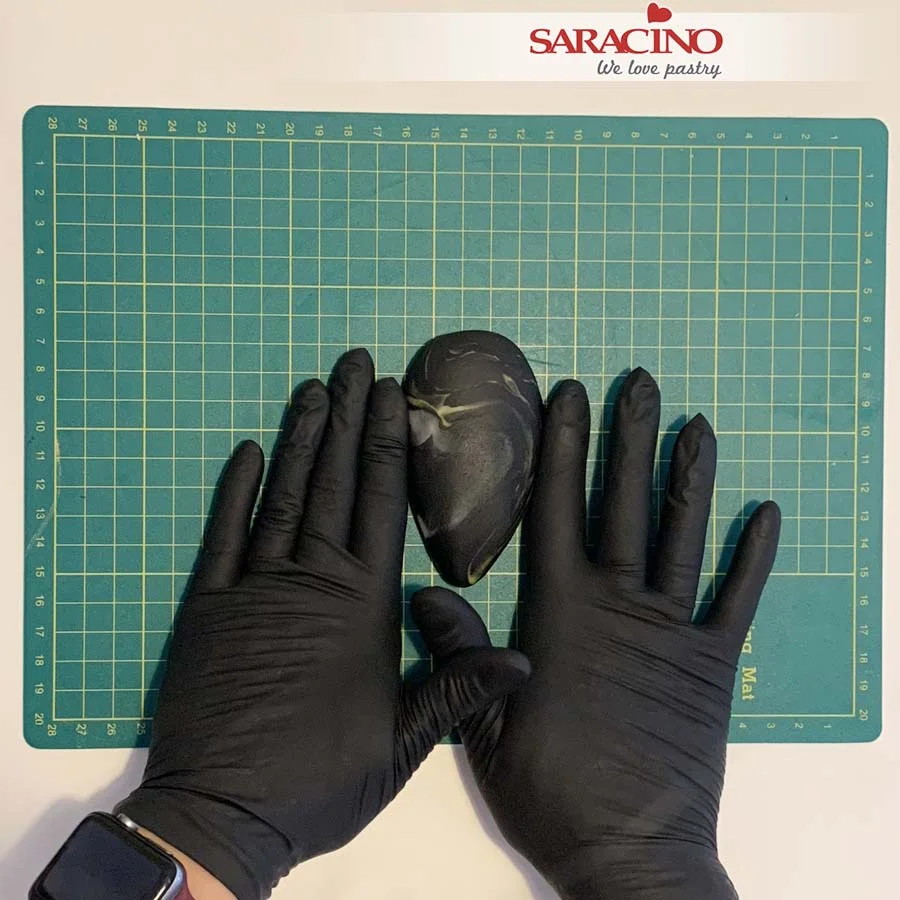
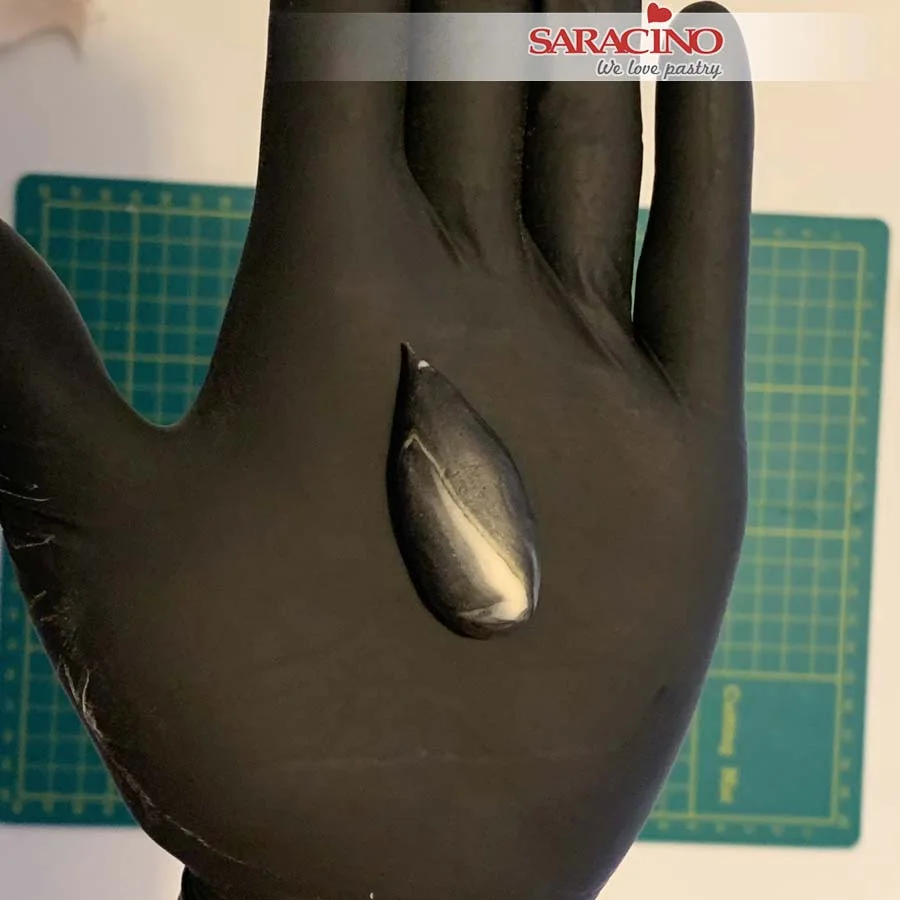
Smooth the modelling paste and create an oval shape. Place the oval shape on the mat and squeeze the bottom to create a tear drop shape. Smooth the edges with your fingers.
Step 7
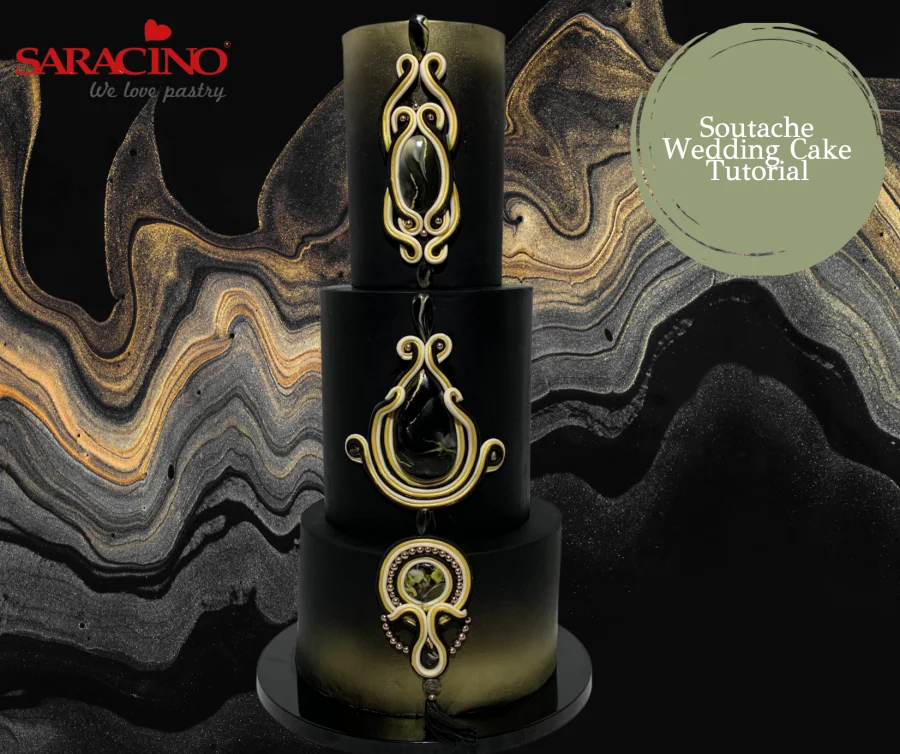
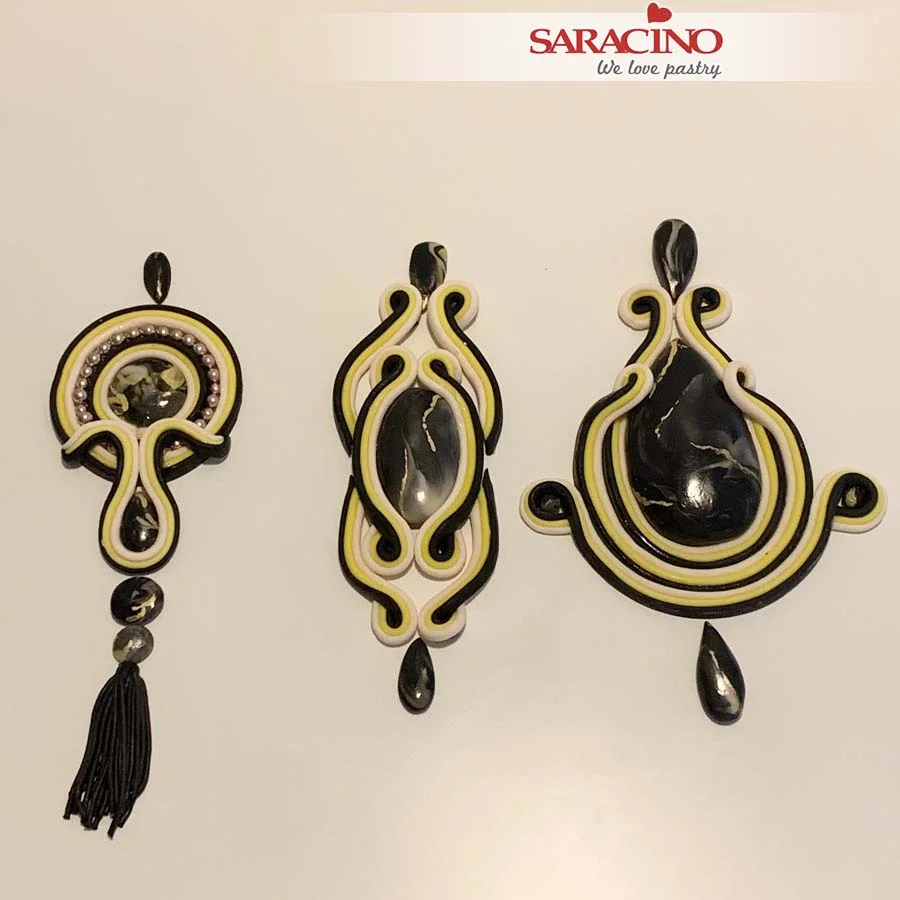
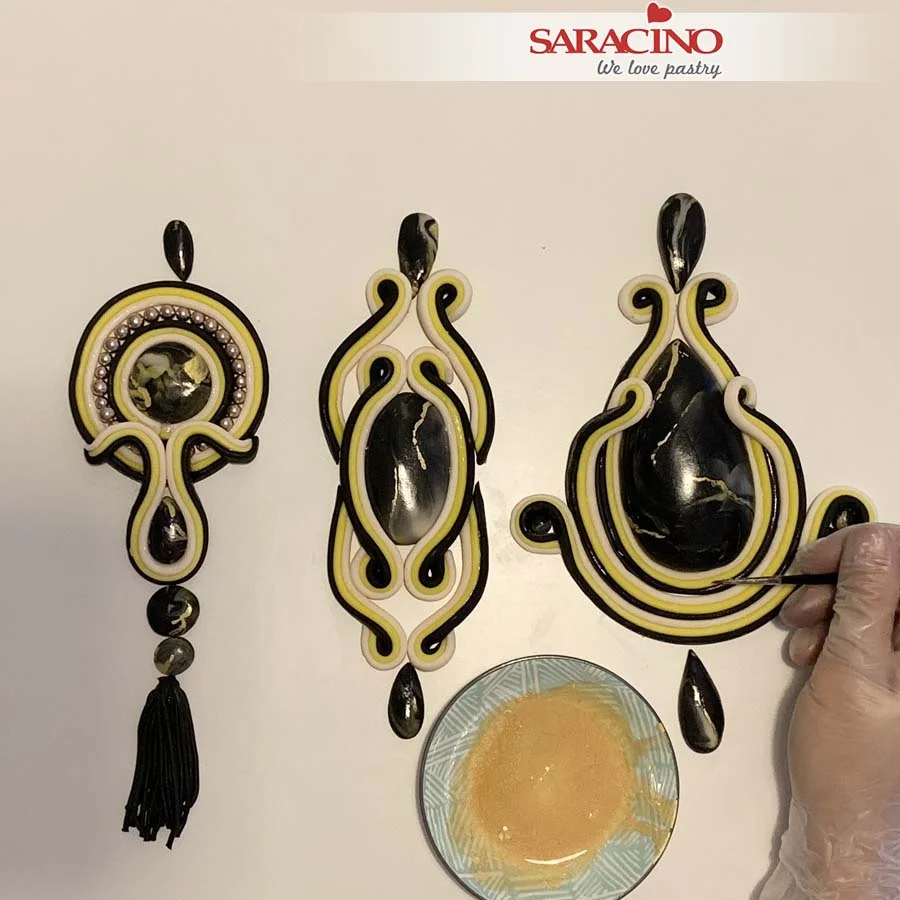
Repeat to create smaller tear drop and circular shapes. You will need one large tear drop. One large oval. One medium circle. Five small tear drop. 2 small circles. Two smaller circles. See the picture at the end of the tutorial to check for sizes.
Step 8
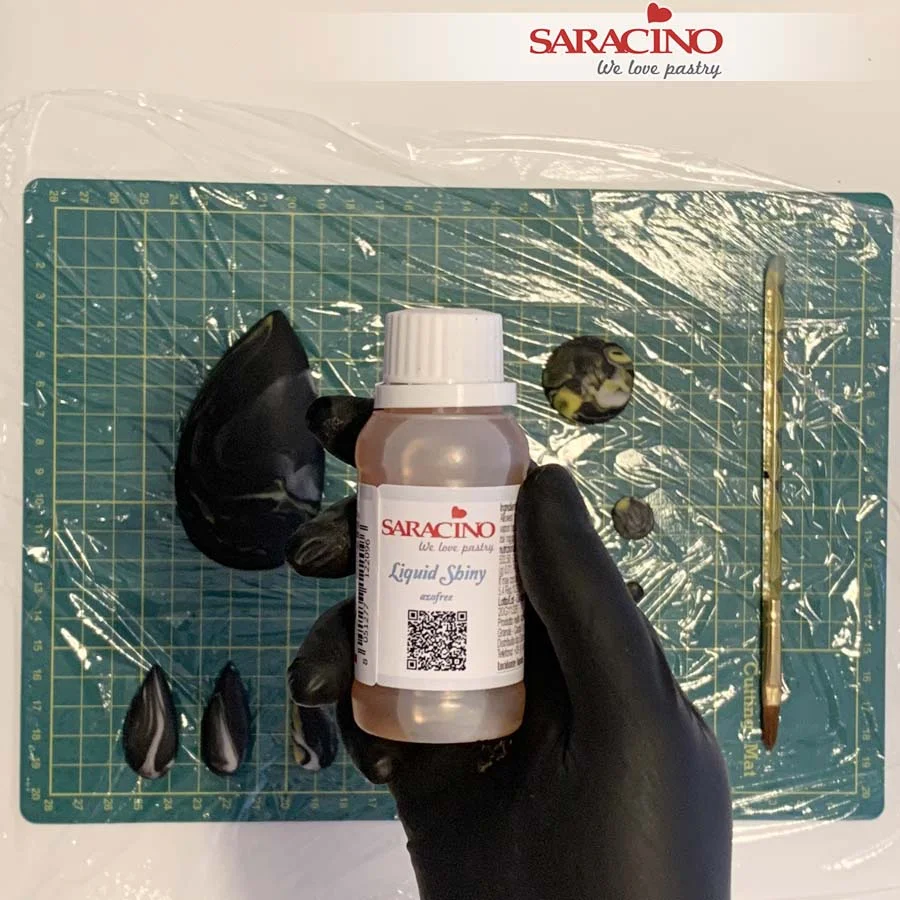
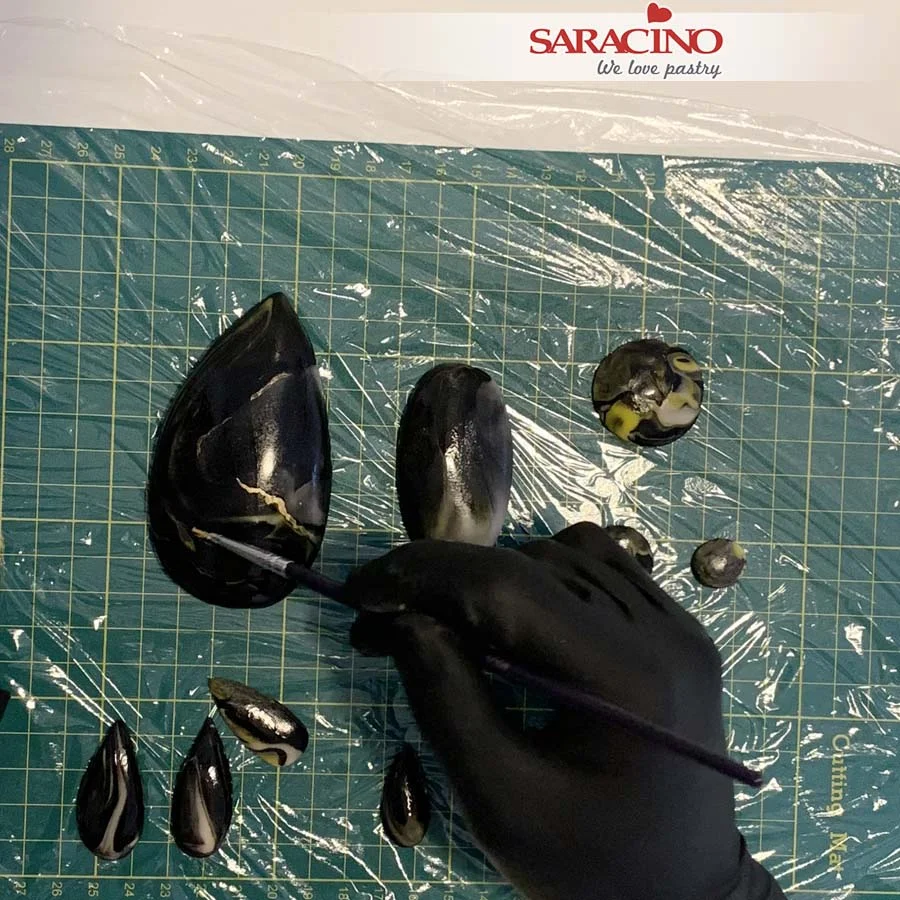
Cover your work surface with cling film. Using Saracino Liquid Shiny Glaze add a shine to the ‘stones’. Paint your stones with glaze (Afterwards use an alcohol to clean your brush).
Step 9
Prepare Saracino gold dust. Mix gold dust with a little glaze.
Step 10
Using fine brush paint irregular lines on the stones.
Step 11
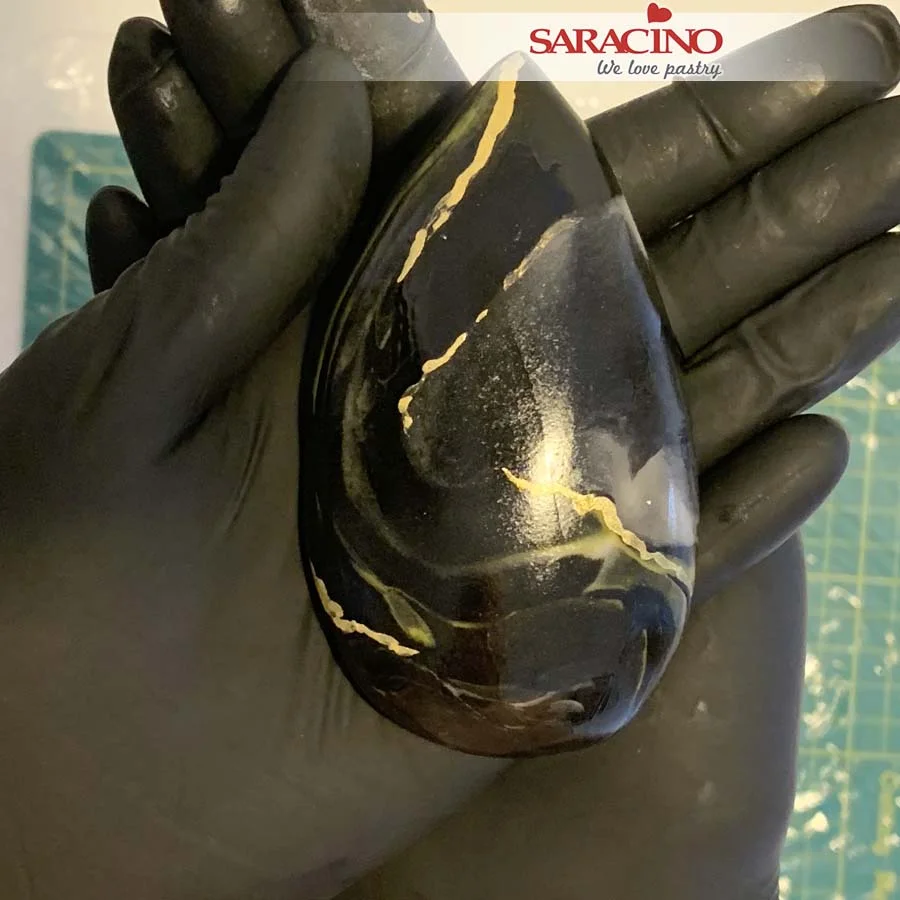
We want to achieve this beautiful stone effect.
Step 12
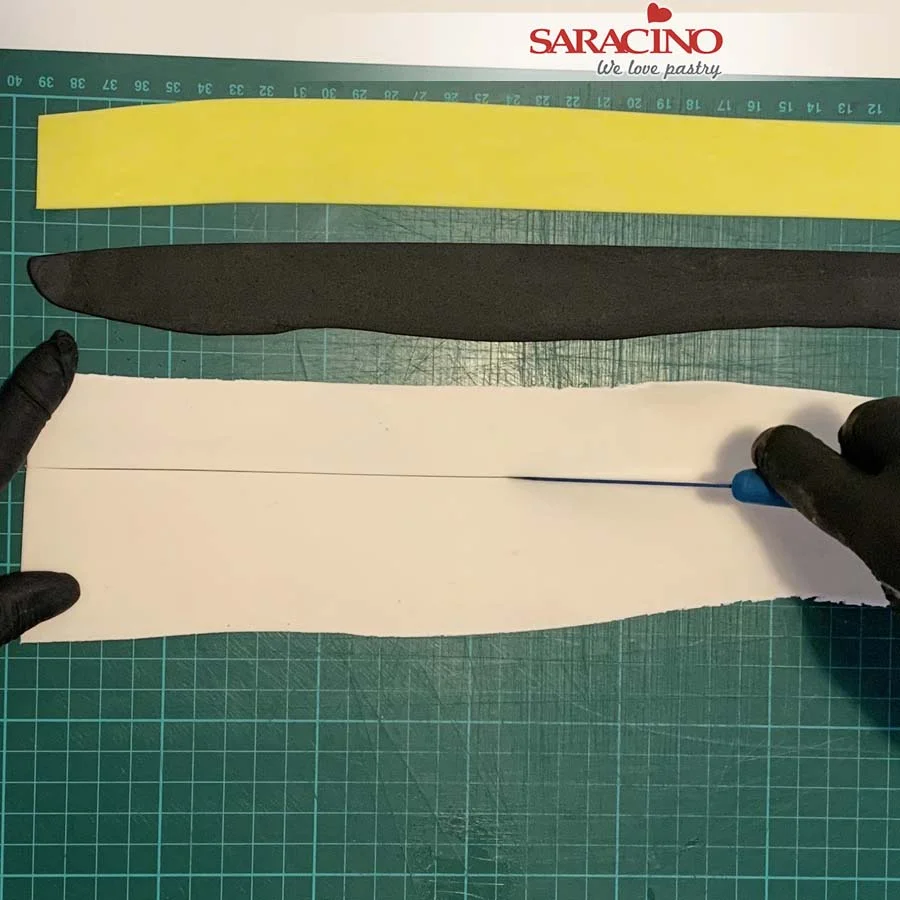
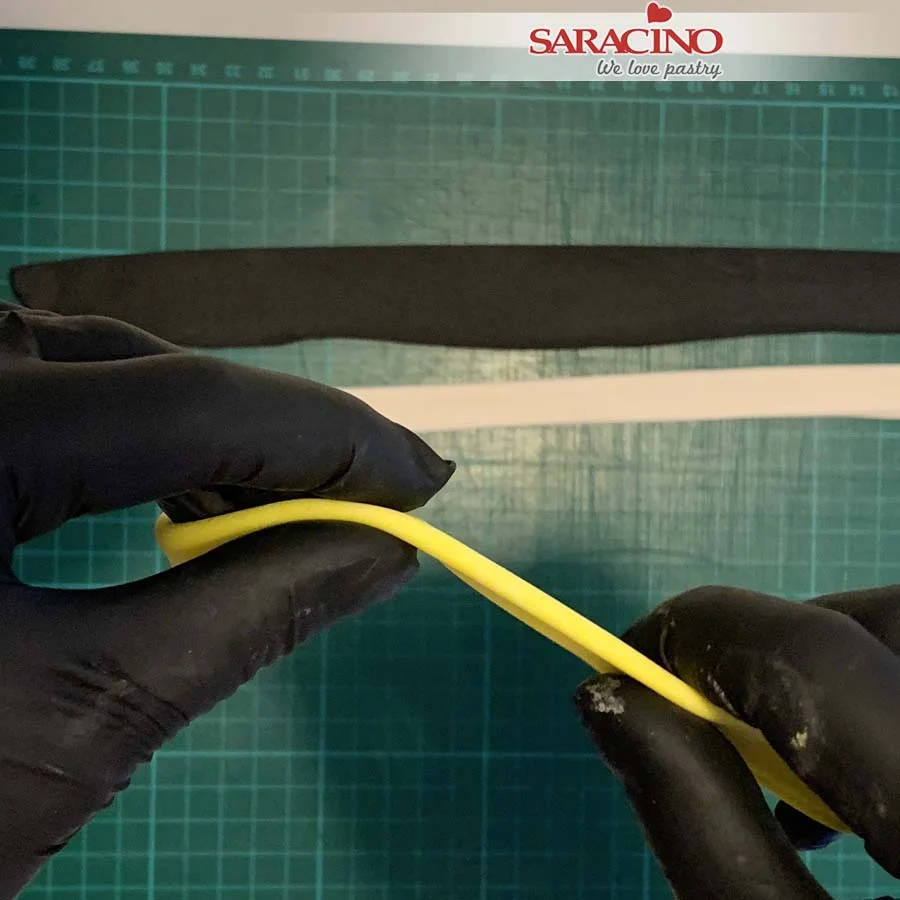
Roll out the skin tone, yellow and black modelling paste, approximately 1mm thickness. Cut the paste into long strips. Cover it with stretch cling film to prevent drying too quick.
Step 13
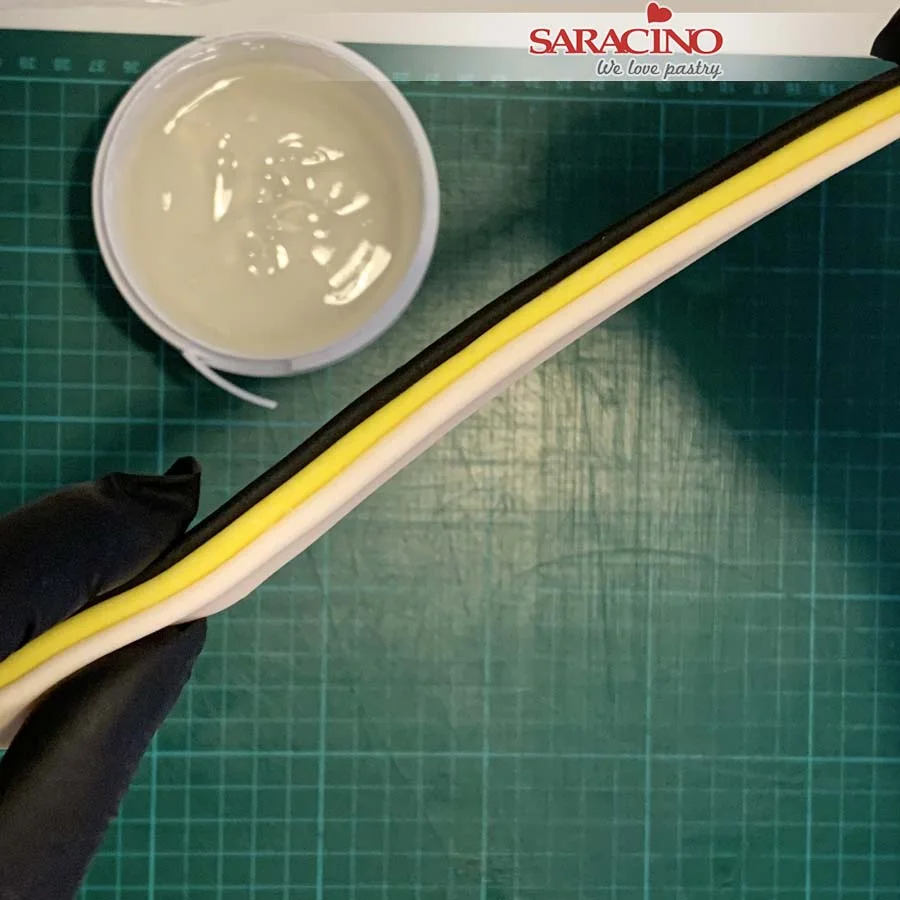
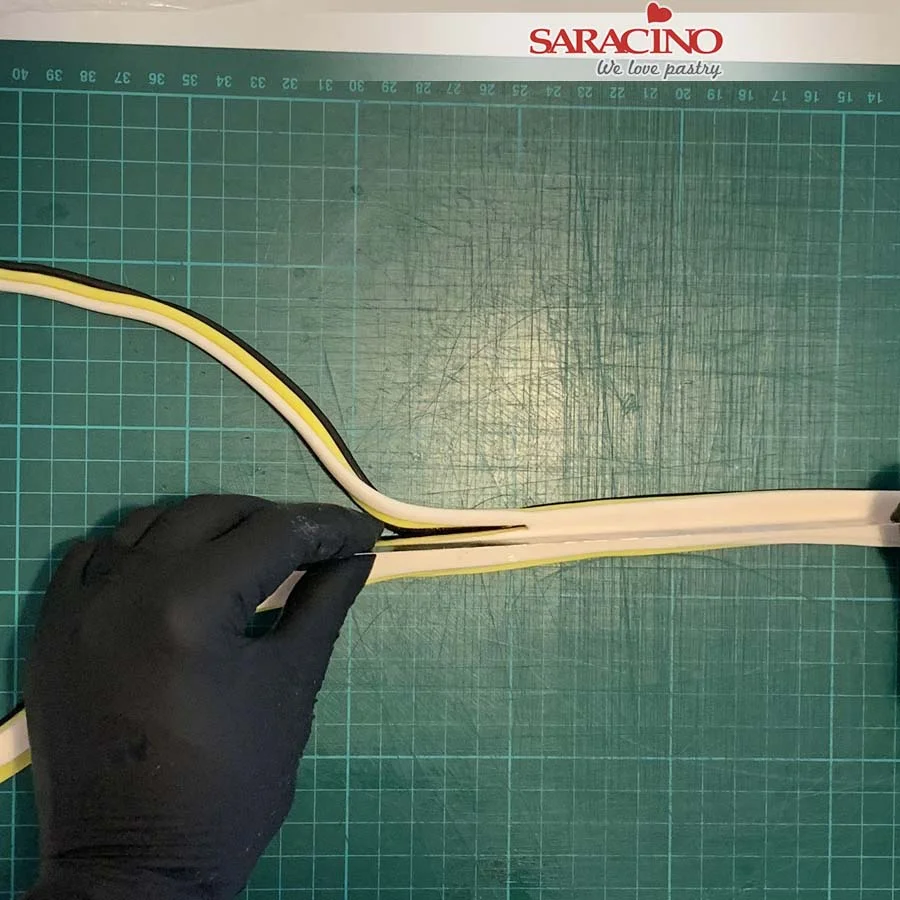
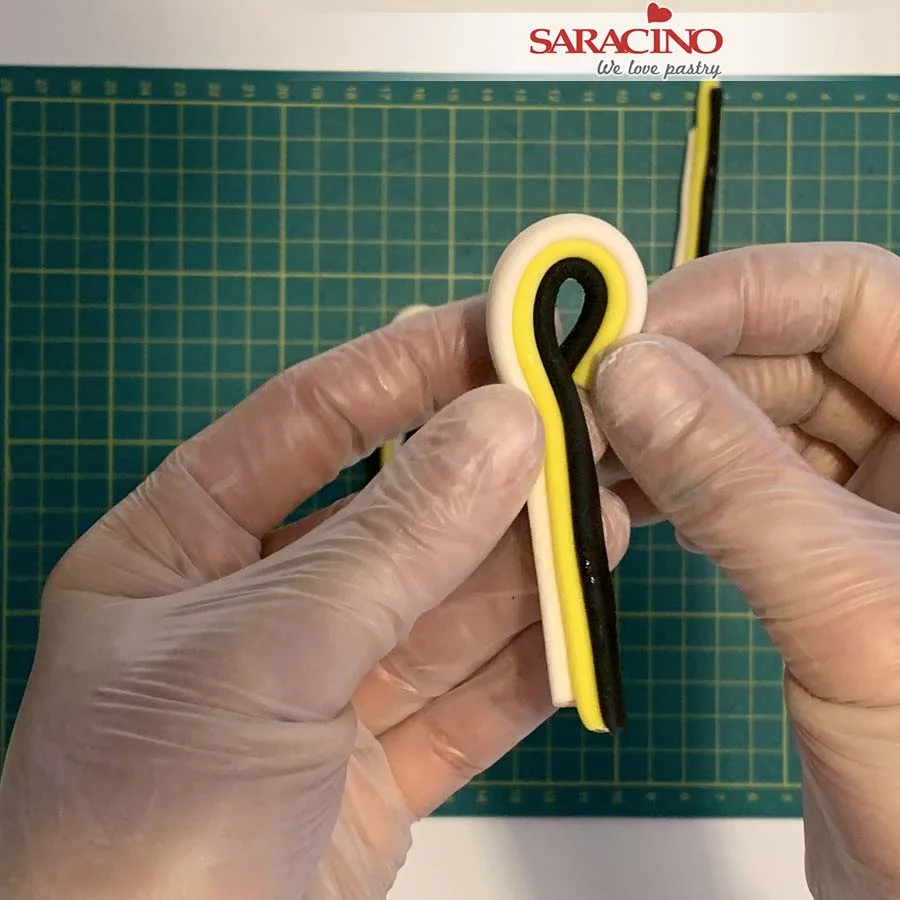
Fold the strips of Saracino modelling paste in half lengthways. Use Saracino cake gel to stick the modelling paste together.
Step 14
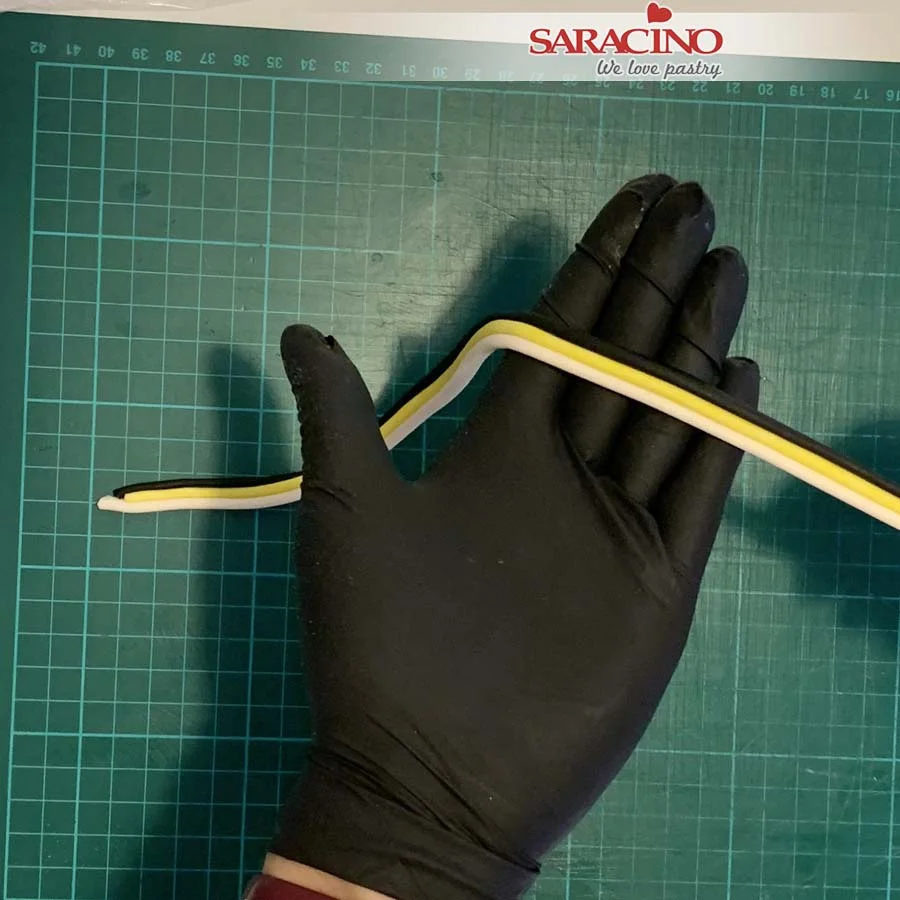
Layer the three colours as shown. Apply a little cake gel between each layer to stick together. This way you will achieve the three colour combination.
Step 15
Using a sharp knife cut a strip off the top of the three coloured modelling paste.
Step 16
You need to achieve coloured strips, round on the top and flat on the bottom.
Step 17
Place the largest tear drop stone and brush the sides with a little cake gel. Place the strip around the outside of the tear drop. Fix it all the way around the outside of the stone. Leave a short length which we will curl. Cut the excess.
Step 18
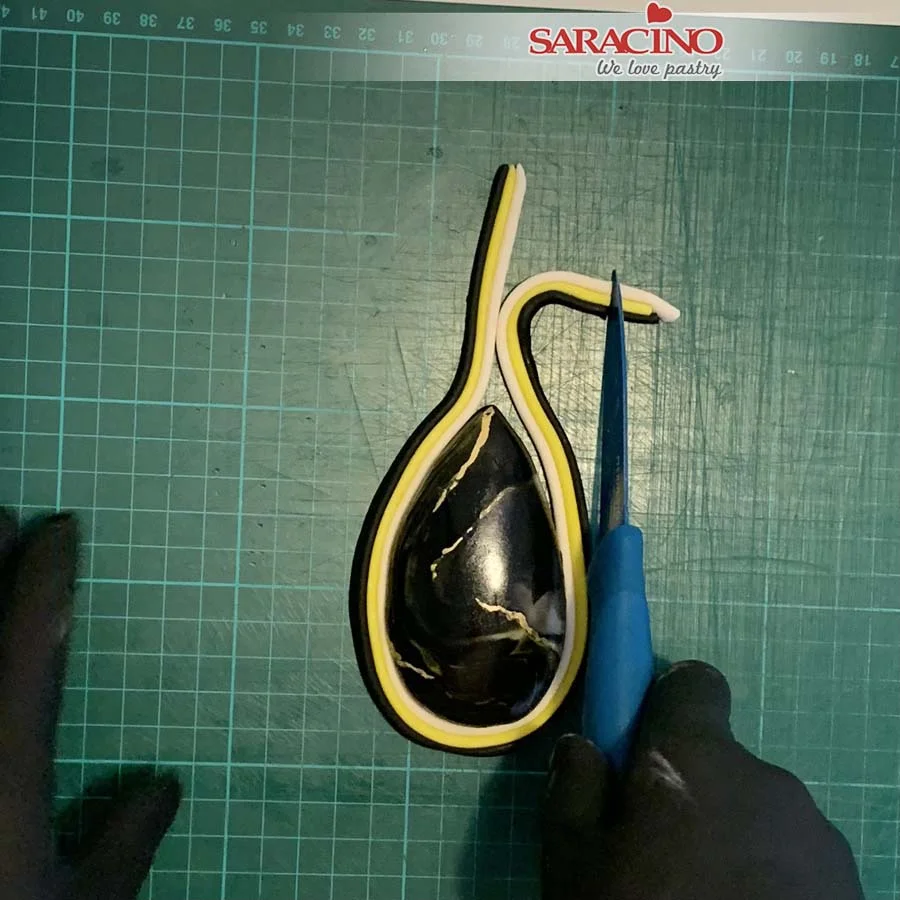
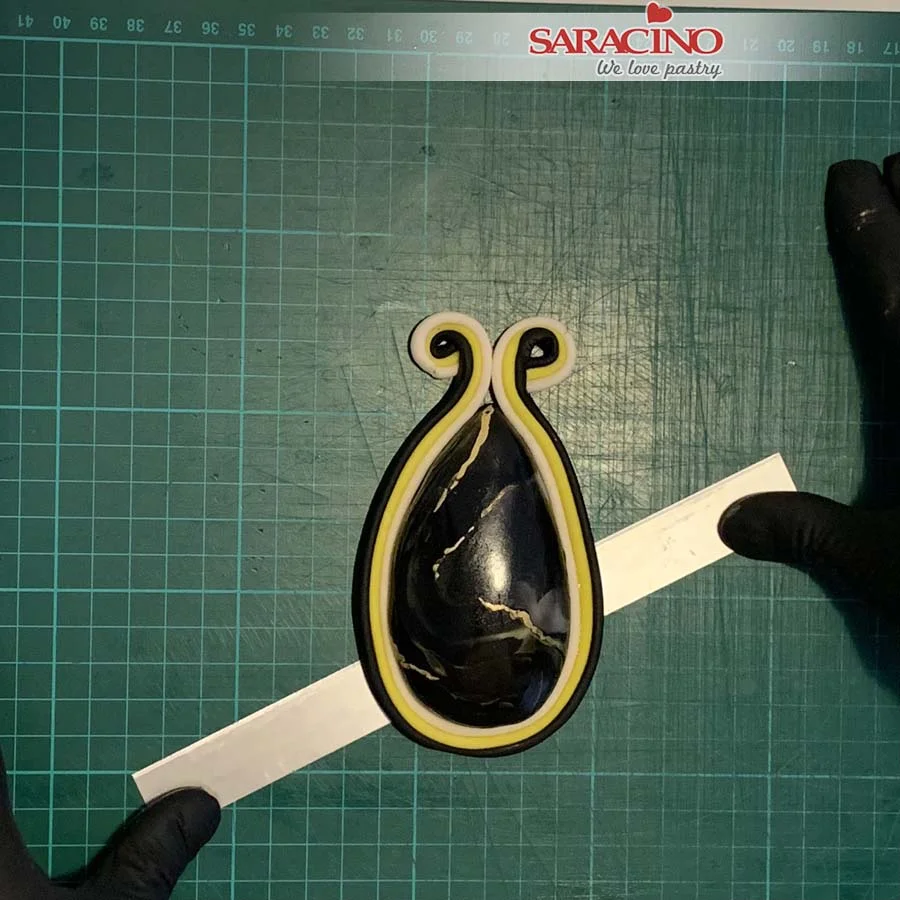
Curl both ends, you can use the end of a brush and place it in the middle to twist around. Use a long blade to lift it up off the mat.
Step 19
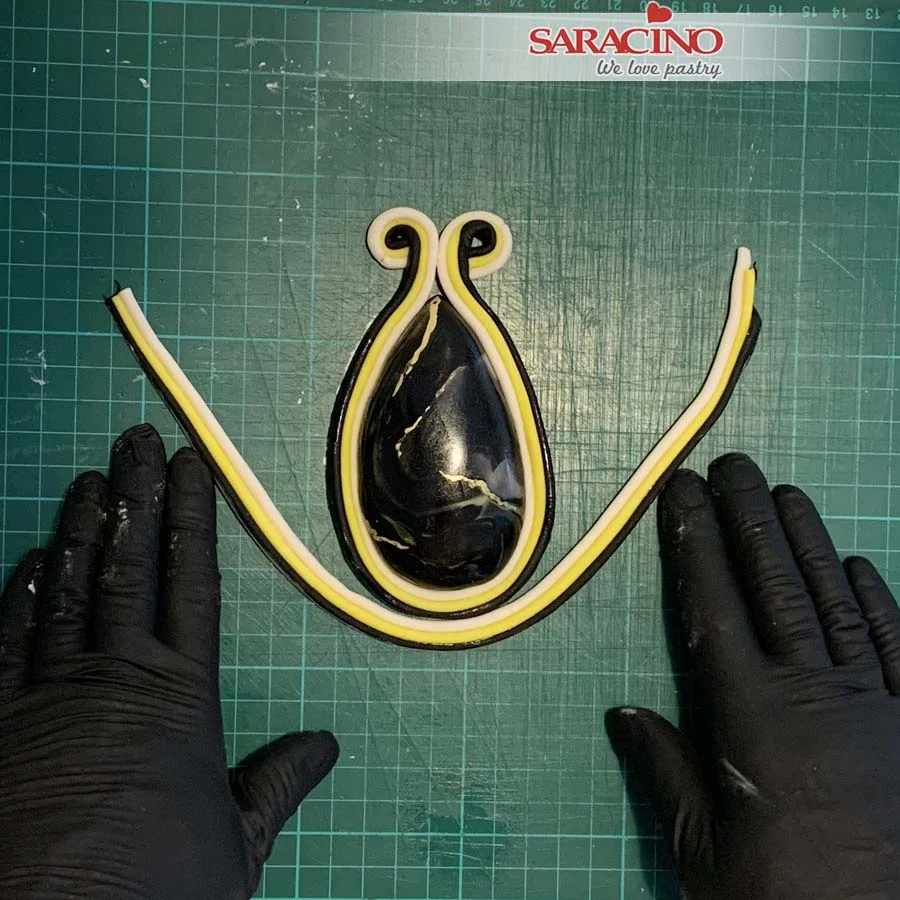
Dust some corn starch on your work surface to prevent sticking. Make more strips of the three colour modelling paste. Fix it around the previous strip as shown.
Step 20
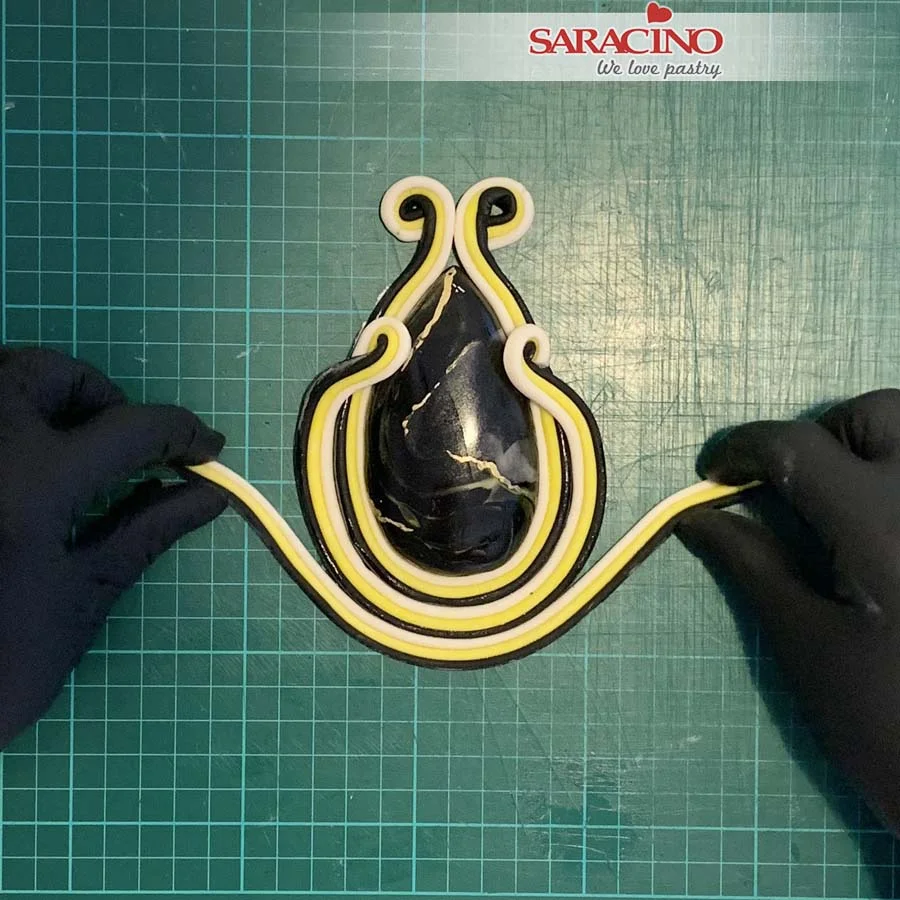
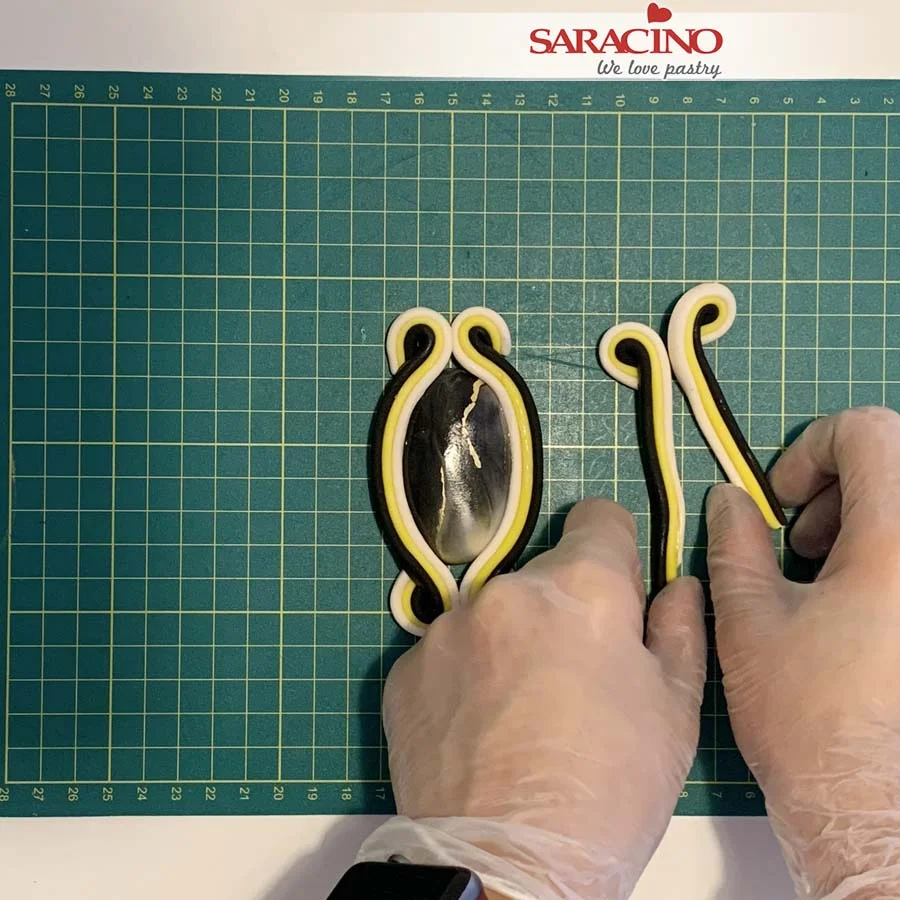
Curl the ends of the second strip on both ends. Place both ends over the first strip and onto the stone. Fix another strip of the modelling paste.
Step 21
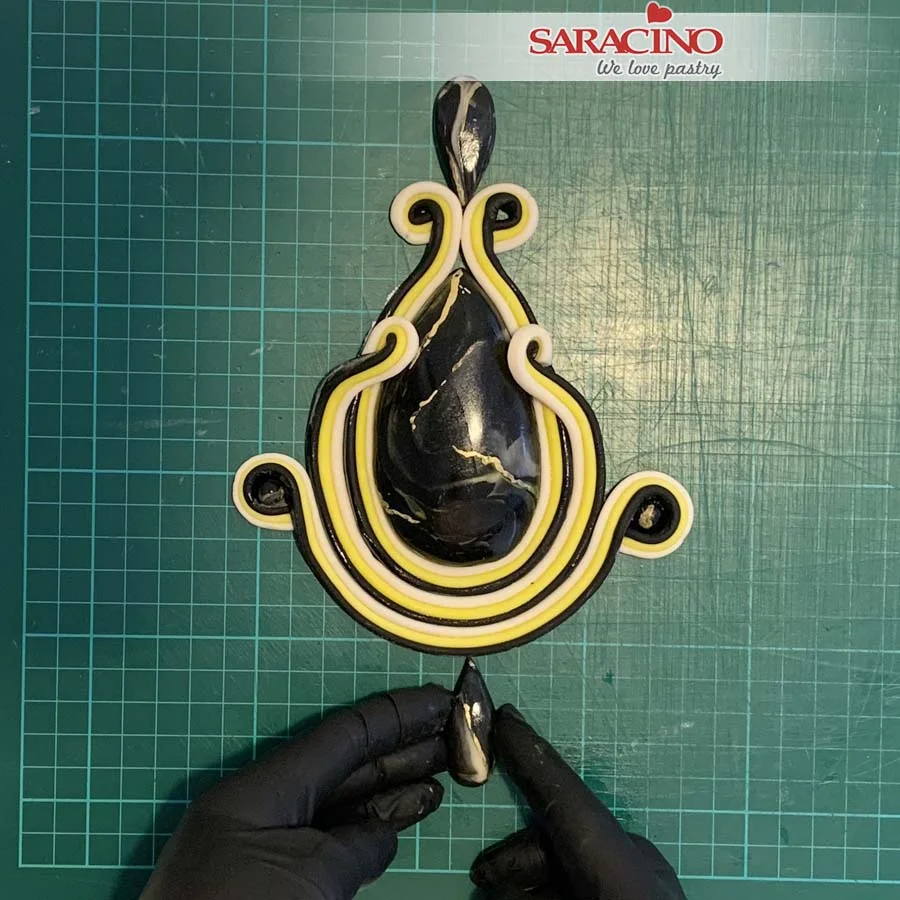
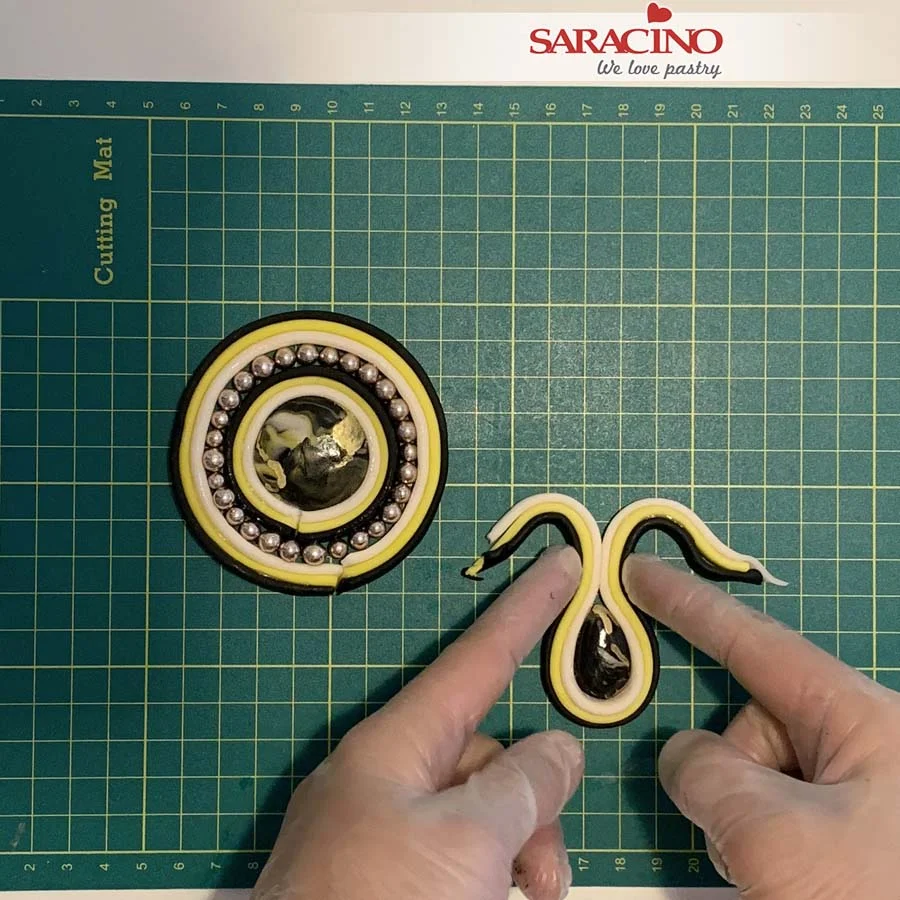
Curl both ends and place two of the previously prepared small circles inside the curl. Fix smaller tear drops on the top and bottom of the design.
Step 22
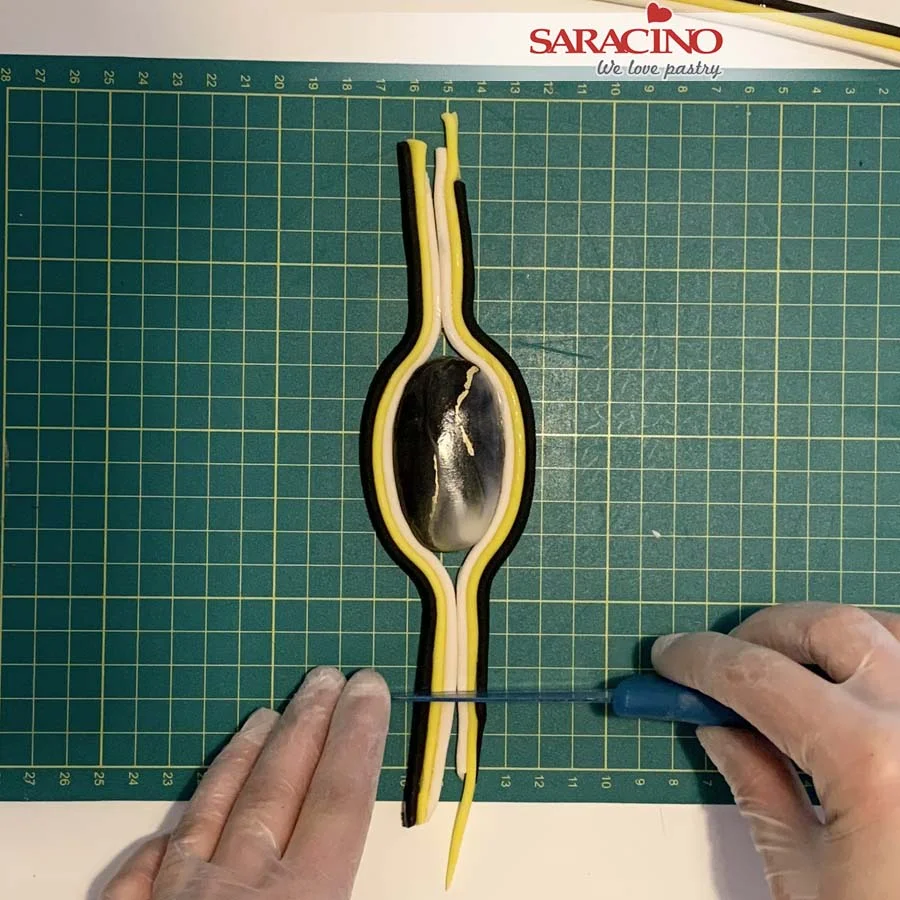
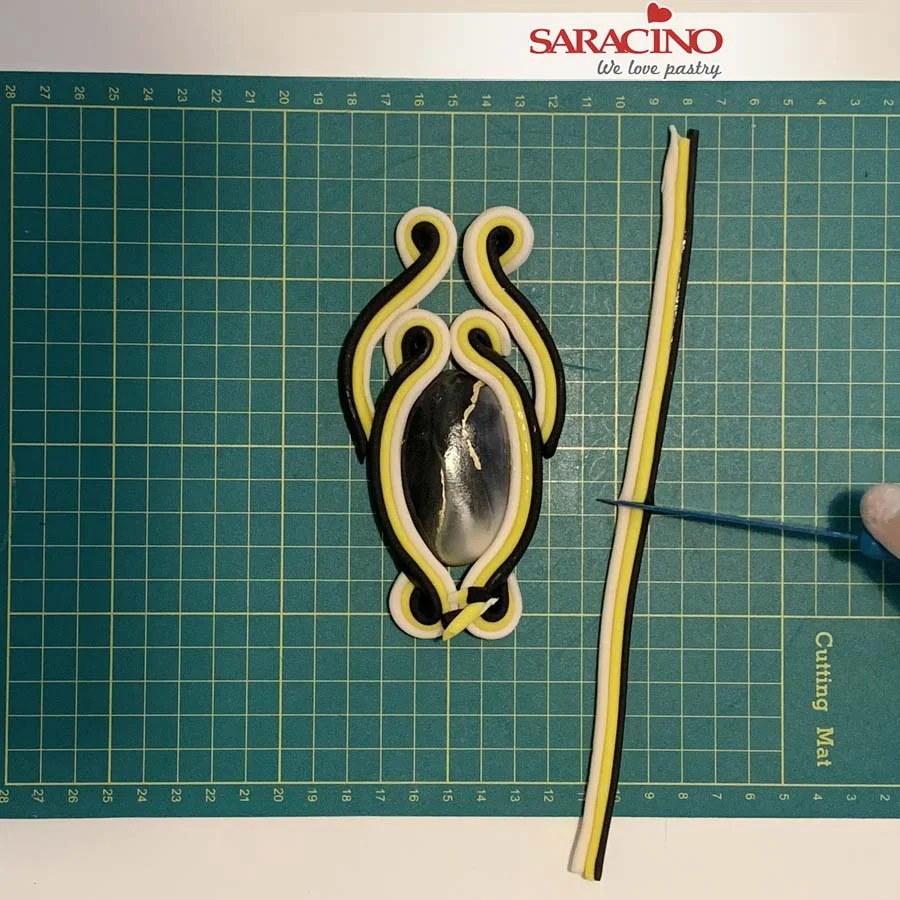
Place an oval shaped stone on your mat and fix two of the coloured strips. Trim the excess leaving a length as shown.
Step 23
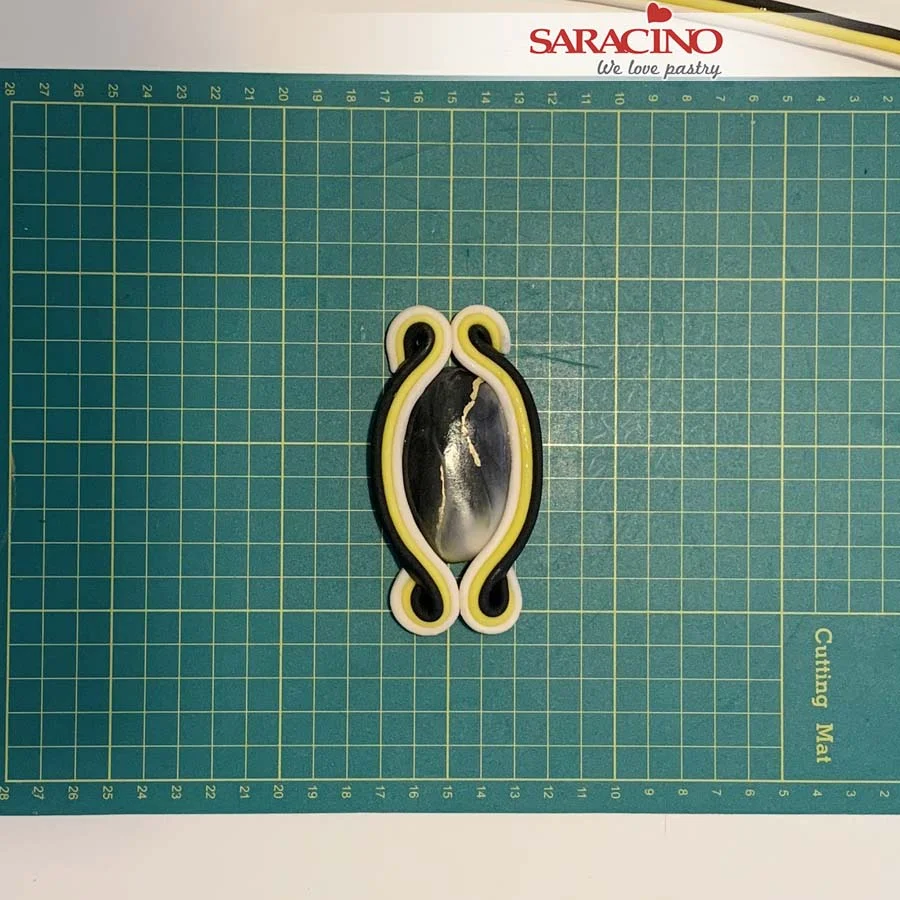
Curl the ends at the top and bottom of the stone.
Step 23
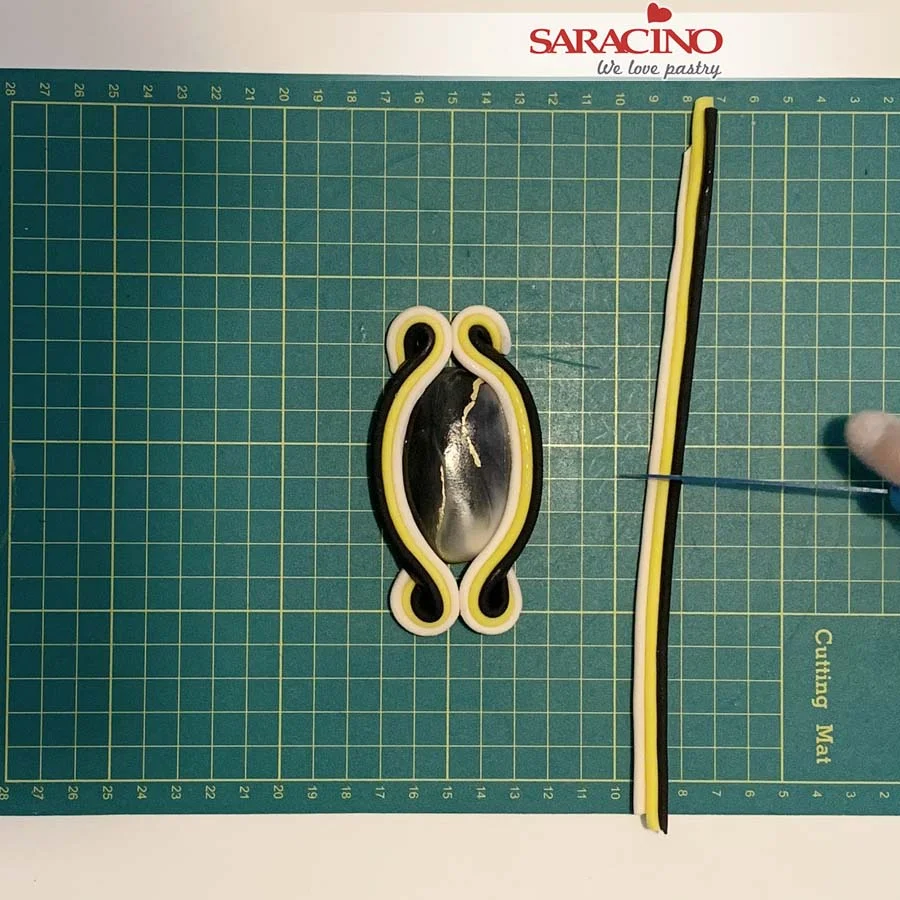
Take one of the strips and cut in half.
Step 24
Curl to create the round ends.
Step 25
Make two identical strips, make sure the skin colour is inside on both sides.
Step 26
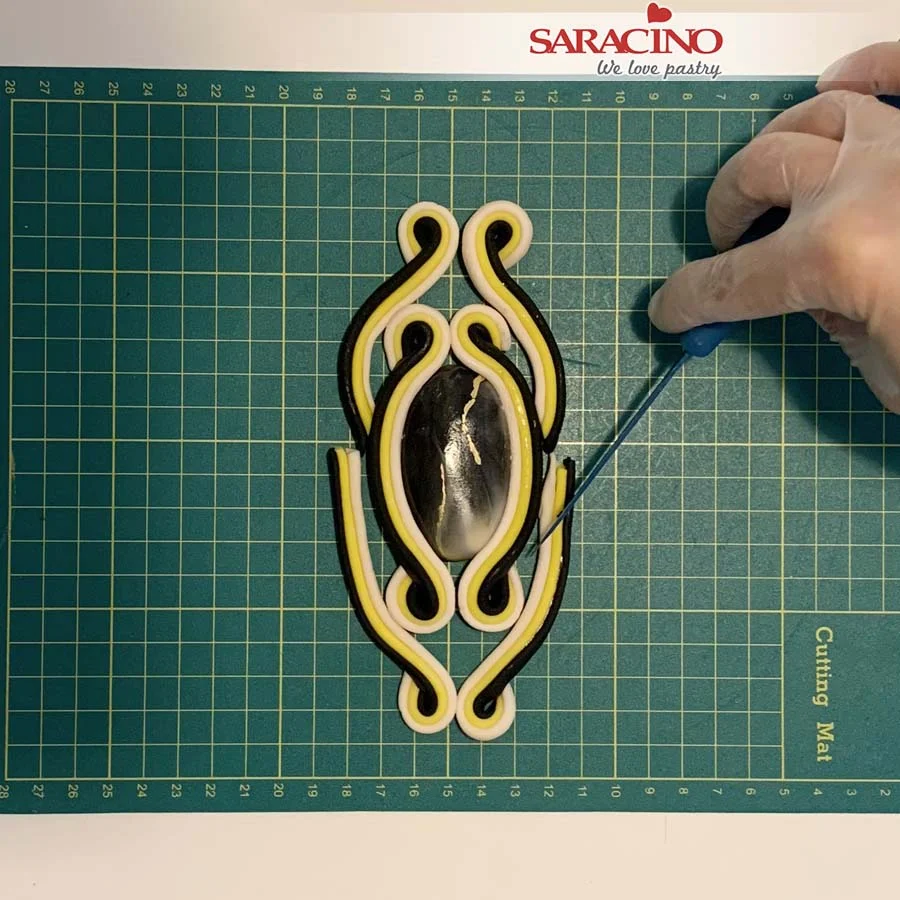
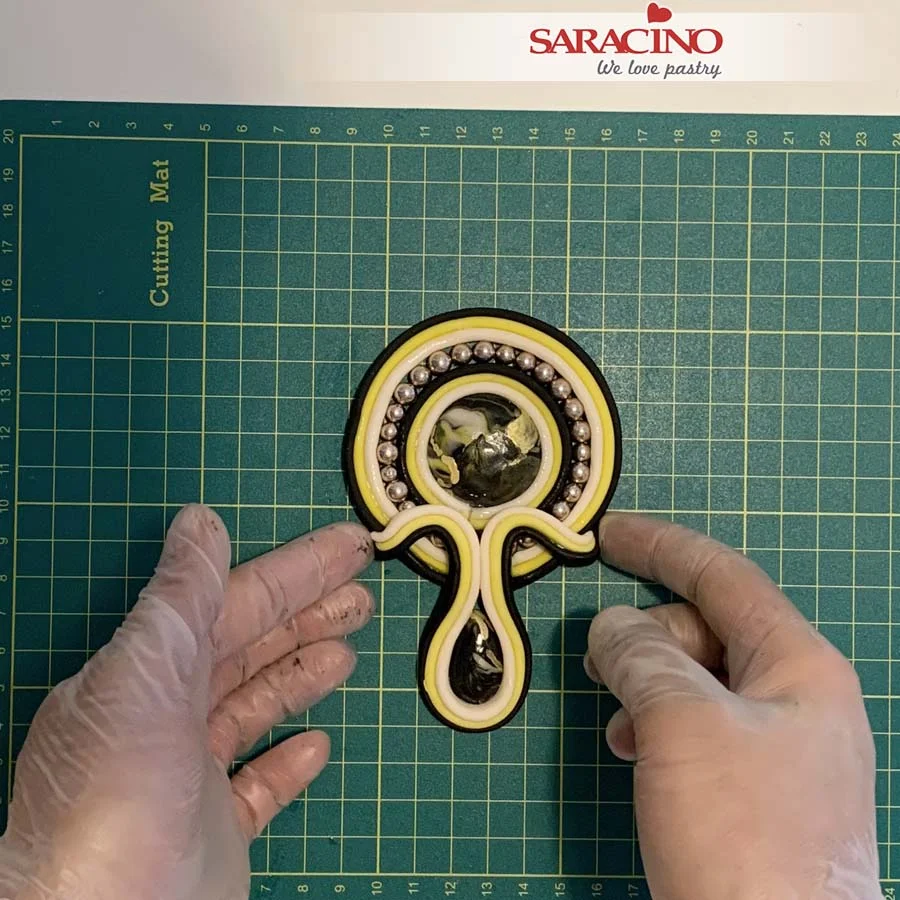
Place the two strips on the top of design and prepare another two.
Step 27
Place strips on the bottom and trim the excess to the length required.
Step 28
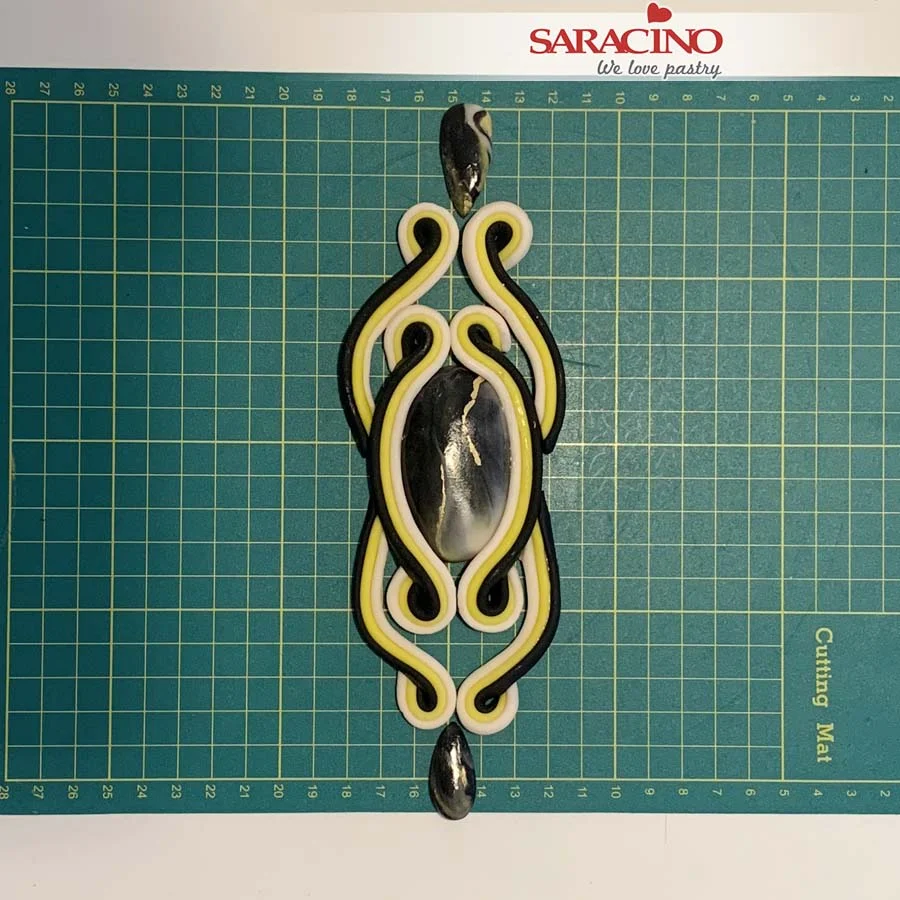
Using two small tear drop shapes place them at the top and the bottom. Do not stick them just yet, we will fix them directly onto the cake.
Step 29
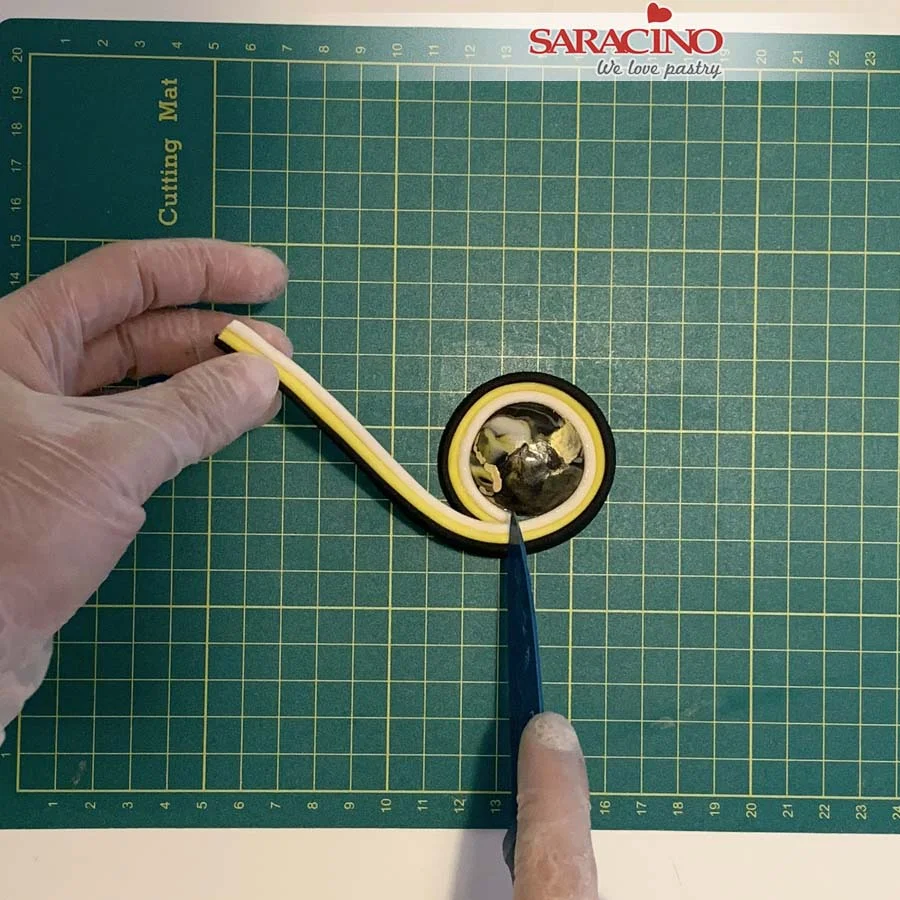
Using a round stone wrap a strip of the modelling paste around it. Trim the excess.
Step 30
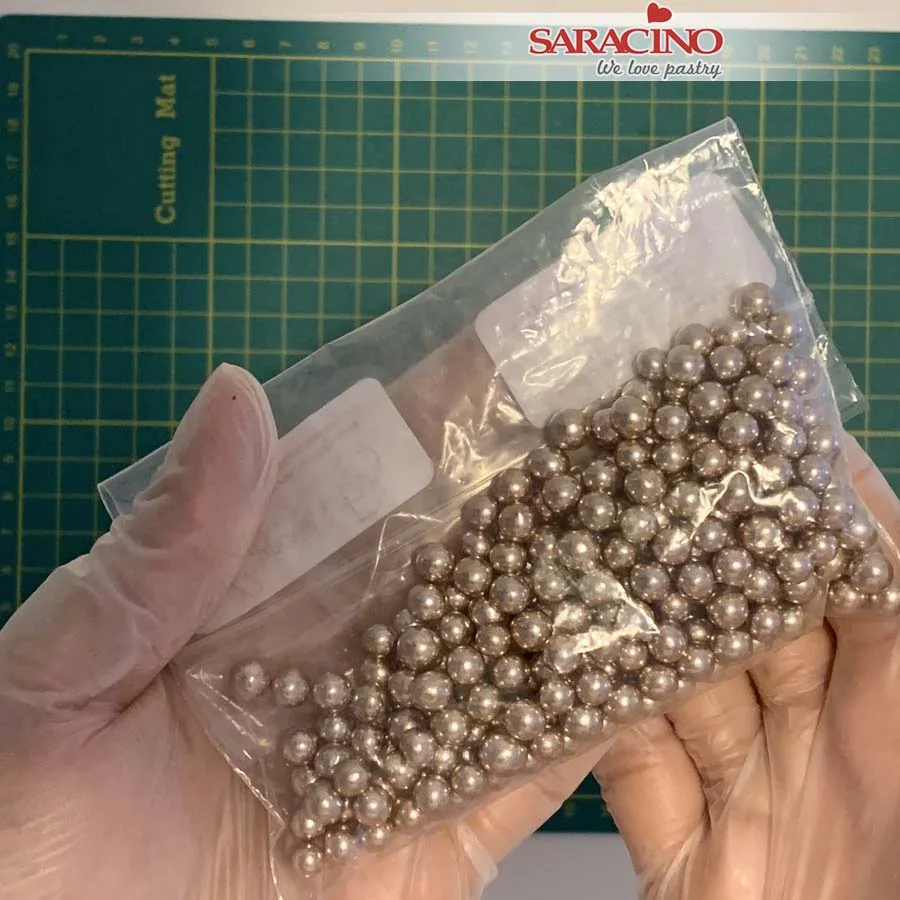
You will need 3mm – 4mm sugar pearls.
Step 31
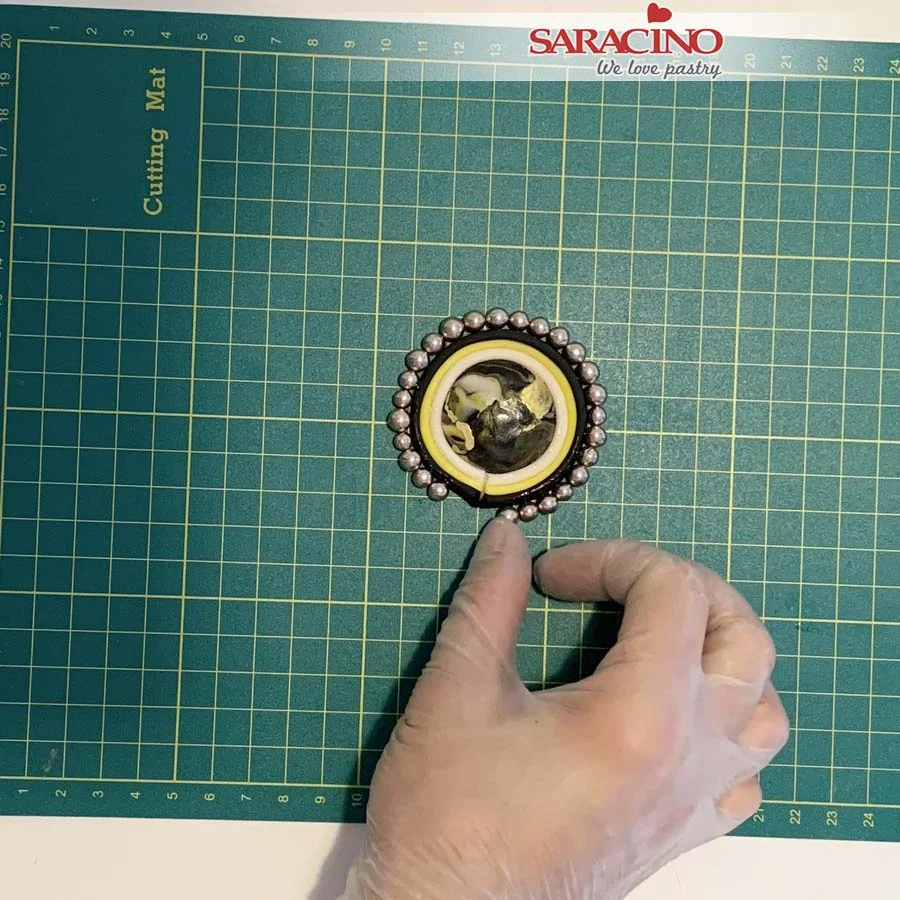
Use cake gel to brush the side. Fix sugar pearls around the perimeter.
Step 32
Apply a little glue to another strip. Wrap it around the pearls.
Step 33
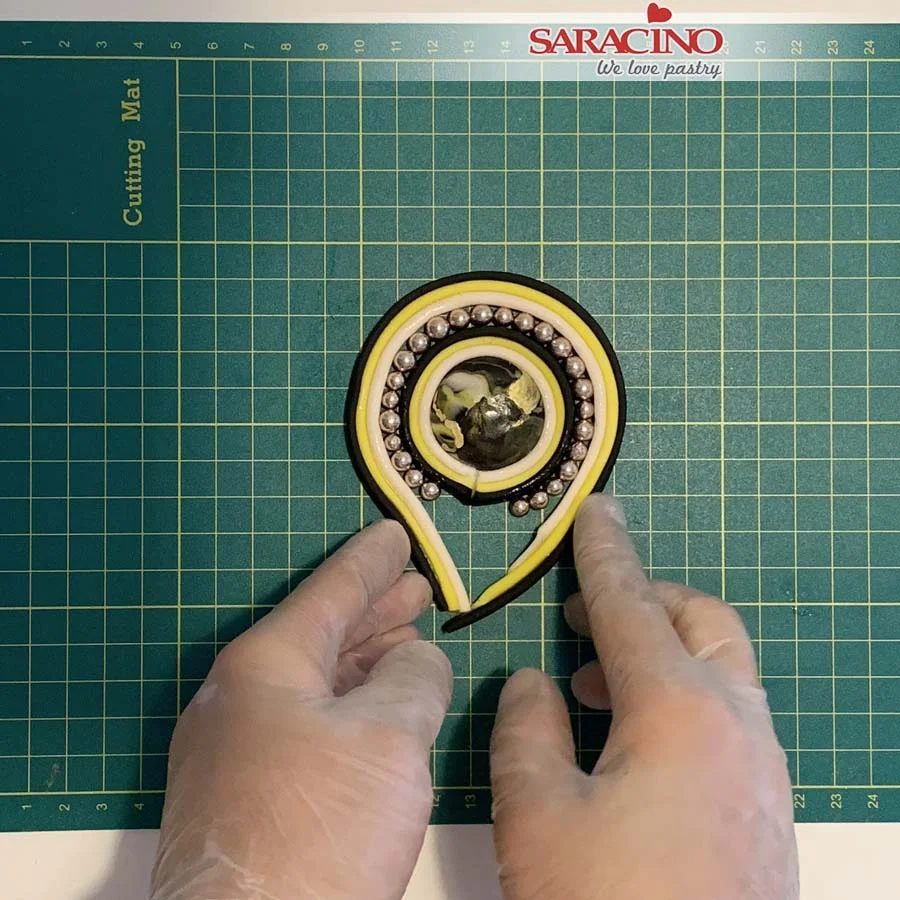
Using a small tear drop stone wrap another three coloured strip around the outside. Fix it together at the top. Place it on top of the round stone design already made. Curl the top.
Step 34
Fix the ends underneath the round design.
Step 35
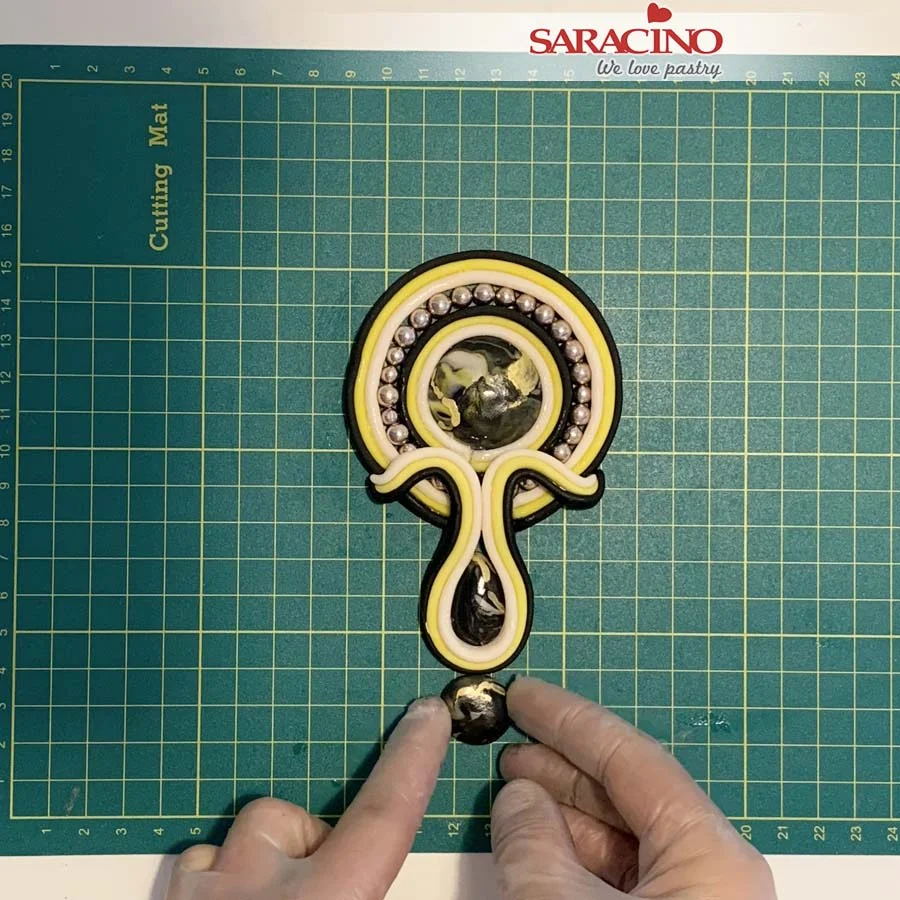
Place two small round stones at the bottom of the design.
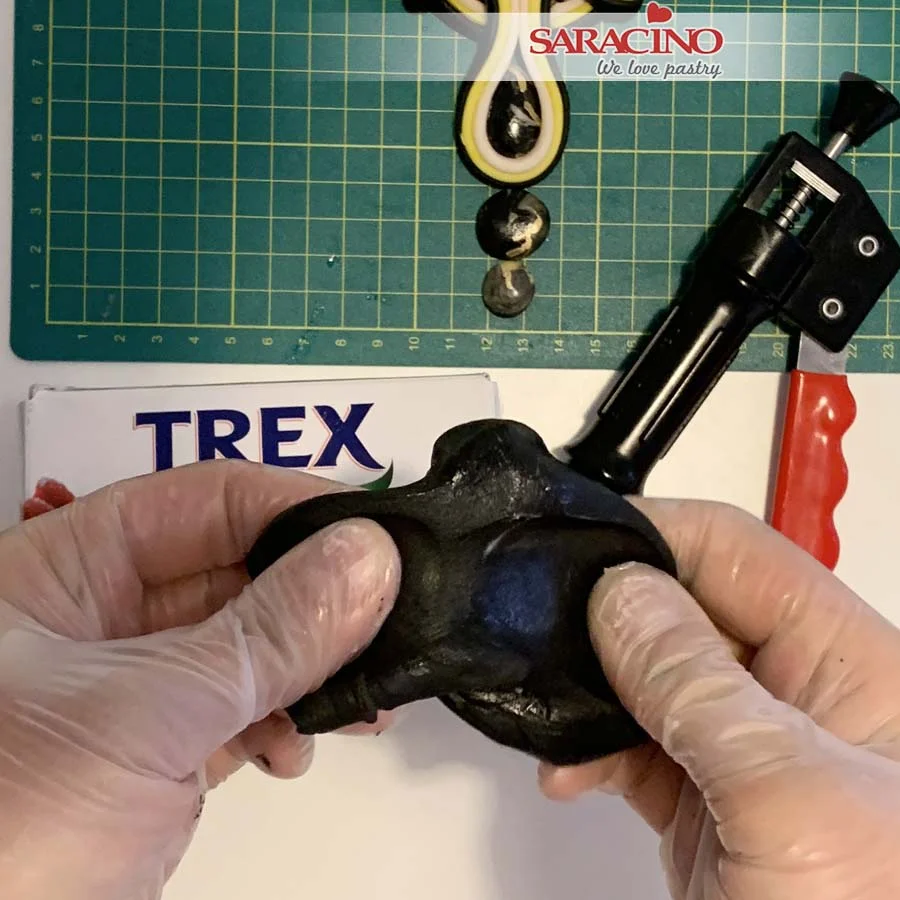
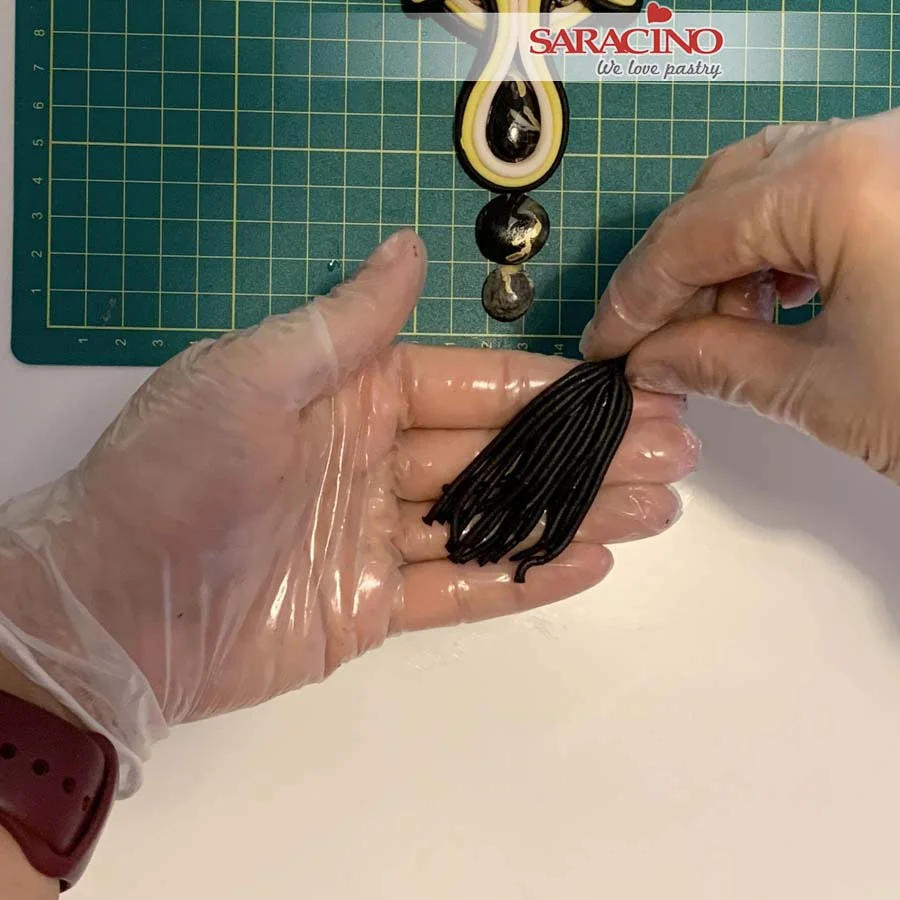
Step 36
Mix black modelling paste with Trex and knead well. Use an extruder with small holes. Push out the paste. Cut to length and repeat the process.
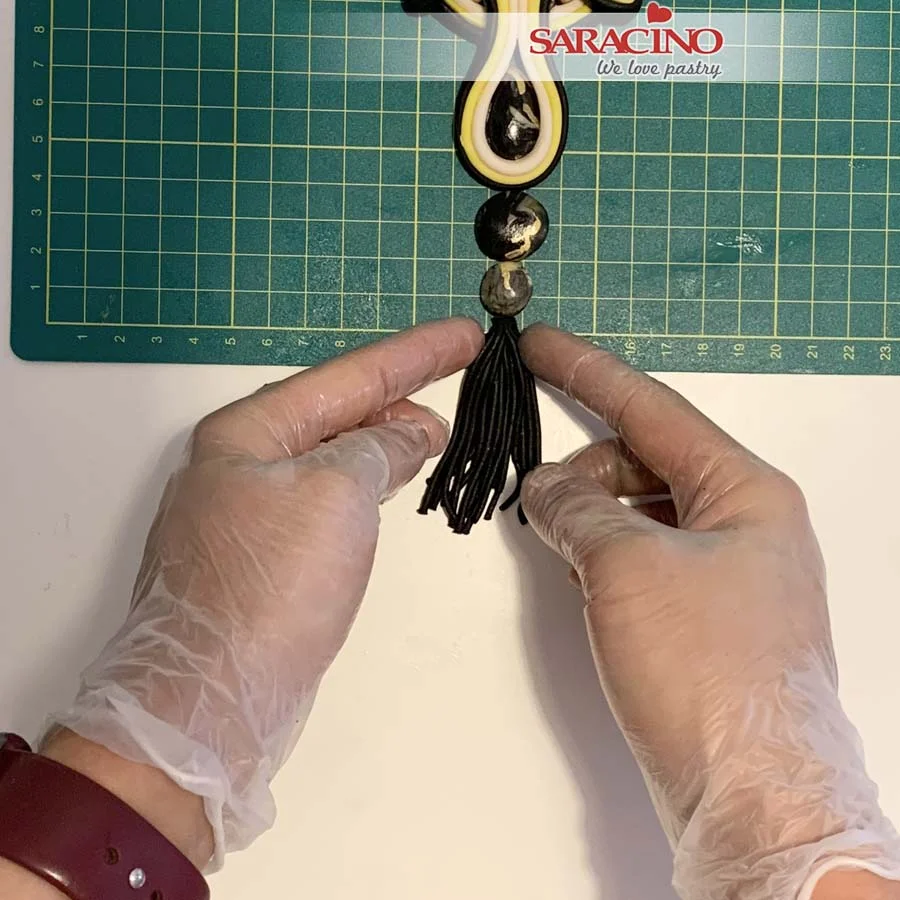
Step 35
Create the tassel by fixing together at the end.
Step 36
Place it on the bottom of our design. Do not fix yet.
Step 37
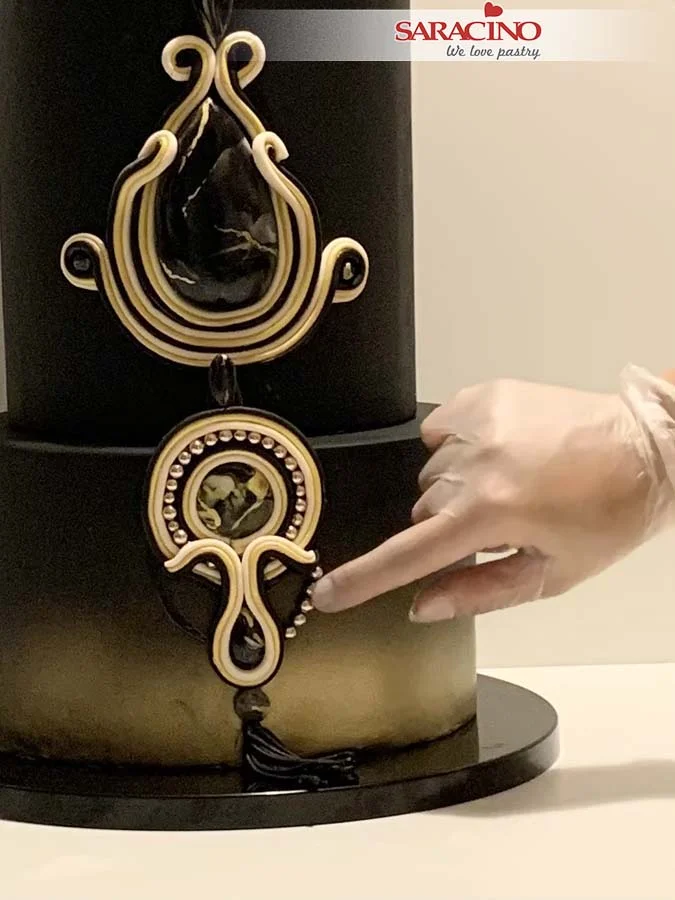
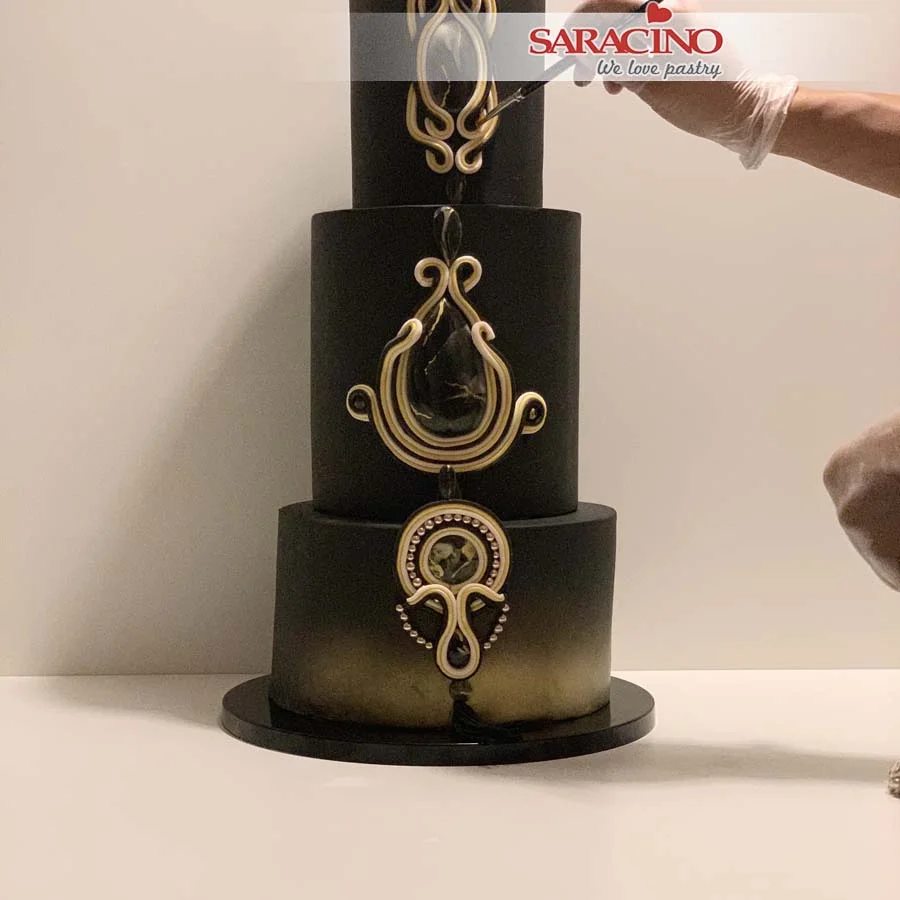
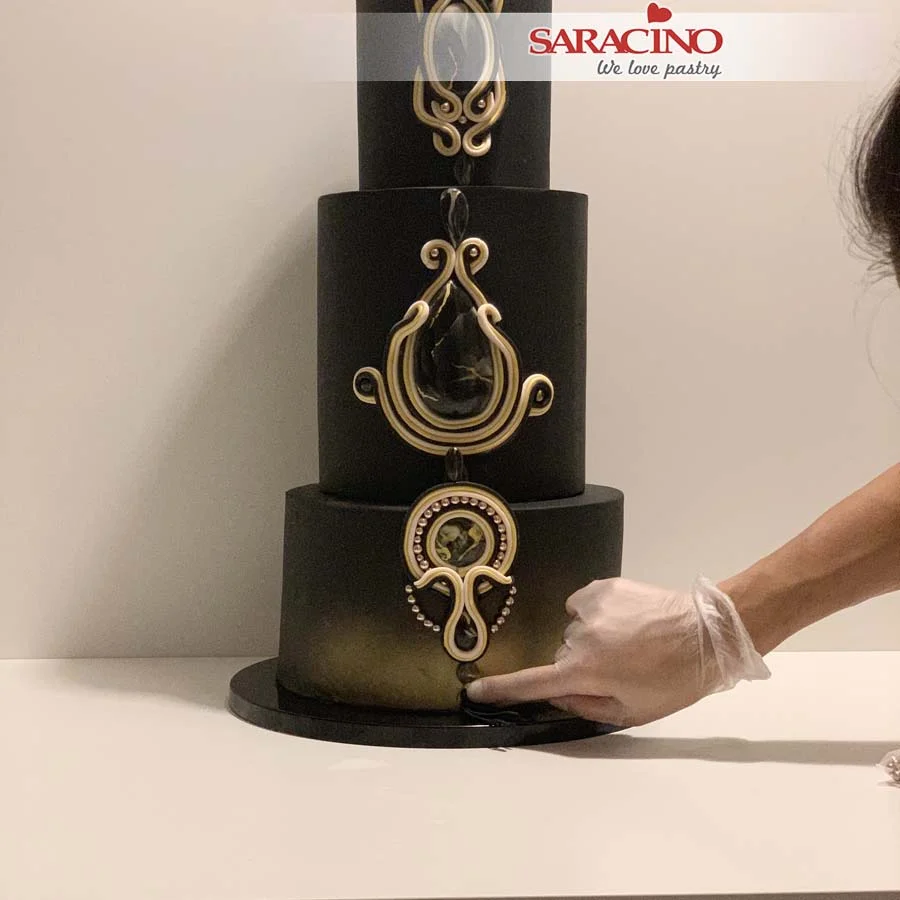
Our three edible jewels are ready to fix to the cake.
Step 38
Use Saracino glaze and gold dust, mix them together. Paint the yellow lines on all three designs.
Step 39
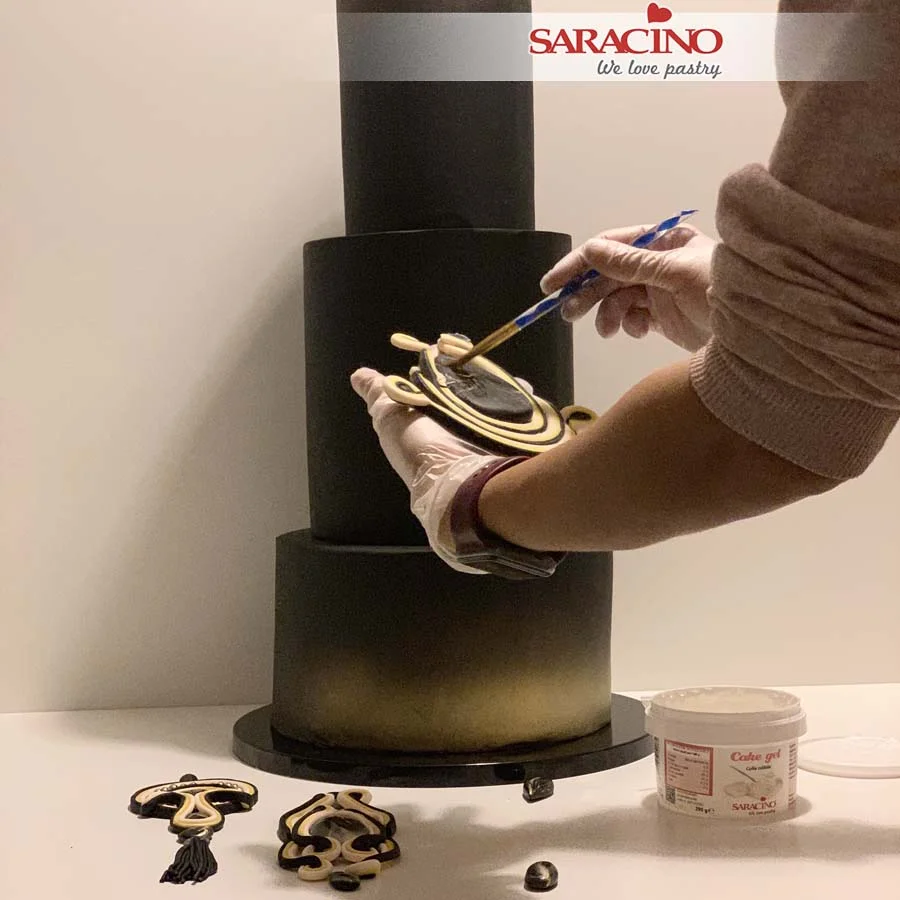
Brush the back of your jewels with cake gel.
Step 40
For the middle tier fix two tear drop stones. One on the top and one on the bottom.
Step 41
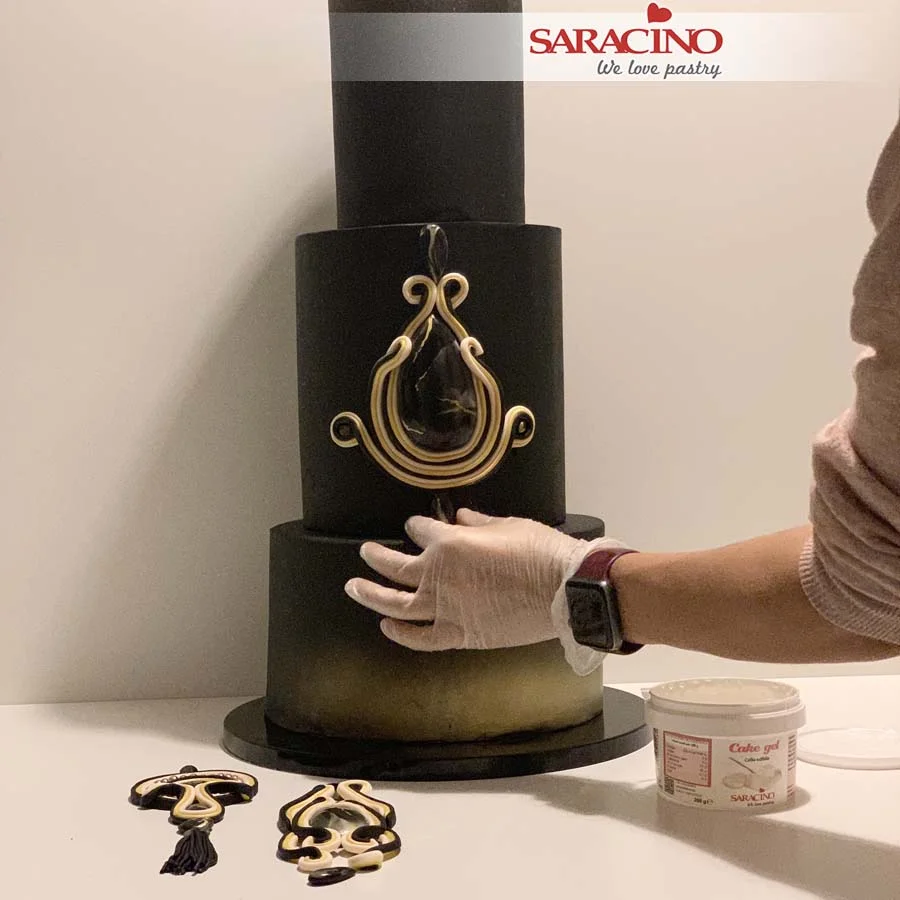
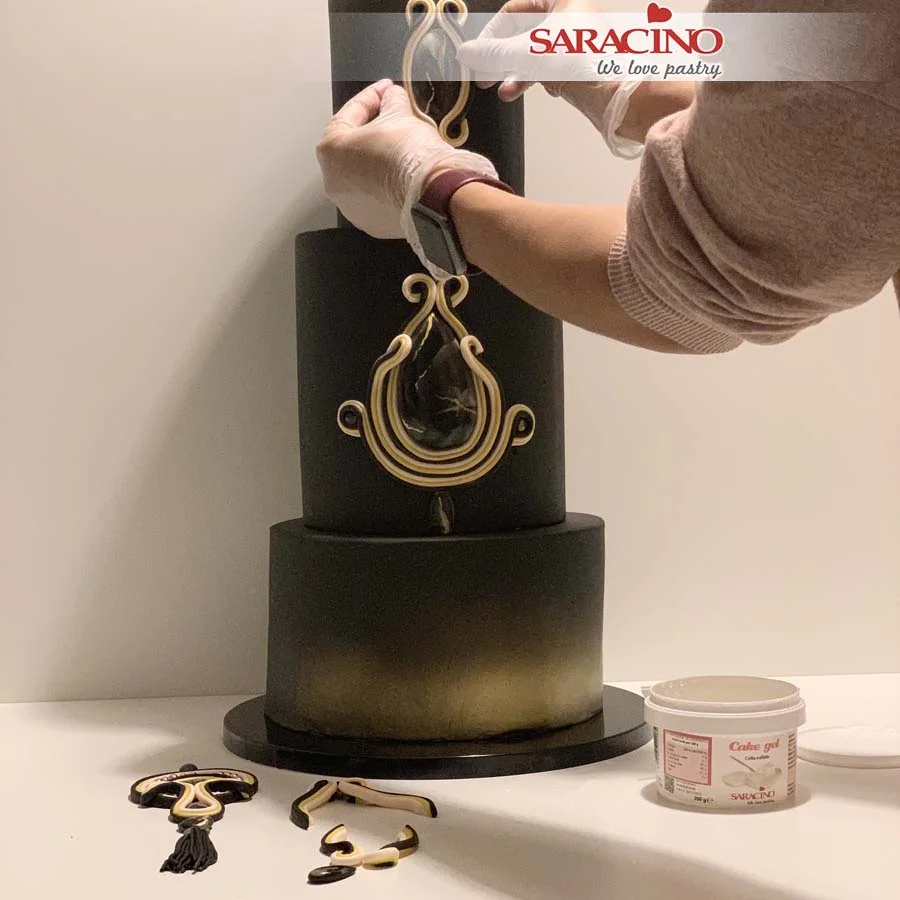
Fix the top tier jewel.
Step 42
Fix the bottom tier jewel and add some pearls to the design.
Step 43
Add a little glue ready to fix sugar pearls inside the curves on the middle and top tier.
Step 44
Fix the pearls inside the curls. Fix the tassle and ball to the lower jewel. Place the final sugar pearl just above the tassel.
Apr 6, 2021 | Cakes, Modelling
Skill level: INTERMEDIATE
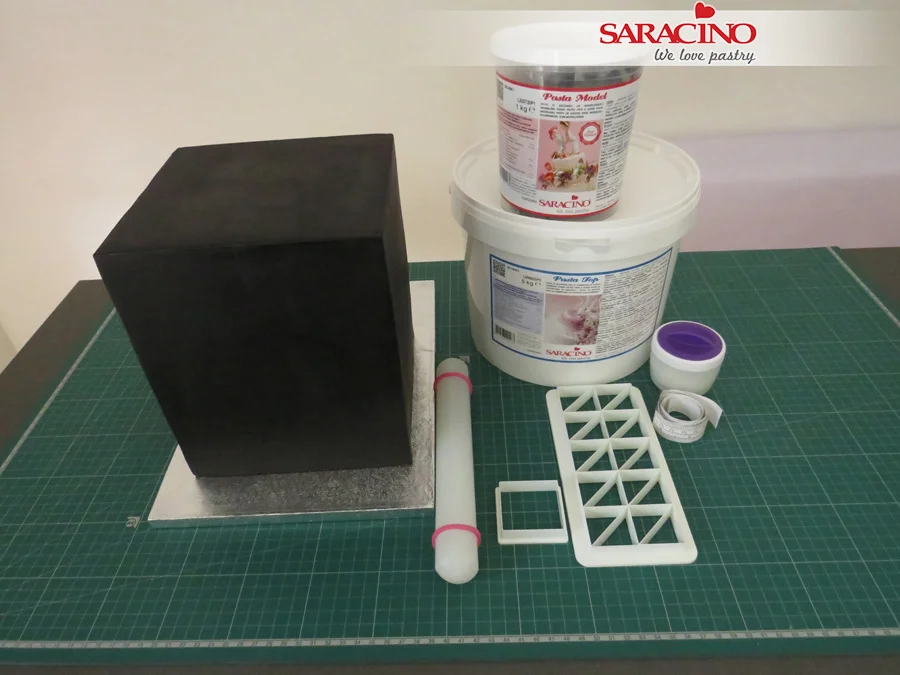
You will need:
INGREDIENTS:
- Saracino Black Pasta Top
- Saracino White Pasta Top
- Saracino Black Pasta Model
- Saracino Ready to Mix Royal Icing
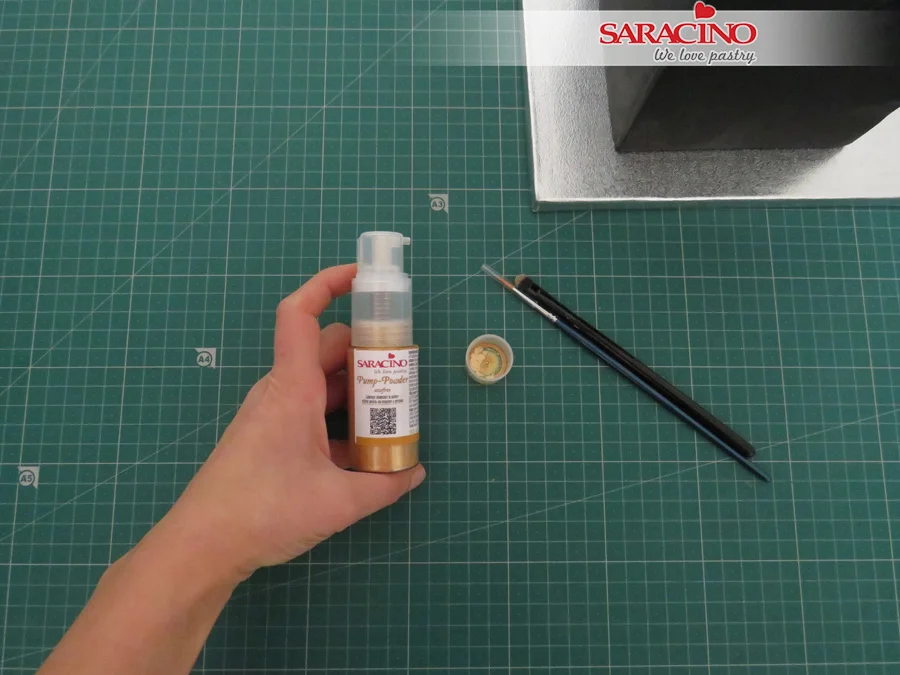
- Saracino Gold Spray Pump-Powder
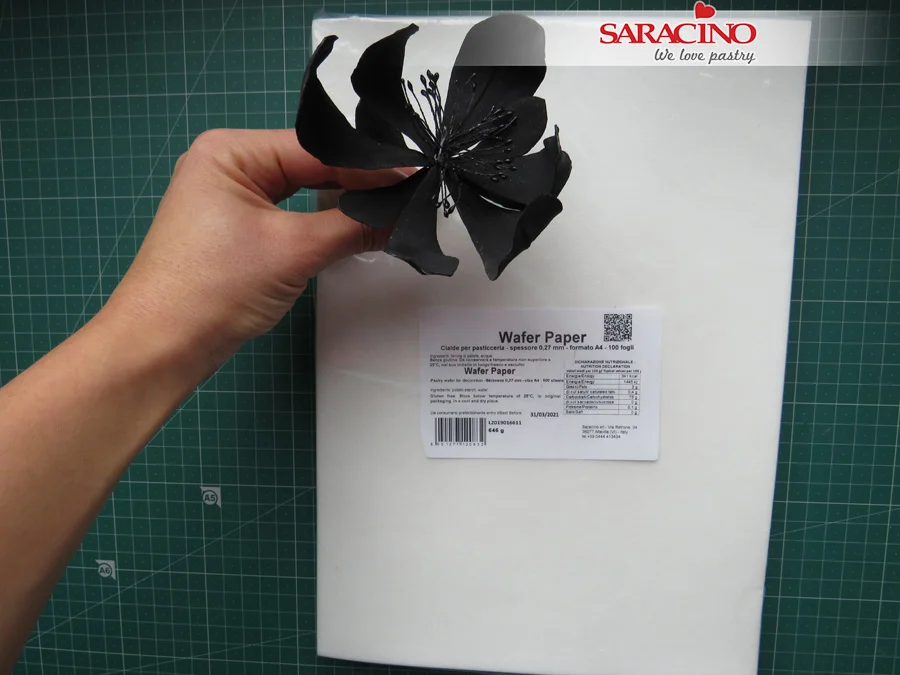
- Saracino Wafer Paper – 0.27 mm thick
EQUIPMENT:
- 2 square cake dummies – 5”, 7”/ top – 6” deep, bottom – 8” deep / or a square cake of two tiers
- Cake turn-table
- Rolling pin with spacers
- Fondant smoothers
- Exacto knife
- Food grade rejuvenator spirit or clear alcohol
- Ball modelling tool
- Dresden tool
- Piping bags
- Piping metal nozzles – No 2 and No 3
- PME multi-cutter or any rectangle cutter set
- Square cutter
- PME strip cutter No 1
- Square cake drum
- Edible glue
- Black edible gel colour
- Clean brushes
- Round sponge brushes
- Scratch wire brush/ Metal brush
- Posy flower picks
Step 1
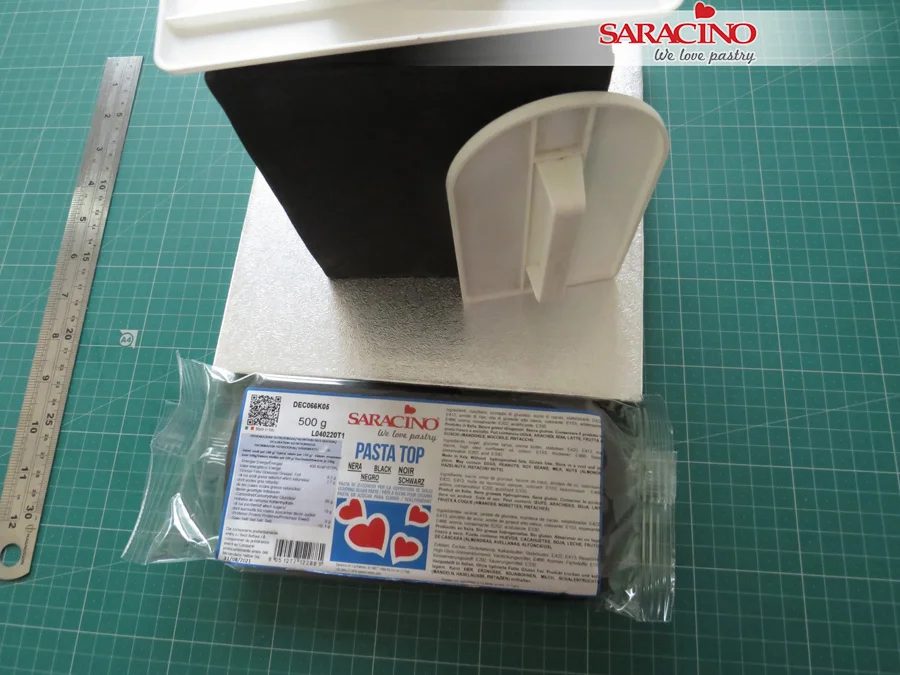
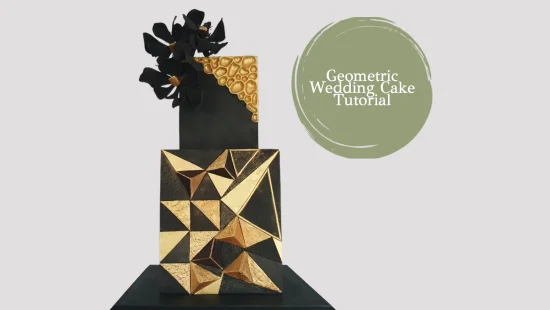
Cover your cakes/dummies using the Black Pasta Top and leave the front side of the top tier uncovered. You can use panelling method to cover the dummies.
TIP 1: Pasta Top is Vegan, Gluten free and has NO hydrogenated fats. It’s very stretchy and can be rolled very thin.
TIP 2: Panelling square cakes is a bit more time-consuming than covering a square cakes in one piece of fondant, but it does result in super sharp and clean edges, so the extra time is worth it.
Step 2
Roll out the fondant to about ¼” (6 mm) thick.
Step 3
Trim the fondant to your cake measurements and try to keep it as square as possible.
Step 4
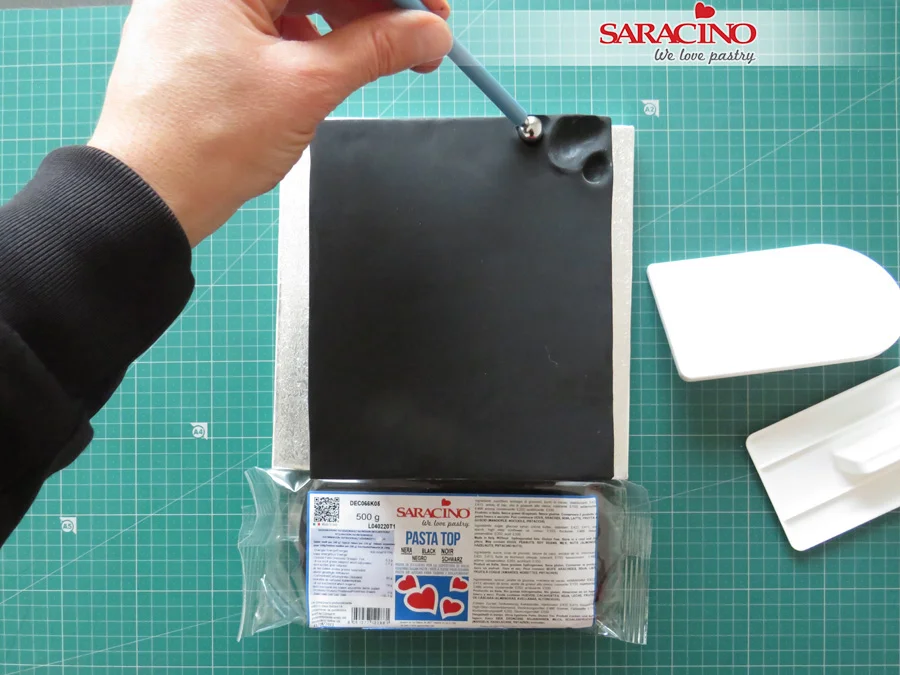
Take the fondant panel and place it at the front side of the top tier. Use the fondant smoothers around the side and top of the cake. Keep smoothing until you get sharp edges.
Step 5
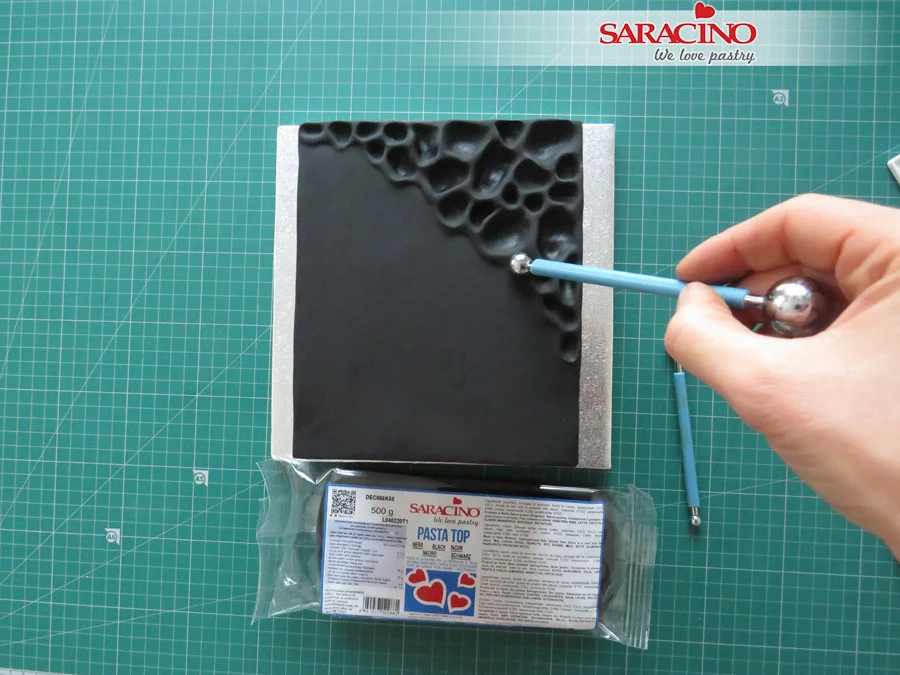
Turn the cake front side up and start to press your ball tool into the fondant to form the moon crater pattern.
Step 6
Keep forming it until you get the desired effect.
Step 7
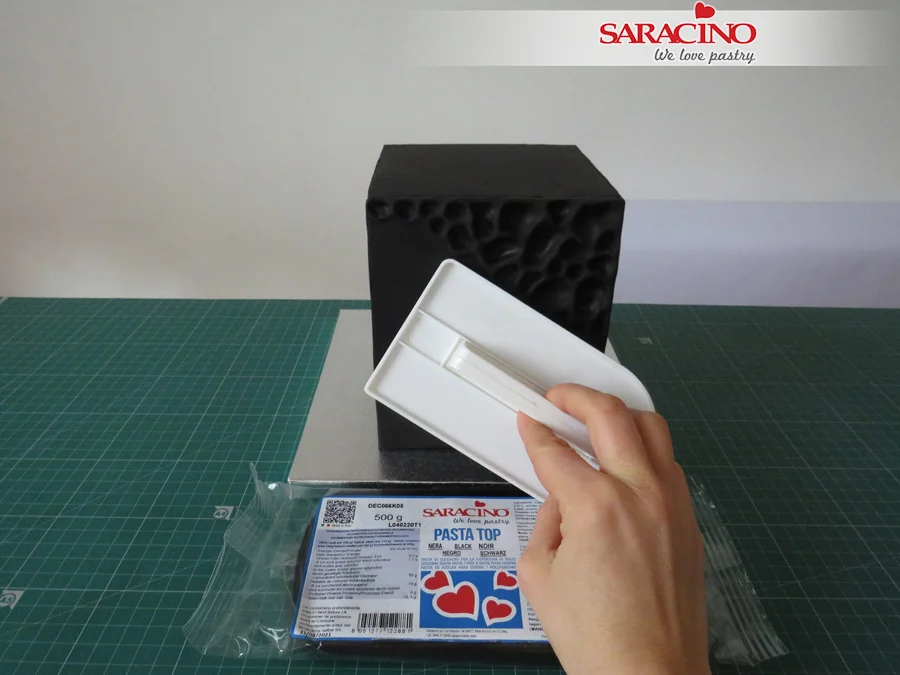
Gently press the smoother onto the fondant to form an edge at the end of the pattern.
Step 8
Use Saracino Pump-powder Gold Dust and mix it with a few drops of food grade rejuvenator spirit or clear alcohol.
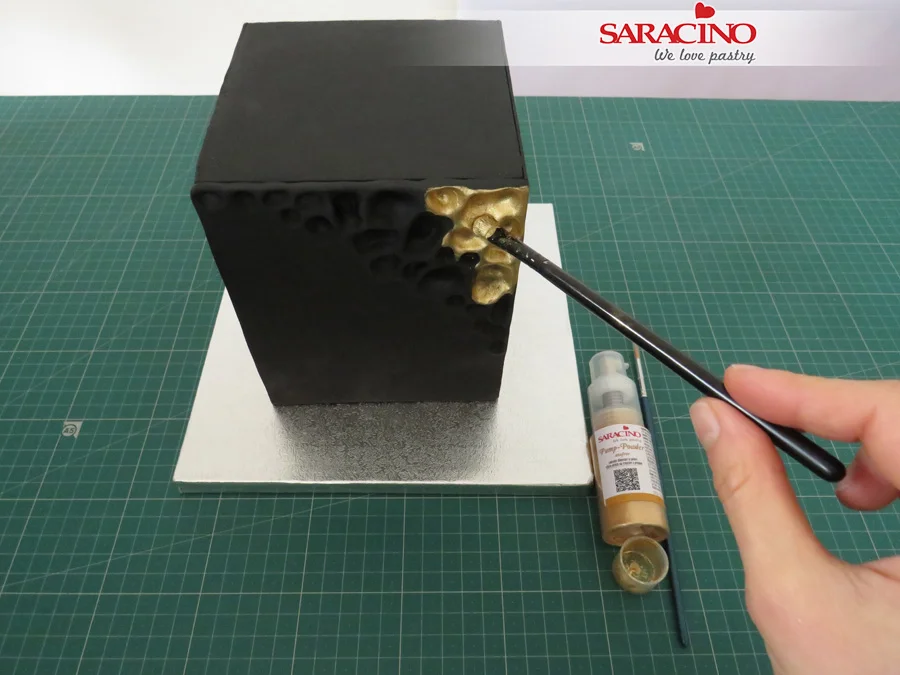
Step 9
Apply the gold mixture with a flat brush onto the pattern.
Step 10
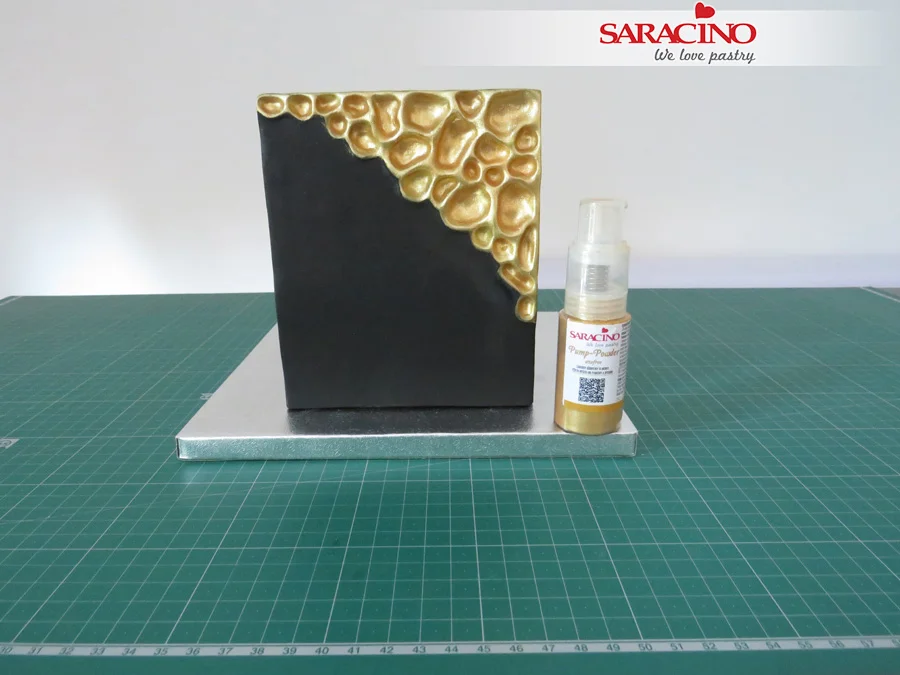
Cover the whole pattern part and paint it again after the rejuvenator spirit evaporates.
TIP: You can apply a thin layer of piping gel to cover your pattern. Then use the pump-powder and spray over it to get different shades of metallic colour.
Step 11
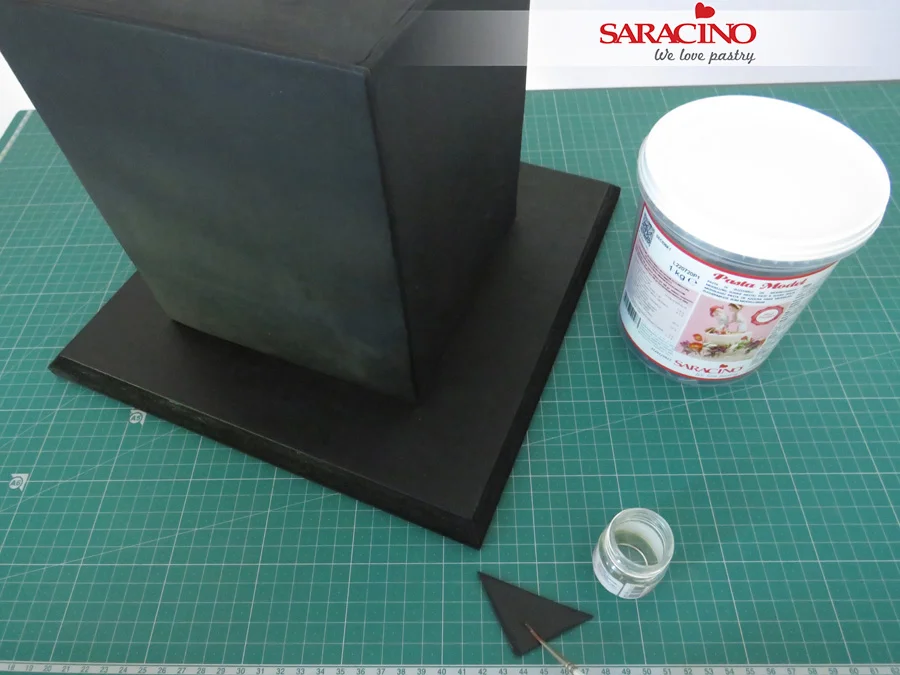
Put the bottom tier on a cake drum and choose at least two sizes of triangle cutters.
Step 12
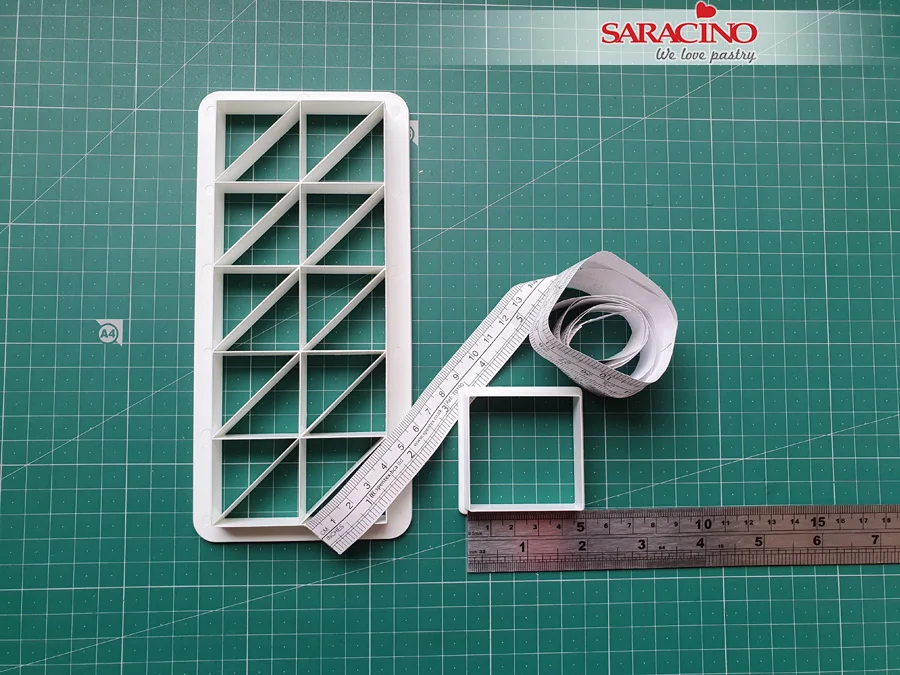
Measure your triangle cutter. Use the height of the small triangle and make sure it’s equal to the length of the side of the big triangle.
TIP: Use isosceles triangles for the main part of the design as it has 2 sides of equal lengths and helps you to finish it easier.
Step 13
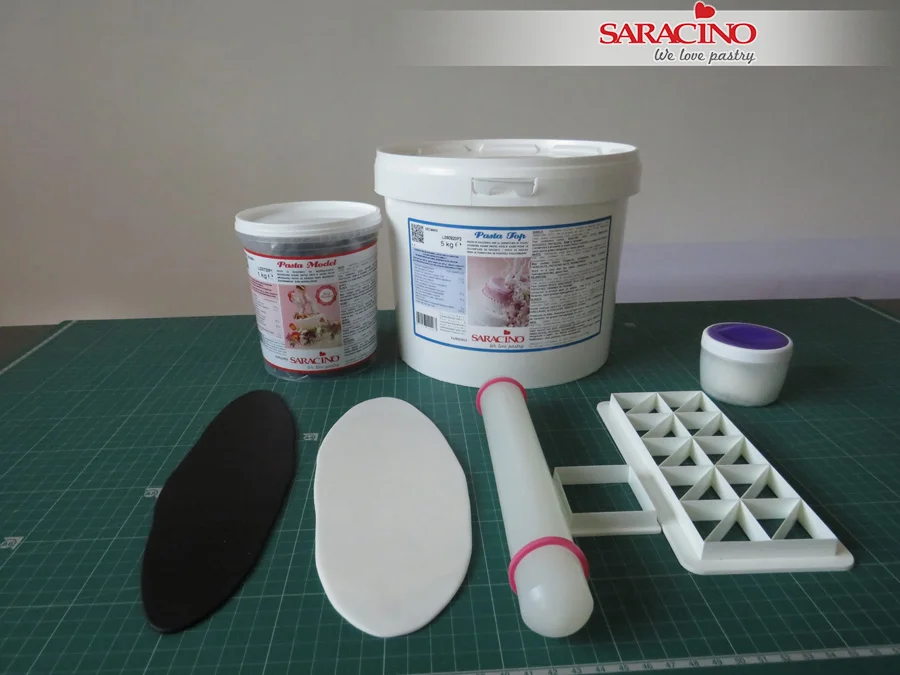
Roll out a piece of black Pasta Model and another piece of white Pasta Top.
Step 14
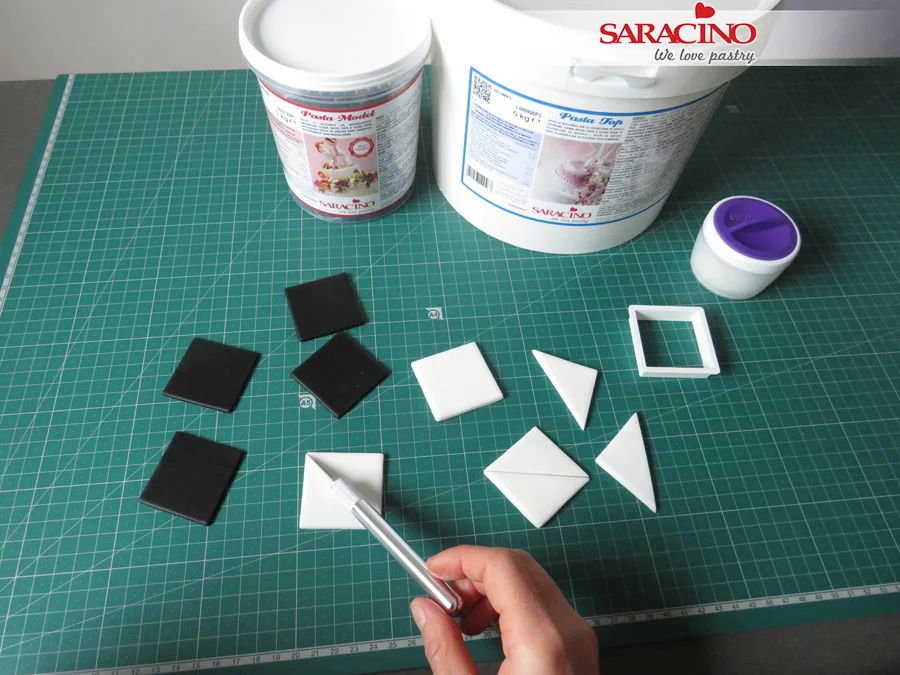
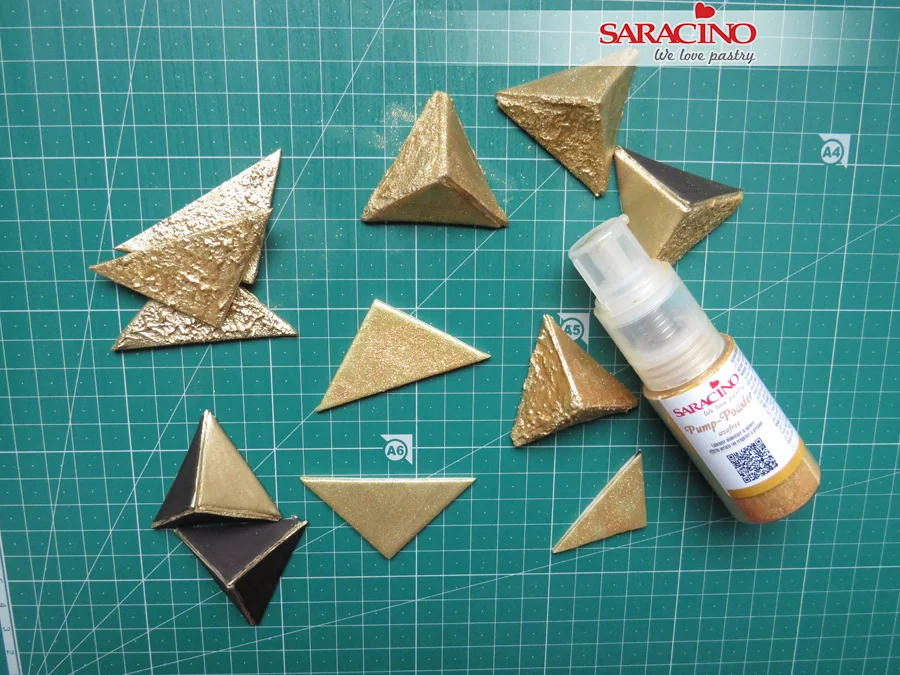
Cut some squares of both colours. Use the exacto knife to cut each square from corner to corner to form two equal larger triangles.
Step 15
Leave the shapes aside and let them dry out.
Step 16
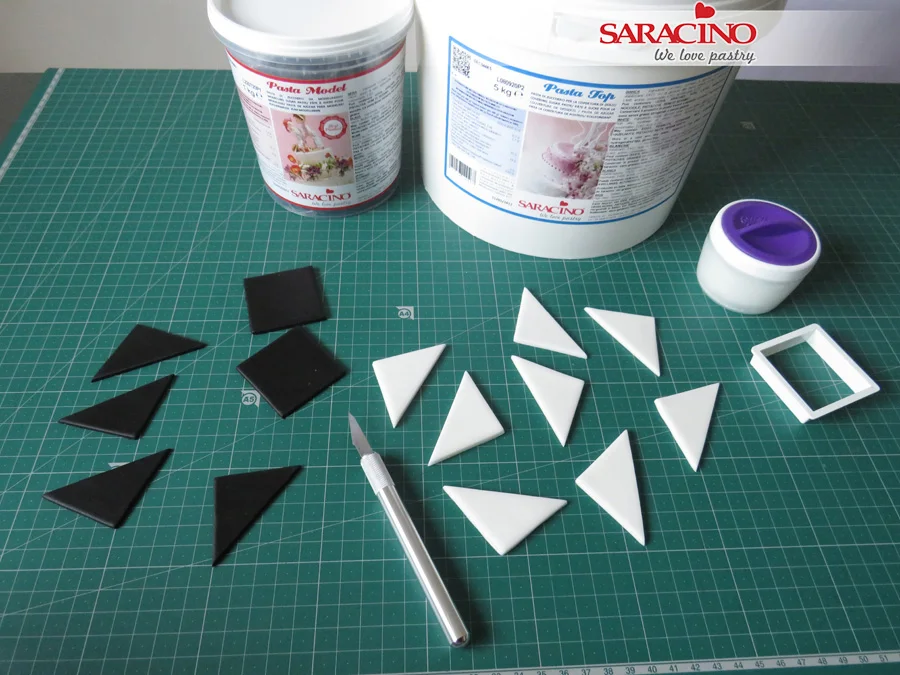
Roll out a piece of white Pasta Top for the small triangles.
Step 17
Use the triangle cutter to cut them out. You’ll need at least 8 pieces of each colour.
Step 18
Put them aside and allow to dry out.
Step 19
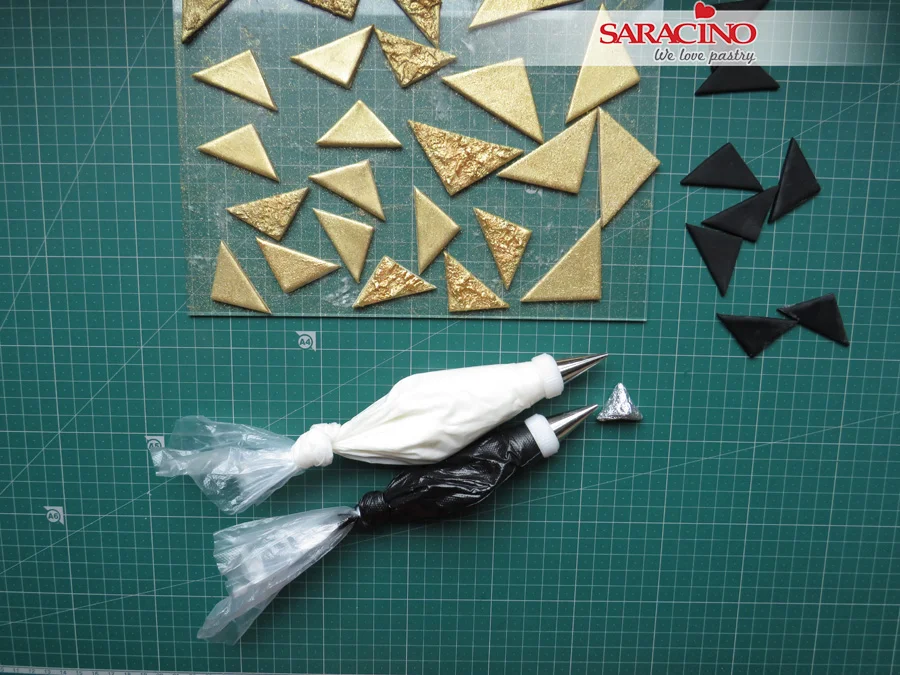
You’ll need two colours of Royal Icing – black and white. For the black one, use gel colour to achieve black Royal Icing.
Step 20
Prepare the Royal Icing. Follow the instructions on the package.
Step 21
You will need a toothpaste consistency (soft peaks).
Step 22
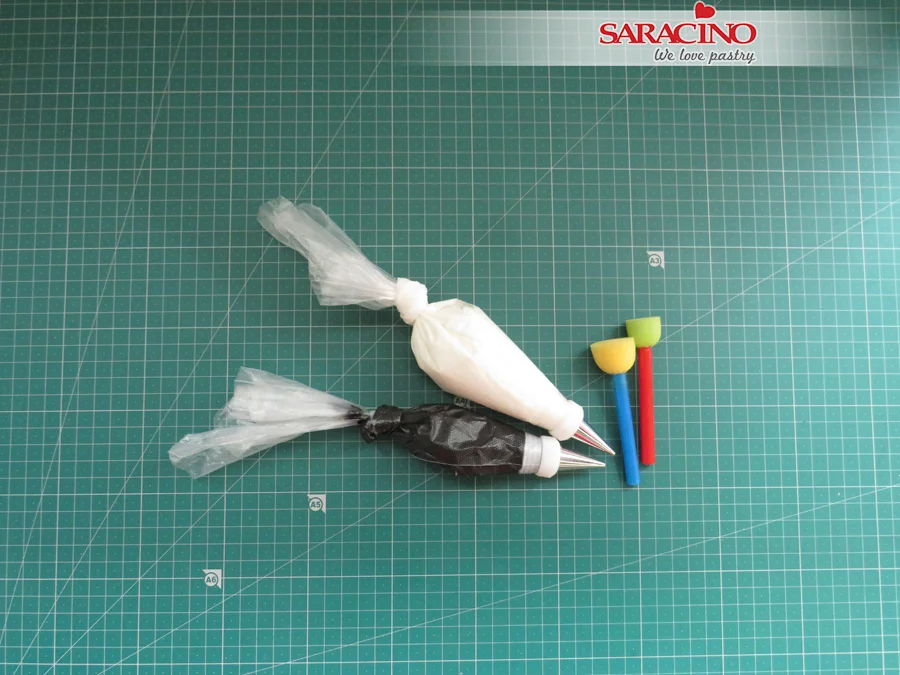
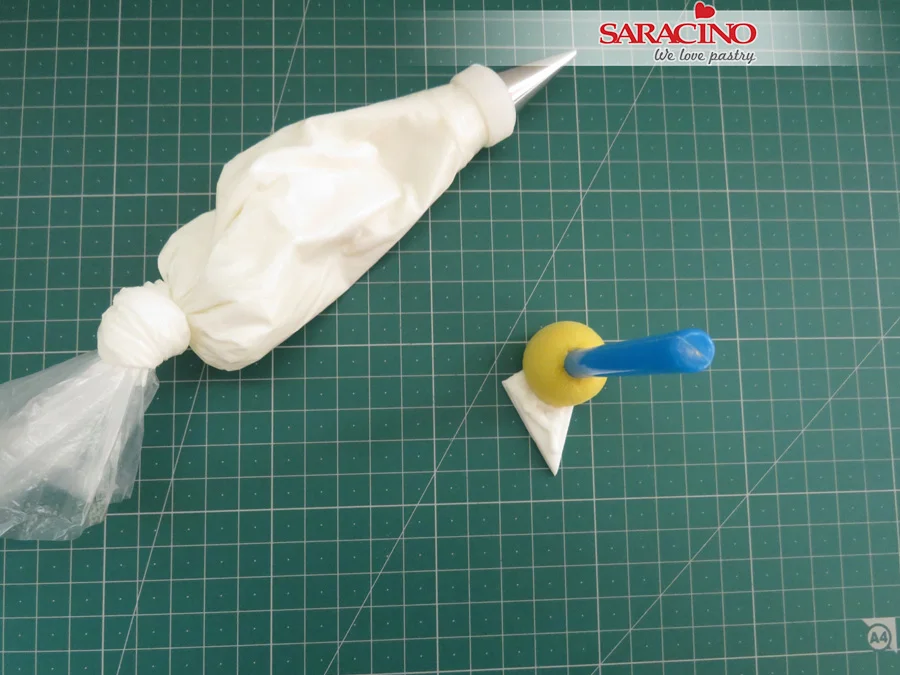
Put the Royal Icing in two piping bags with metal nozzles on – No 2 and No 3.
Step 23
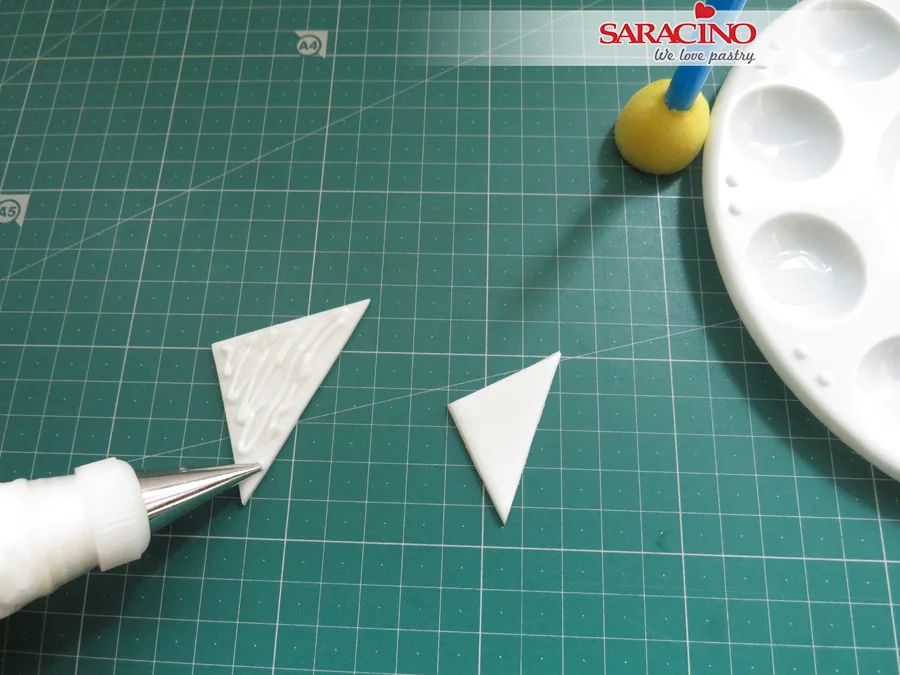
Pipe a few lines across the dried triangle
Step 24
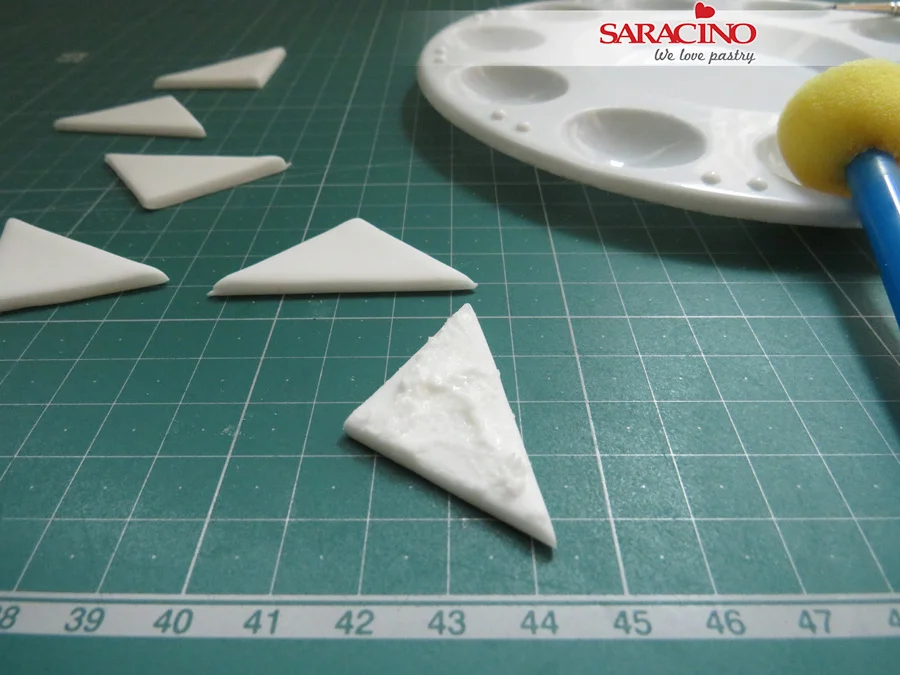
Apply the sponge brush firmly onto the piped lines and pull it out gently to form the peaks pattern.
Step 25
Leave it aside to dry out and make a few of each size.
TIP: Use black Royal Icing for the black triangles if you want to achieve different shades of the gold colour.
Step 26
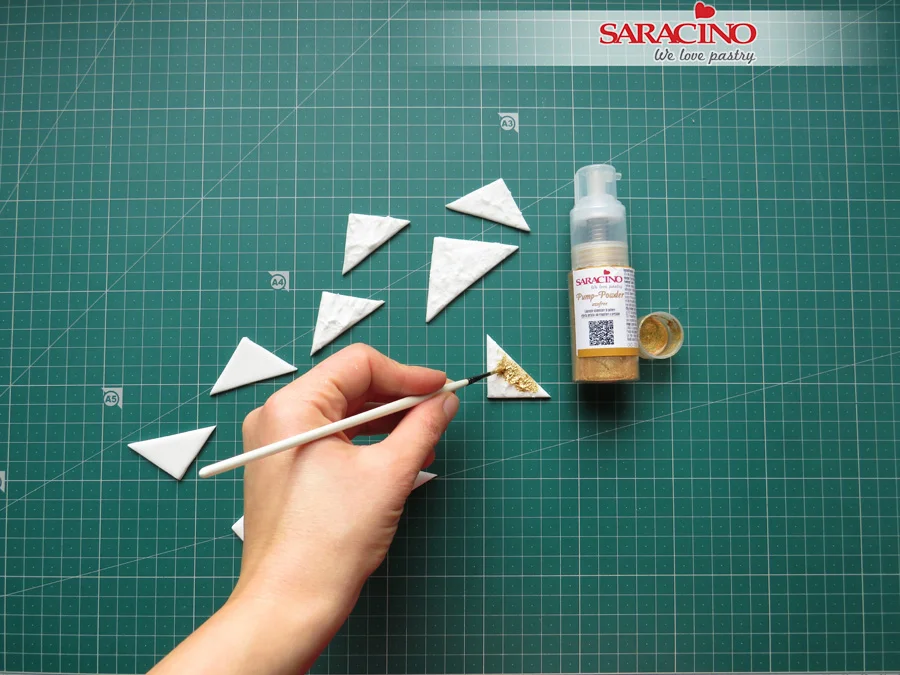
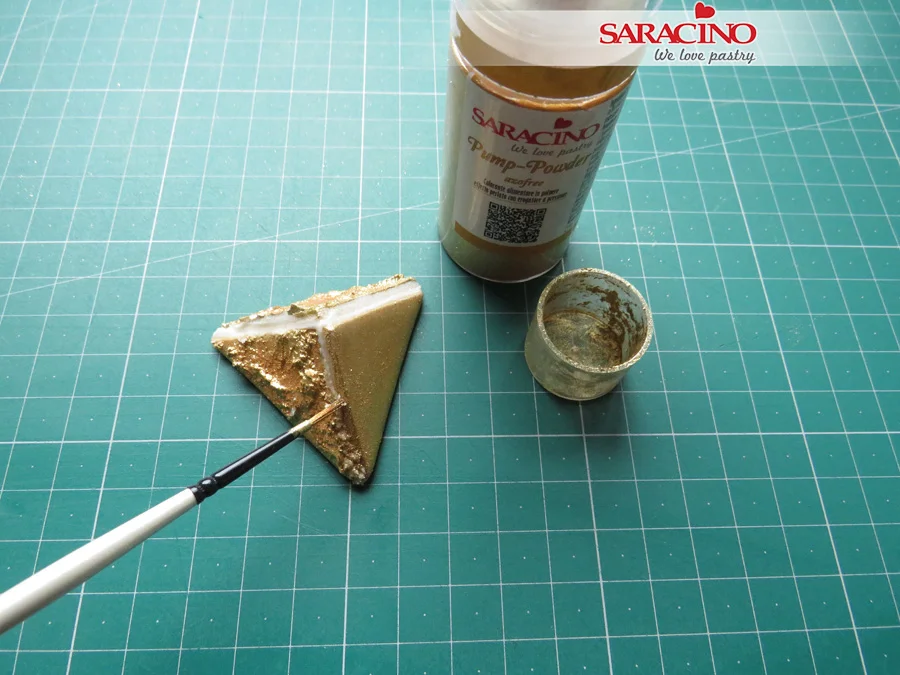
Apply the gold mixture onto the peaks pattern.
Step 27
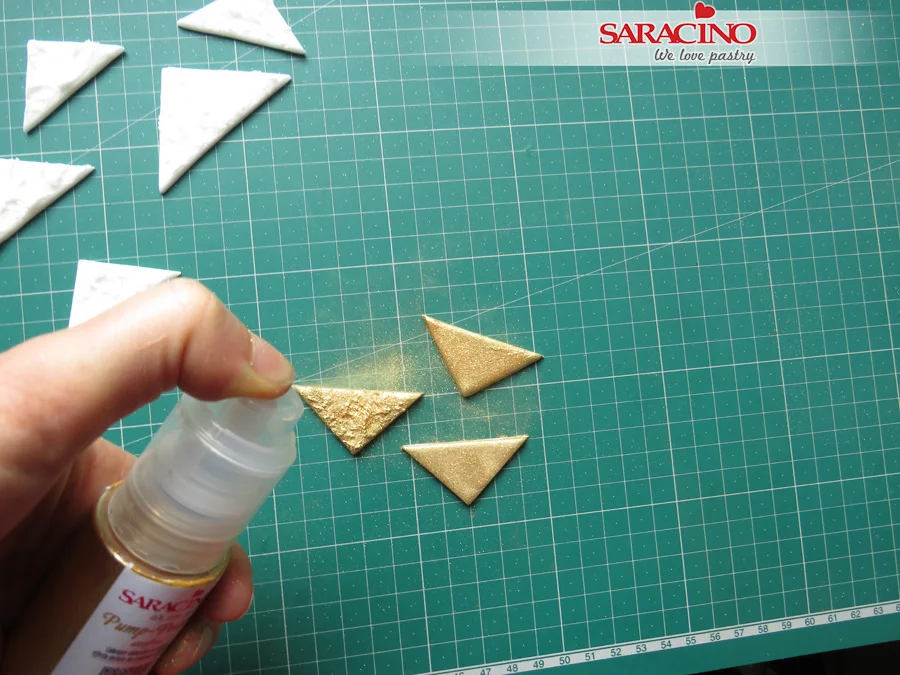
You can use the Pump-powder Gold Spray directly onto the triangles, for the best results.
Step 28
Finish all the pieces you have prepared.
Step 29
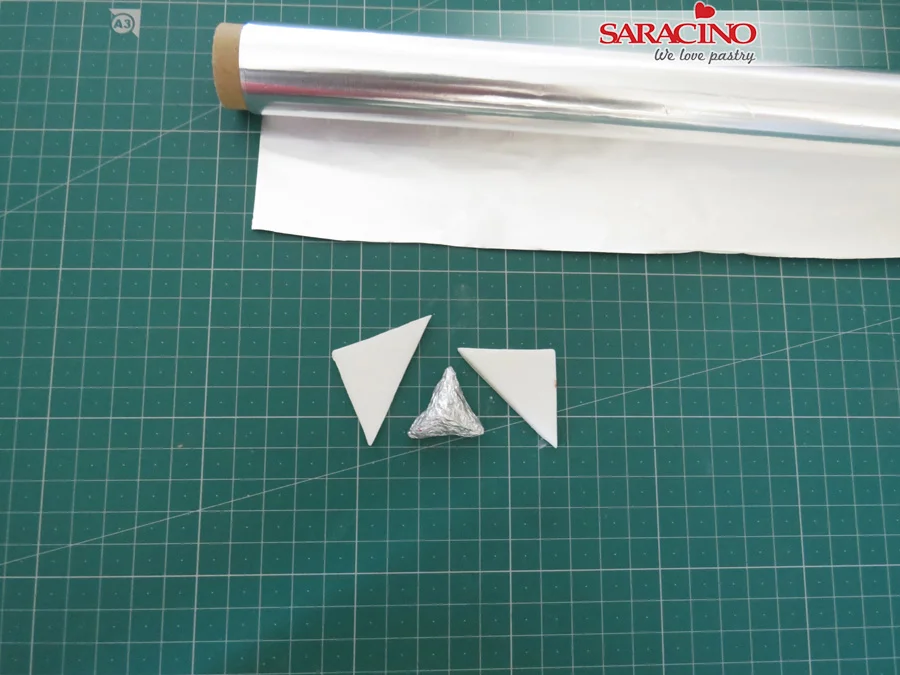
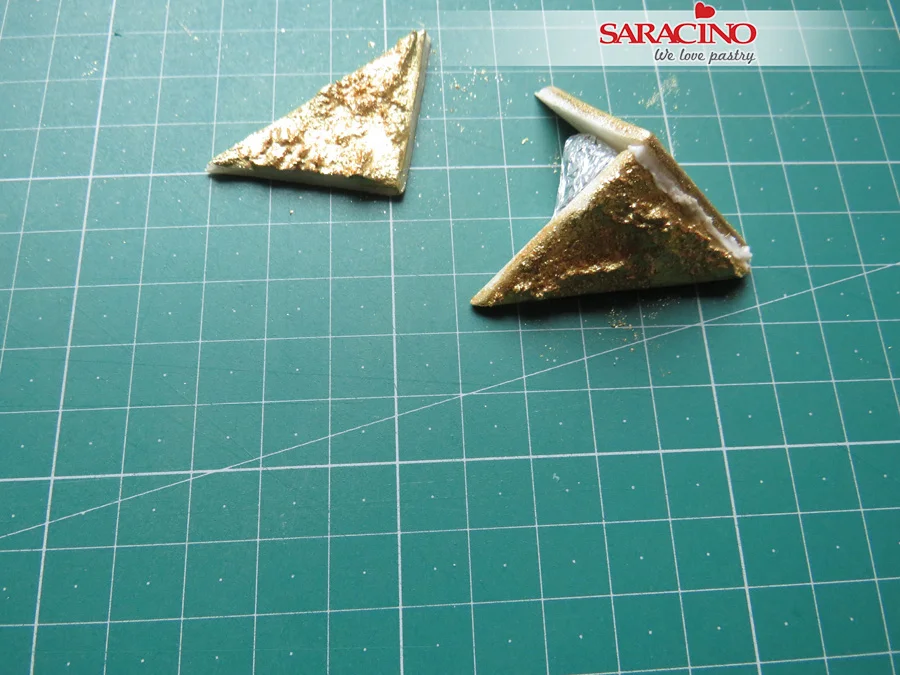
My little secret in order to be creative. I make a pyramid from kitchen foil to support the process of creating the fondant pyramids. You can use an alternative object.
Step 30
Put a small triangle on one side of the foil pyramid.
Step 31
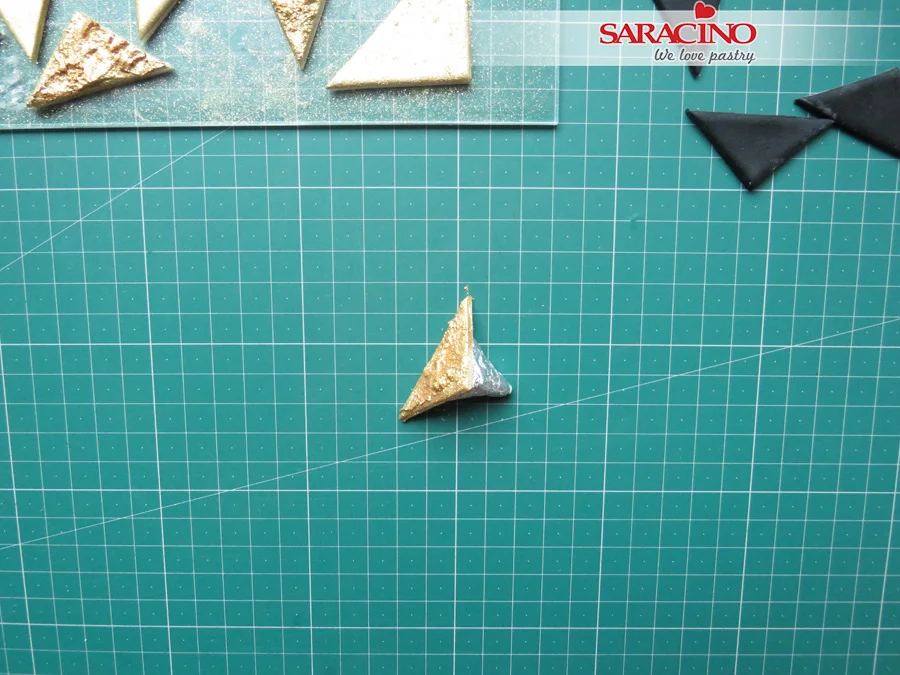
Pipe a line of white Royal Icing on the triangle edge.
Step 32
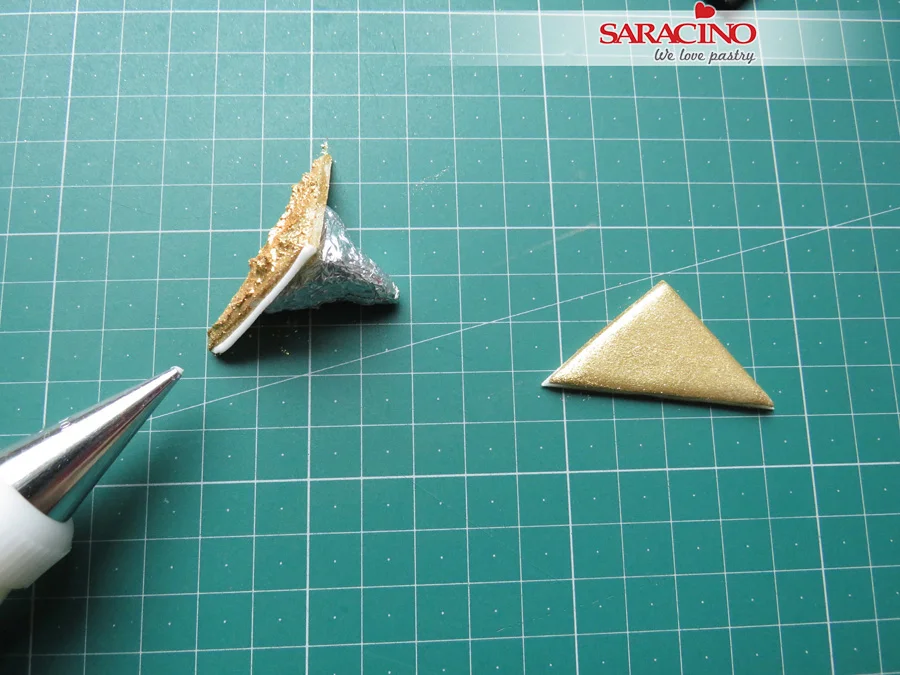
Attach the second triangle to start forming a fondant pyramid.
Step 33
Use the Royal Icing to attach the third part of the fondant pyramid and paint with gold to cover the joints.
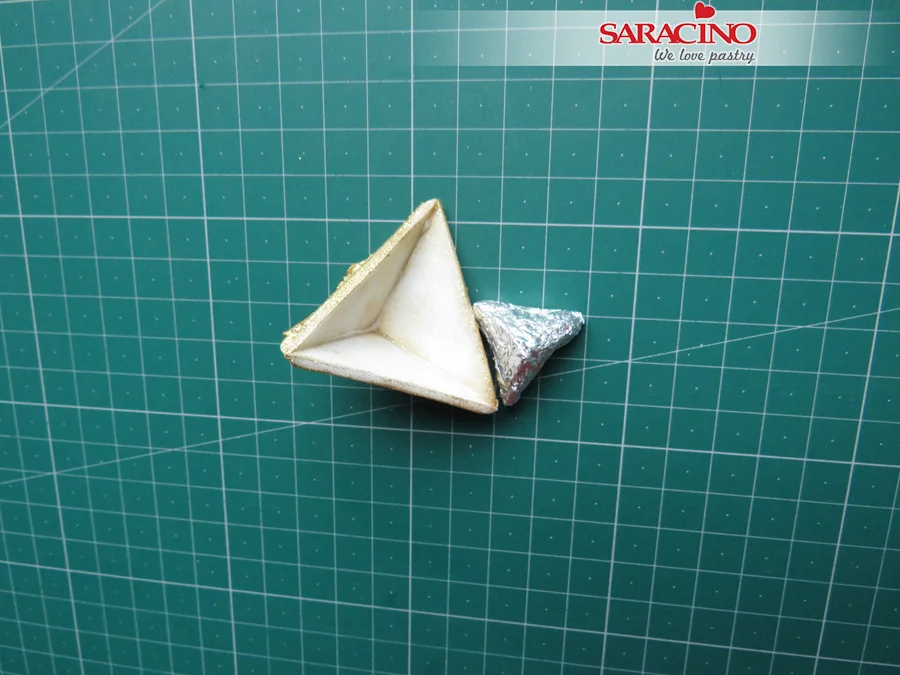
Step 34
Once the Royal Icing is dry separate the fondant pyramid from the support.
Step 35
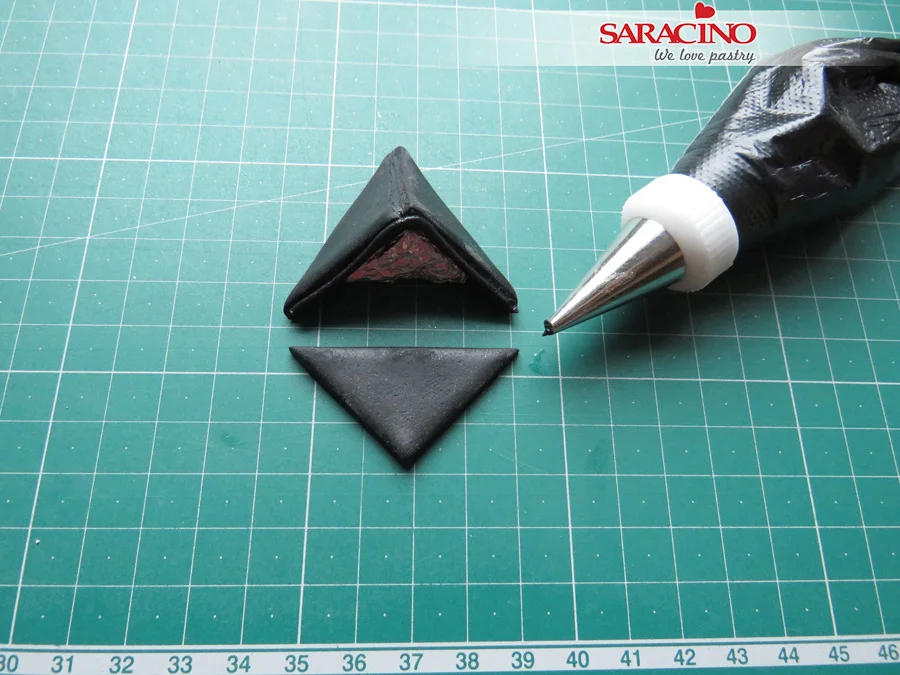
Repeat the process with the rest of the pyramids. You can use black Royal Icing for the black ones.
Step 36
Finish all the pyramids and triangles you’ve prepared. You can paint the edges of the black pyramids in gold.
Step 37
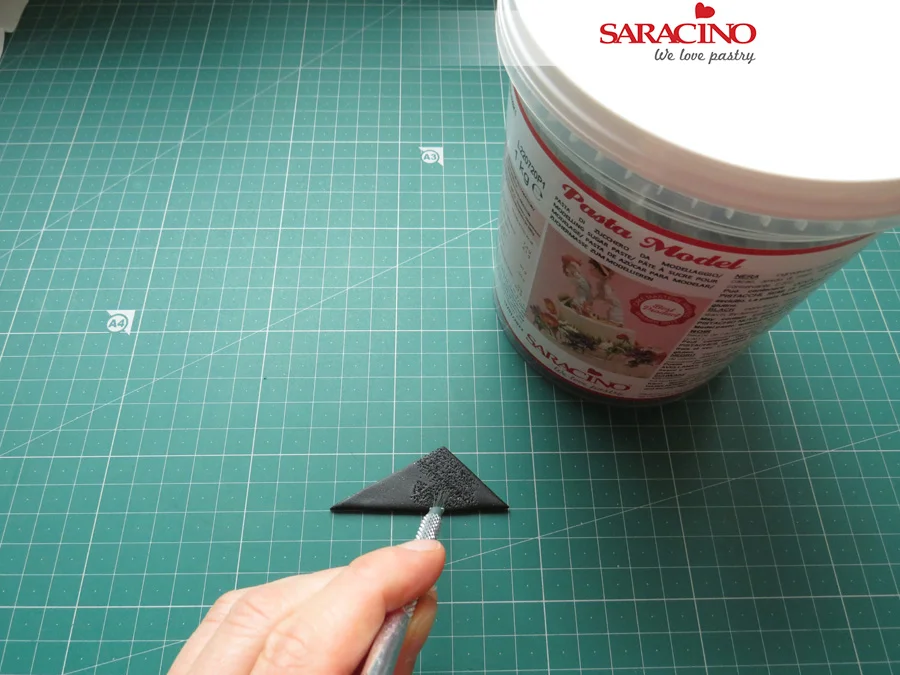
Prepare some uneven sized triangles to fill the gaps between pyramids and the isosceles triangles. You can use a small metal brush to achieve the texture.
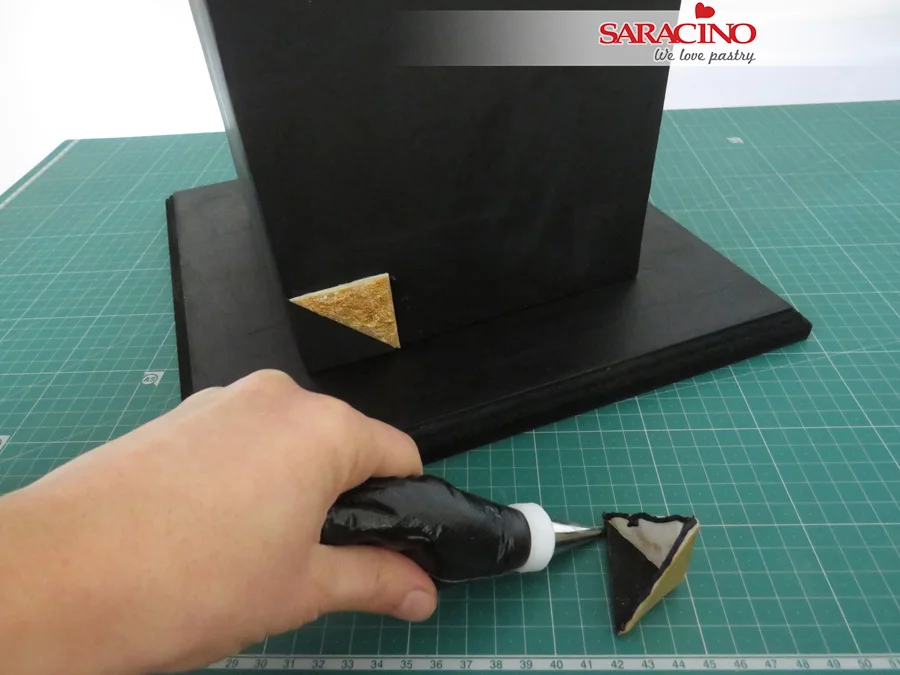
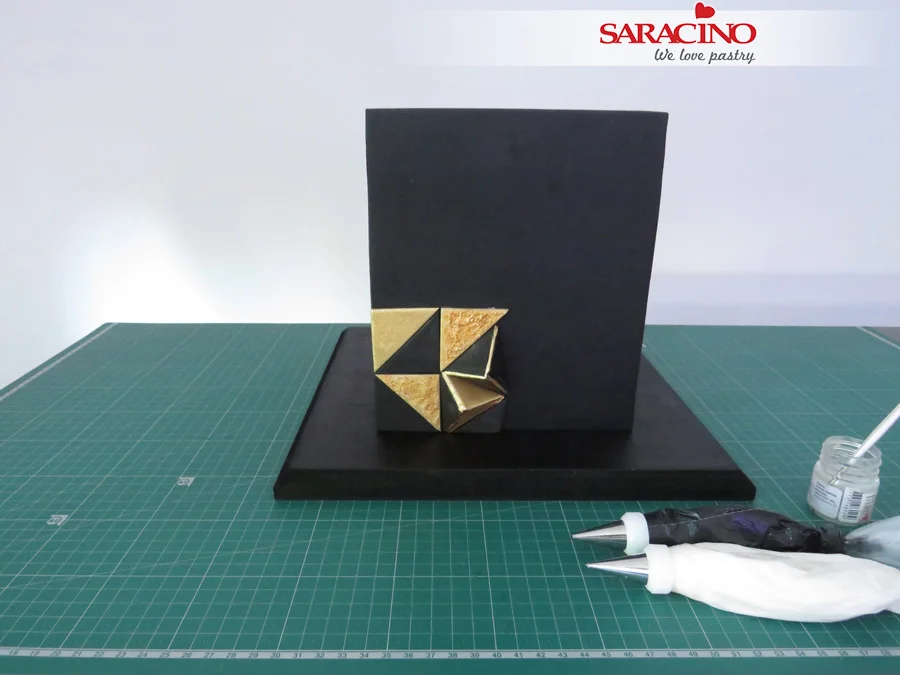
Step 38
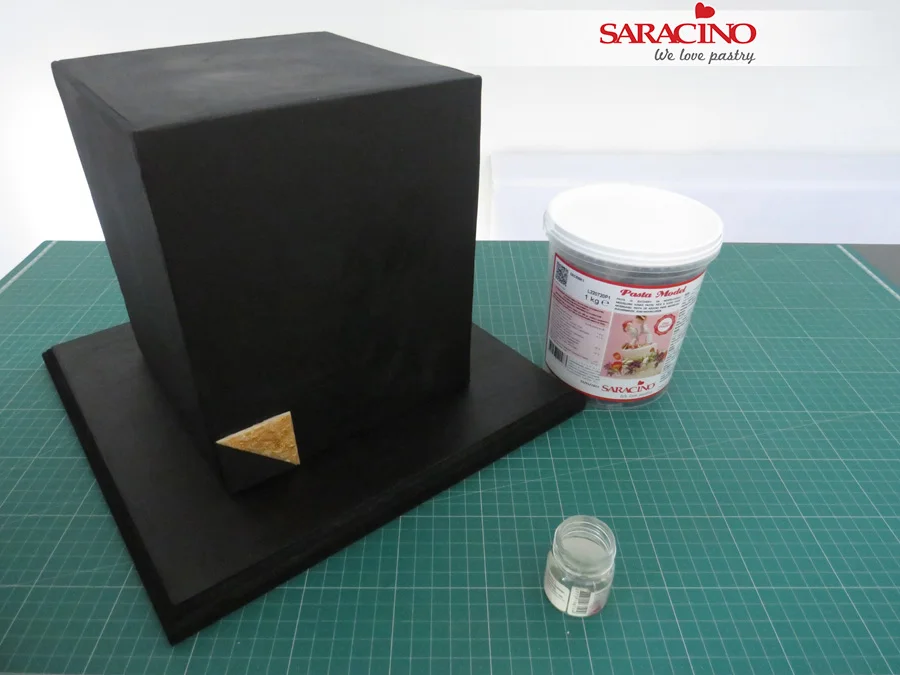
Starting from the bottom corner attach the pieces to the cake. Brush the back of one piece with edible glue and attach it to the cake.
Step 39
Repeat it with the second triangle of your choice.
Step 40
To attach the pyramid pieces, you can use black Royal Icing.
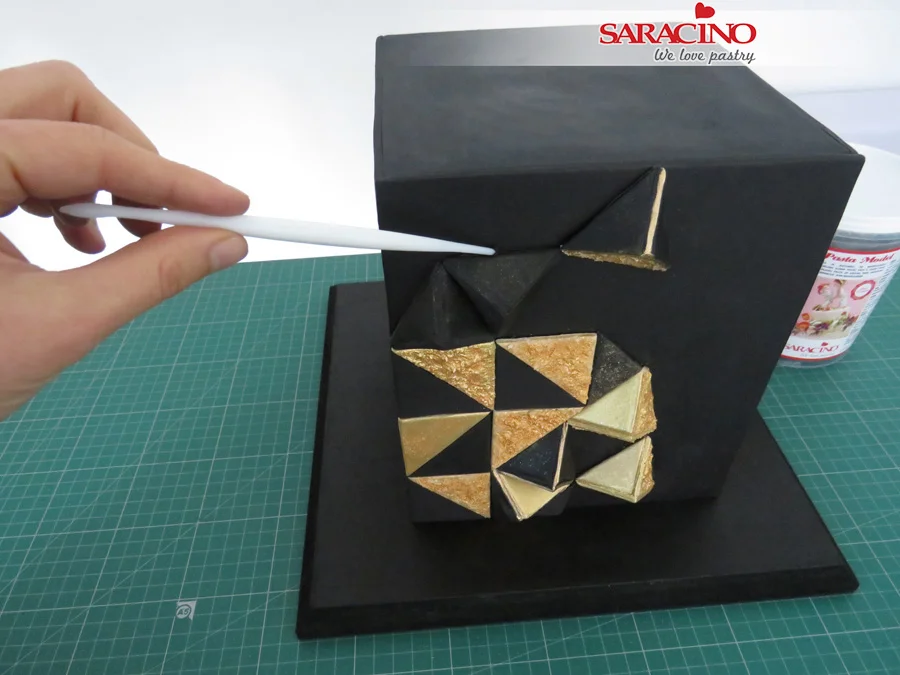
Step 41
Continue to attach the pieces of your design to the cake.
TIP: You can plan a pattern of your choice that will help you calculate all triangles and pyramid pieces you will need.
Step 42
Remove the excess Royal Icing using a Dresden tool.
Step 43
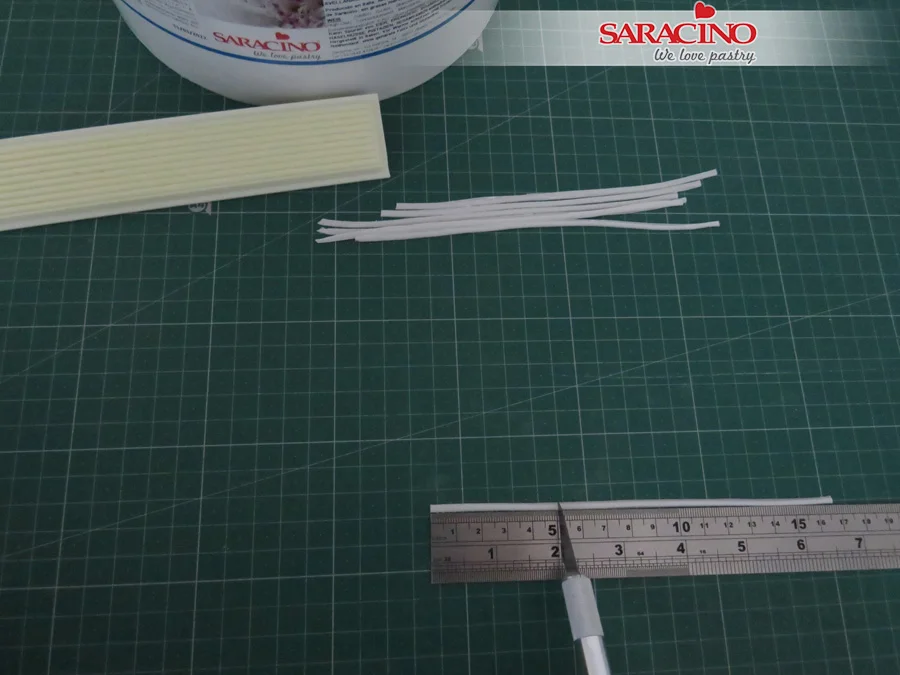
Roll out some white Saracino Pasta Top and cut out the strips using PME strip cutter No 1.
Step 44
You should cut your strips to the length you require
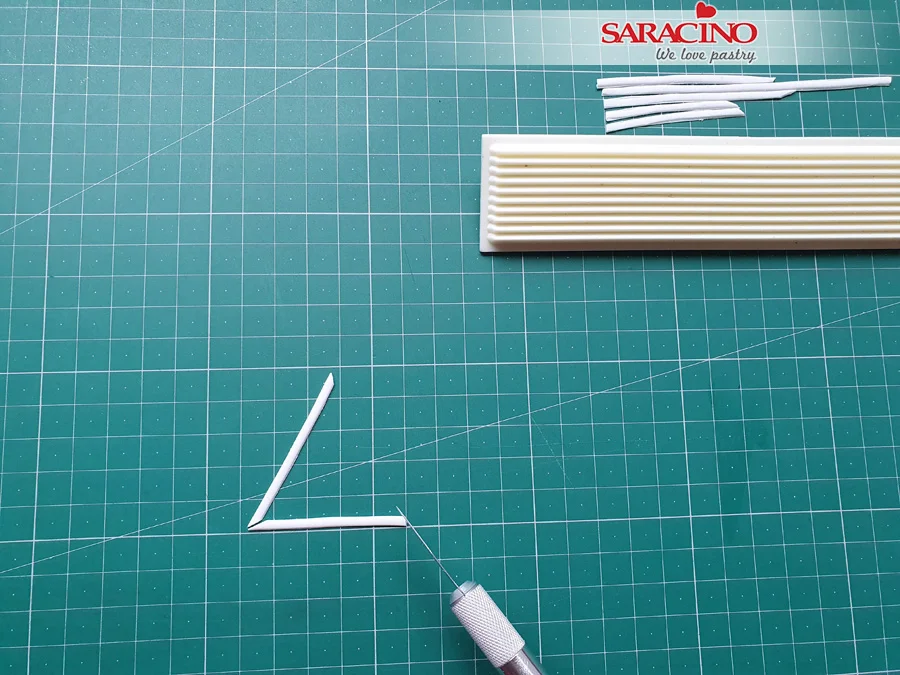
Step 45
Cut out the angles to form a triangle of the strips.
Step 46
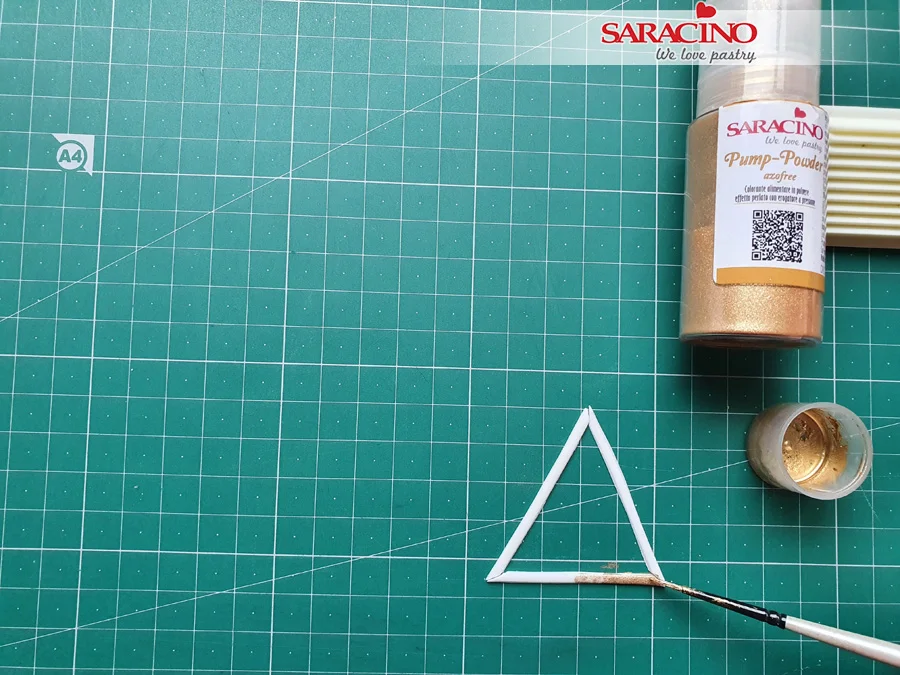
Apply the gold mixture onto the strips and attach them over the black triangle of your choice.
TIP: You can apply a thin layer of piping gel and spray the Pump-powder directly onto the piece if you prefer. Leave them to dry out before using.
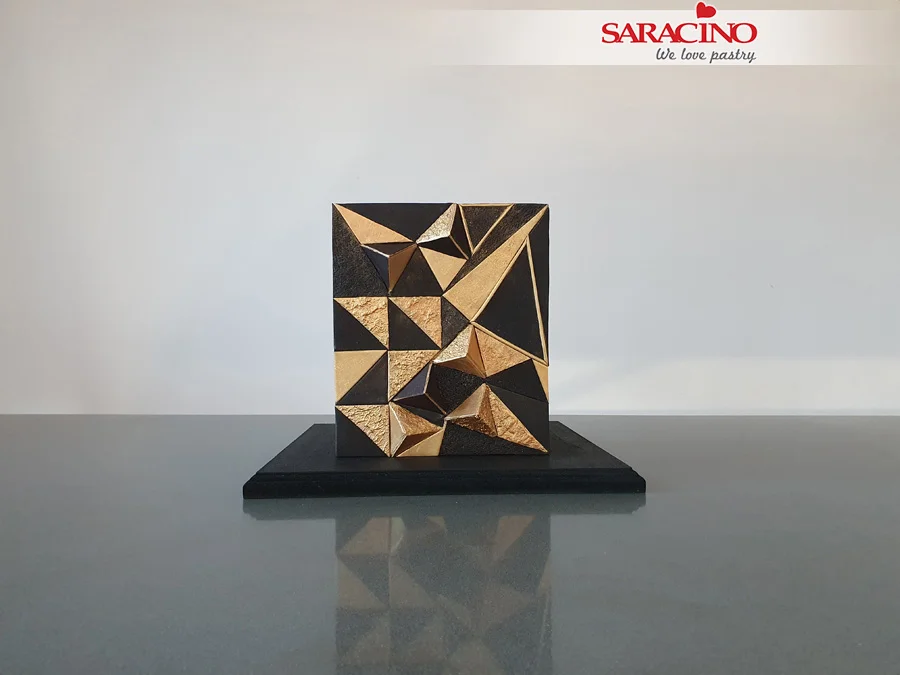
Step 47
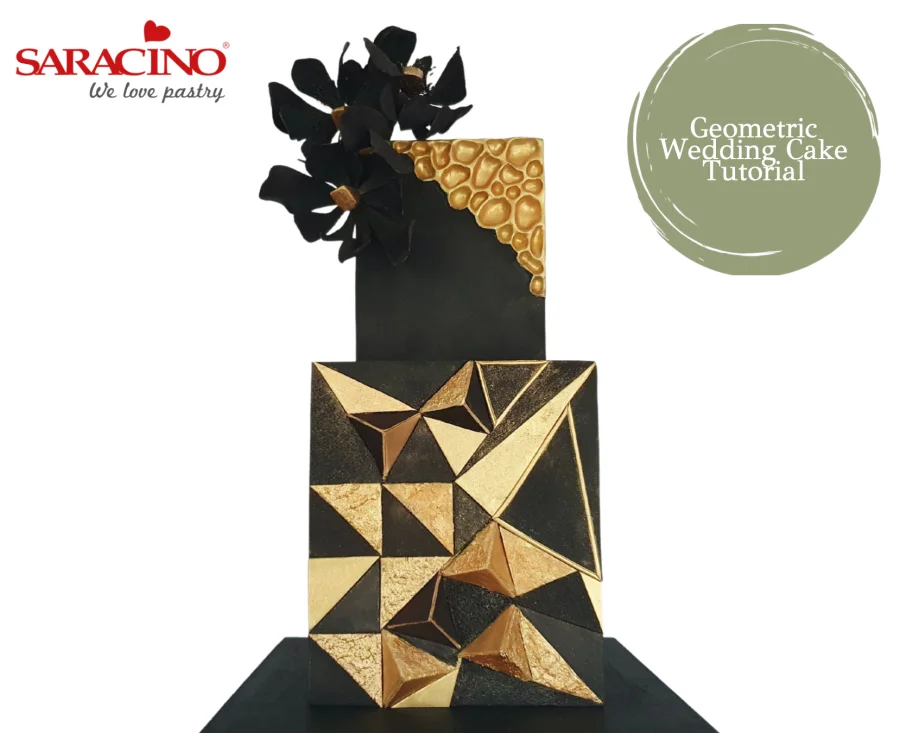
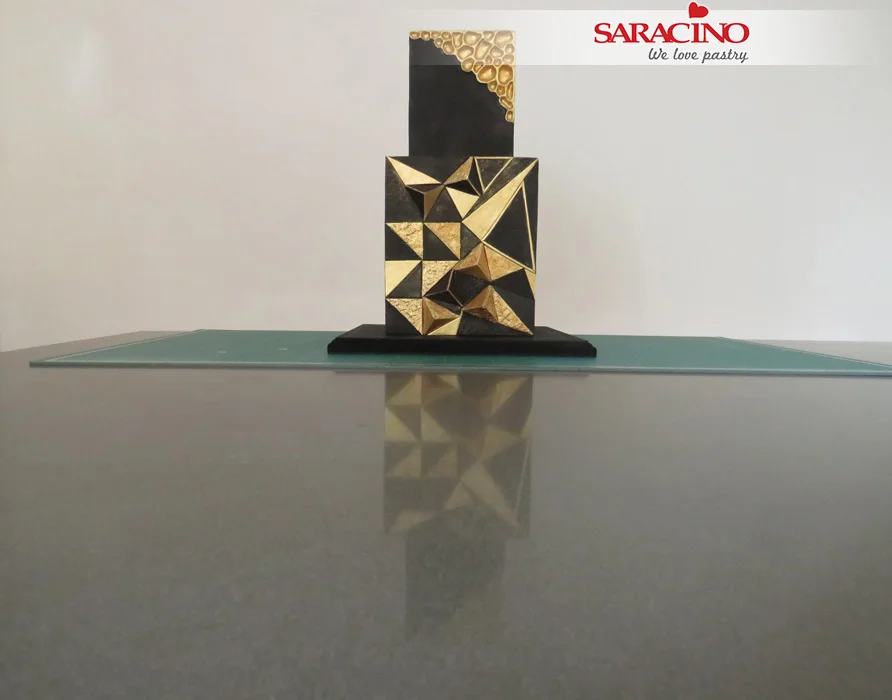
Your finished bottom tier should look similar to this, depends on your chosen design.
Step 48
Use Royal Icing to secure the top tier.
Step 49
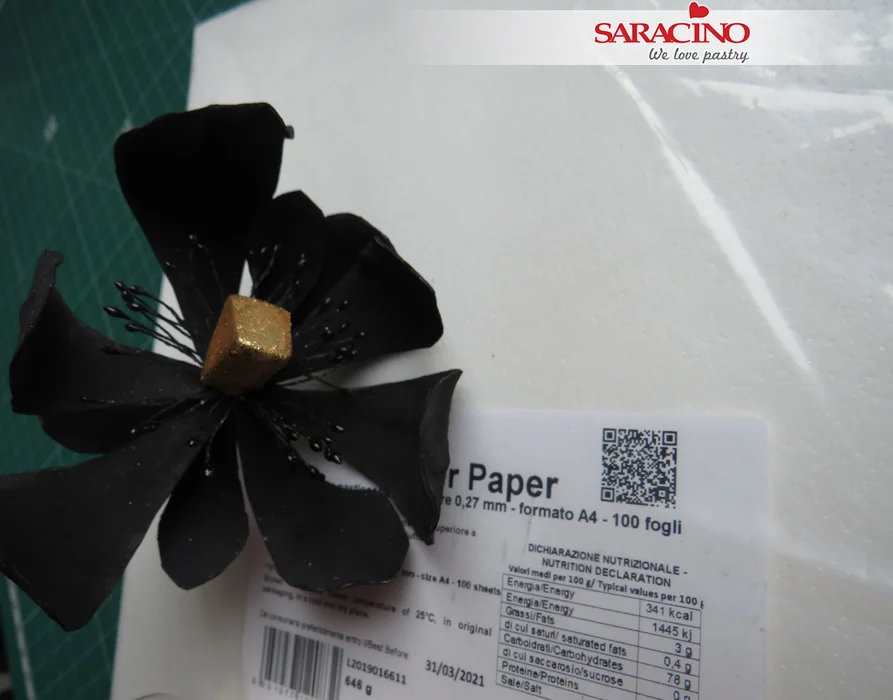
I made some Wafer paper flowers using a Saracino Wafer Paper (0.27 mm thick) and dust/colour them in black. You can use flowers of your choice.
Step 50
For the centre of the pre-made flowers you can use a small piece of black Saracino Pasta Model to create a triangle shape centre and paint it in gold or use piping gel and pump-powder spray method. I’ve used the second option.
Step 51
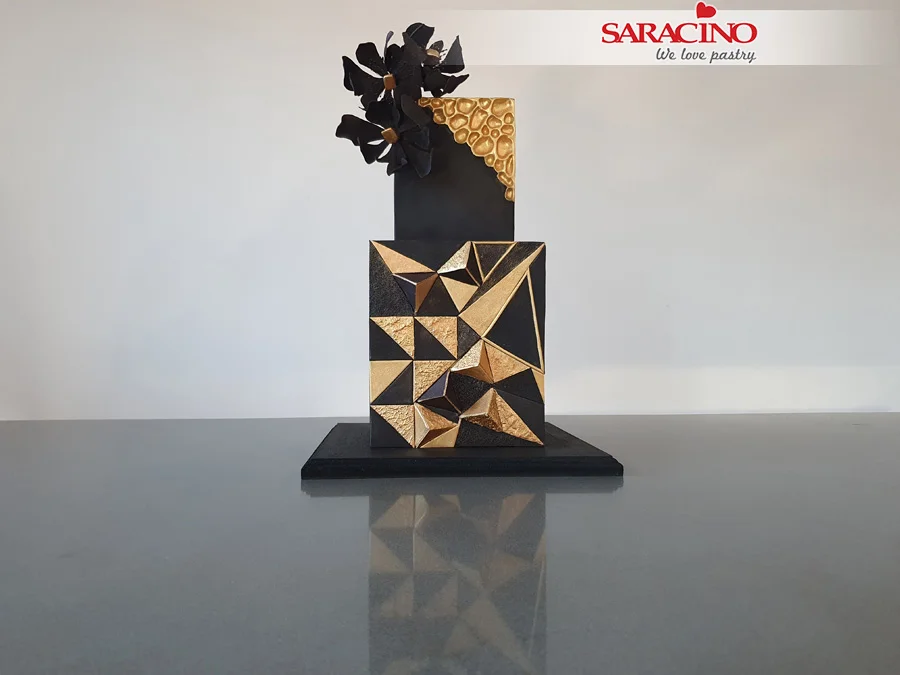
Arrange the flowers on the cake to finish the design.
TIP: Flower wires should never be inserted directly into a cake. Use a posy flower pick.